
Each exception slows the shipment, but the time it takes away from your team is what hurts the most. Exceptions are common in freight forwarding, they occur daily. According to research, exception handling alone accounts for 35–40% of operational and AP delays, rather than the documents themselves. Missing job references, incorrect document types, multiple possible job matches, and broken document groups require teams to spend hours sifting through emails, PDFs, and ERP screens to determine what went wrong.
Most logistics teams aren’t struggling with documentation, they’re struggling with resolution.
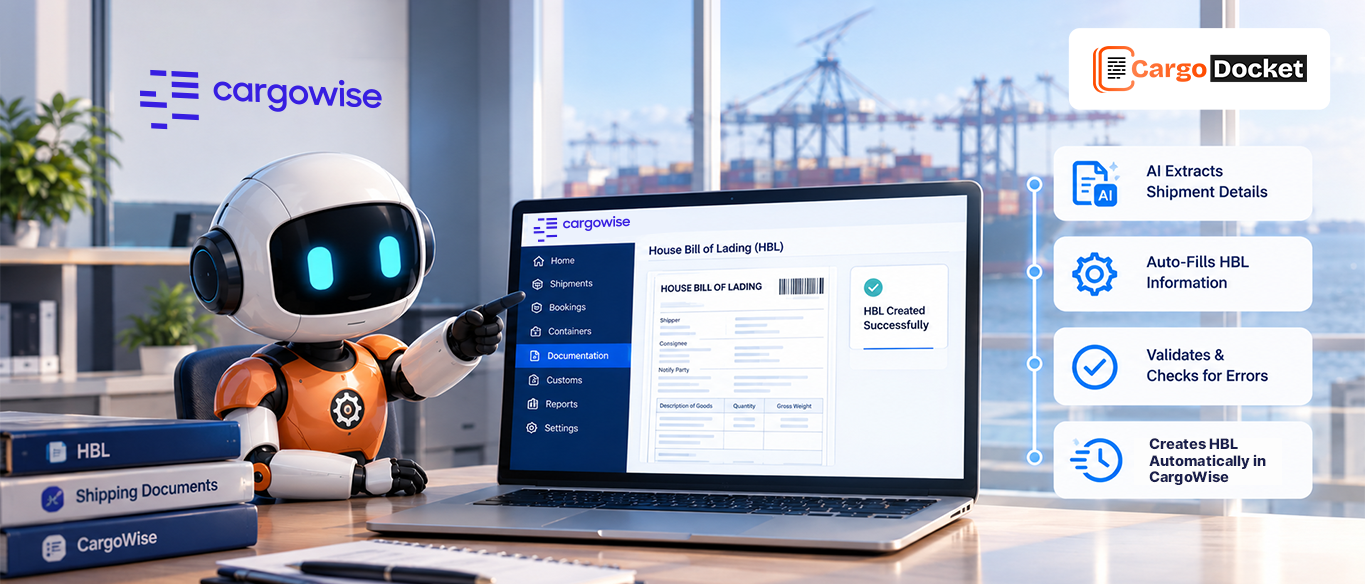
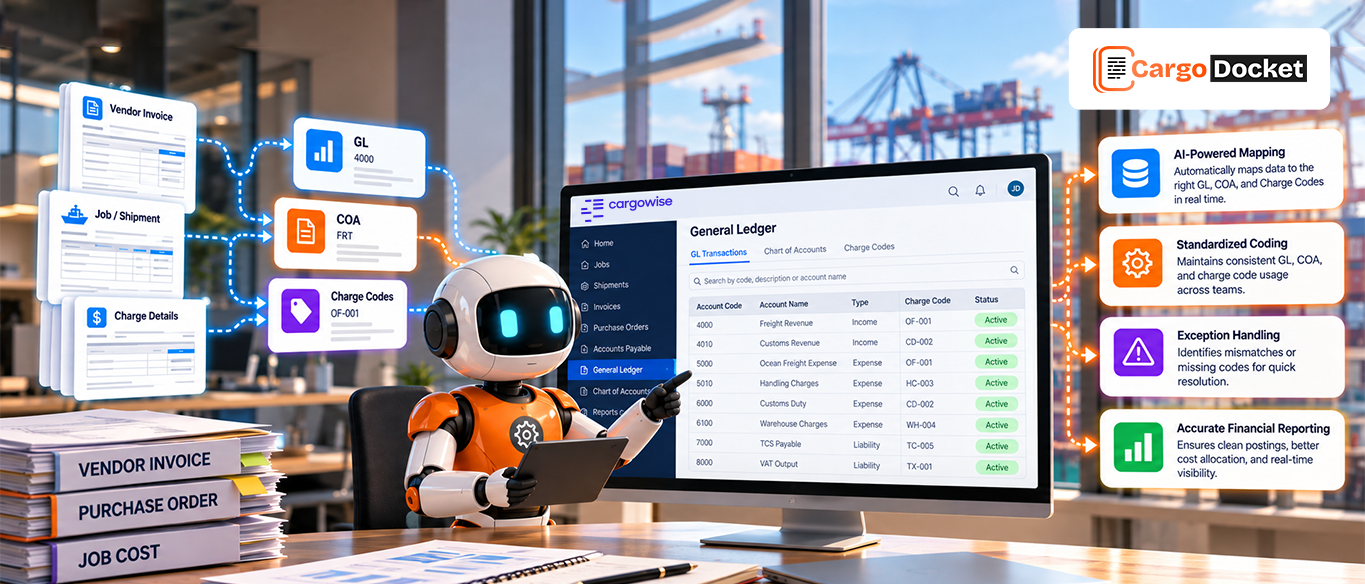
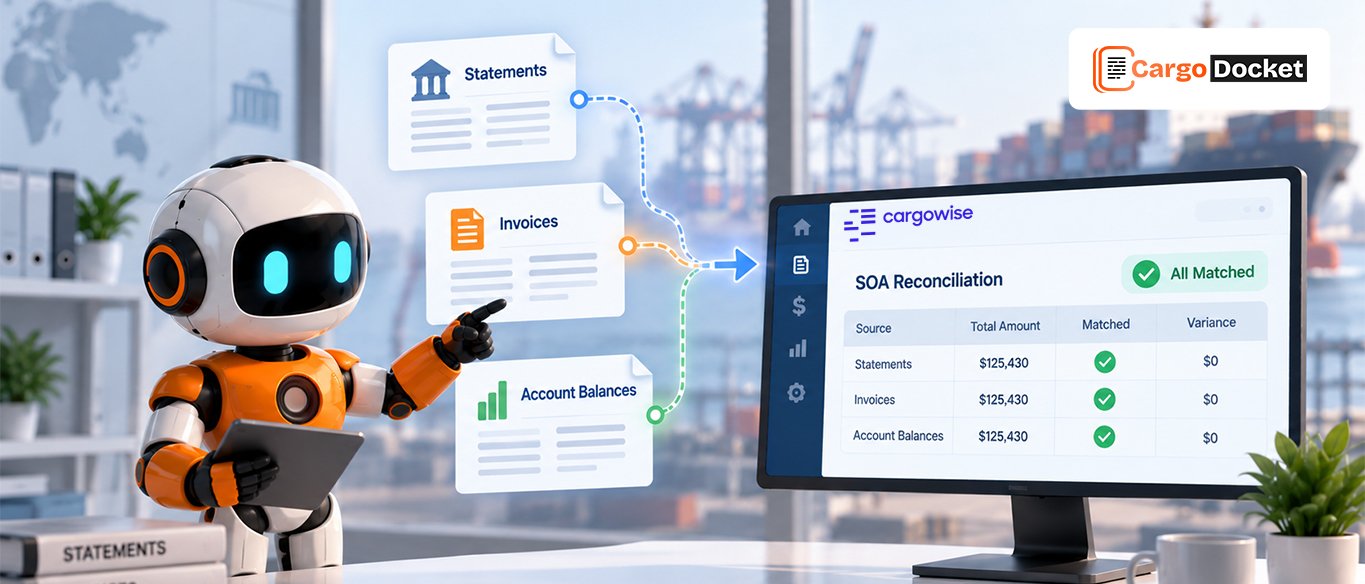
And that’s exactly where Cargo Docket, the AI Document Automation, makes the entire workflow smarter, faster, and dramatically easier to manage. Instead of relying on manual review, AI identifies the issue instantly, categorizes the exception, guides the user on the next step, and in many cases resolves the issue automatically once the related job or reference becomes available.
Let’s explore the most common exception types in freight documentation and how AI-powered exception handling turns a traditionally painful process into a simplified, predictable workflow.
Why Fast Exception Handling Matters More than Ever?
Exception handling is the hidden cost center of freight forwarding. When exceptions delay processing, they cause:
- Slower AP posting
- Late vendor payments
- Delayed job closure
- Incorrect accrual matching
- Poor financial visibility
- Repetitive rework across multiple teams
AI tackles these issues at the source by eliminating manual data entry. Instead of searching for what went wrong, your system highlights the problem, explains it, and routes it to the proper resolution path, often without involving the user at all. Here is the document exception below
Job Not Found (With Reference Number)
This is the most frequent type of exception. The job hasn’t been created yet, or the reference hasn’t been updated within the ERP, but the system locates a reference, container number, HBL/MBL, shipment ID, or PO.
How AI Helps?
The AI clears all other potential exceptions first and then flags the missing job cleanly. It highlights the reference value that needs to appear in the ERP. Once the job is created or updated, the system automatically rechecks and assigns the document. Users may also manually assign the item using a simple search.
Impact
Documents stop sitting in limbo. The system assigns them as soon as the required information exists.
Handling Documents With No Identifiable Job Link
This scenario is entirely different. Here, the document does not contain any usable reference, no container number, no booking ID, no shipment number, no house bill, nothing the system can latch onto. These documents are common in vendor billing, like haulage invoices, detention bills, or miscellaneous charges that don’t always follow standard shipping references.
How AI Helps?
When a document has zero identifiable links, AI turns detective. It examines email text, historical vendor behavior, document layout, and learned patterns from prior invoices by the same supplier. It may even identify probable matches based on shipment dates, vendor relationships, or repeated charges.
Impact
Documents that once required time-consuming detective work become part of a self-correcting process. The system updates the moment fresh data appears, sharply reducing manual effort and missed assignments.
Documents Need Grouping
This exception occurs when multiple documents belong to one shipment but arrive separated or organized incorrectly.
How AI Helps?
The AI flags the grouping issue and guides users through correctly grouping the documents by job rather than by type. Once grouped, they can either be assigned manually or flagged for automatic assignment.
Impact
Teams avoid mismatched job files, missing attachments, and fragmented document trails.
Multiple Jobs Found
When references appear in more than one job, for example, multiple bookings or repeated customer shipments, ambiguity arises.
How AI Helps?
The system presents all potential job matches clearly and side-by-side. Users select the correct one with a single click. If clarification is required, they can request updates or information directly from within the interface.
Impact
Decision-making becomes quick and accurate, without toggling between spreadsheets, emails, and ERP screens.
Identify Documents
Documents are sometimes unclear, with invoices mixed with packing lists, DO pages misidentified as arrival notices, or multi-page PDFs with inconsistent formatting.
How AI Helps?
Any unclear document type is flagged immediately. Users simply click to confirm the correct type. The model learns from every correction, reducing future exceptions.
Impact
Document classification improves over time, creating a self-learning documentation engine.
Custom Exceptions
Every forwarder has unique business rules. Custom exceptions catch cases like:
- Missing mandatory surcharges
- Wrong vendor codes
- Invalid port pairings
- Incorrect charge combinations
- Unrecognized formats
Impact
Your organization maintains full control while letting automation do the heavy lifting.
The Operational Impact of Automated Exception Handling
Once exception handling is automated, your workflow moves with far greater precision and predictability. Vendor invoices process faster. Shipment files stay complete and organized. Accruals align more accurately, allowing finance to close jobs without chasing missing values. Teams spend less time searching for job numbers or reviewing PDFs and more time making informed decisions.
Month-end processing becomes smoother. Duplicate billing errors disappear. Reconciliation cycles shorten. And visibility improves across finance, operations, and customer service. What used to be a reactive, manual burden becomes a structured, automated workflow that continues improving as the AI learns your patterns.
Conclusion
In freight forwarding, exceptions are unavoidable, but manual exception handling no longer needs to slow you down.
AI-powered workflows smoothly handle exception detection, classification, and resolution by:
- Eliminating manual searching
- Automatically assigning documents when job information updates
- Reducing repetitive tasks
- Improving accuracy across all document types
- Helping teams resolve issues in minutes instead of hours
With intelligent exception handling from CargoDocket, your documentation, AP processing, and shipment workflows become faster, cleaner, and far more resilient, even as your volume grows. Want to experience how automation transforms exception handling? Book a demo and see how CargoDocket turns document issues into effortless resolutions.