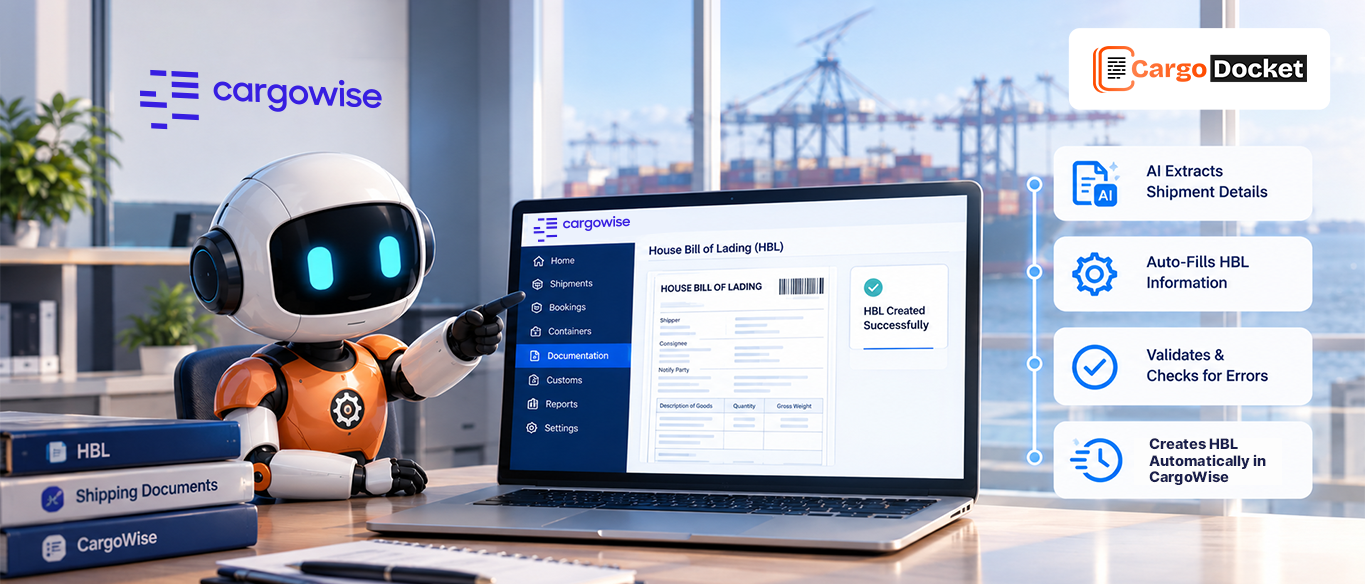


Imagine this, a new MBL or HBL comes in from your carrier. Instead of rushing to retype all the data into CargoWise or any ERP, the shipper, consignee, cargo details, and container numbers, your system picks up the document, reads every field, and creates the shipment for you in seconds.
No typing. No copy-paste. Just click and be done.
That’s not a future fantasy. It’s exactly what logistics teams are unlocking today with automated order creation. Let’s break down why manual MBL/HBL processing slows you down, what automation can do instead, and how to move from document to shipment in minutes, not hours.
Why Do Manual Order Creation Processes Continue to Slow Down Freight Teams?
Every international shipment starts with the same two building blocks: a Master Bill of Lading (MBL) and a House Bill of Lading (HBL). These documents carry vital shipment data:
- Shipper and consignee info
- Cargo description and HS codes
- Container and seal numbers
- Ports of loading and discharge
- Freight terms, weights, and dimensions
Traditionally, once these documents arrive (often as PDFs or email attachments), your operations or documentation team opens CargoWise and manually enters all this information to create the job or shipment. While it’s a necessary step, it’s also one of the most time-consuming and error-prone.
Here’s what this looks like on the ground:
- Typing each field individually, often 20–50 fields per shipment
- Double-checking for typos, wrong codes, or missing data
- Copying over container info, dimensions, or freight charges
- Tracking down the original sender if something doesn’t match
- Losing 20–30 minutes per shipment just on data entry
And when you’re handling hundreds of shipments a week, that adds up fast.
What is Automated Order Creation and How Does It Work?
Automated order creation takes the repetitive parts of the process and handles them for you using intelligent document processing. Here’s a step-by-step breakdown of how it works:
Document Upload: You upload the MBL or HBL file (PDF, scanned copy, or Excel) into the automation platform.
AI Data Extraction: The system scans the document and extracts key fields like shipper name, vessel, cargo description, container details, and port codes.
Validation: Business rules check if the extracted data matches your internal CargoWise setup, such as matching the port codes, Incoterms, and client records.
Shipment Creation: A new shipment/job is auto-generated in CargoWise (or your TMS), pre-filled with the extracted and validated data.
Flagging Exceptions: If any critical data is missing or doesn’t match expectations, the system flags it for human review instead of halting the process.
This means what used to take 20–30 minutes per shipment now happens in just 2–5 minutes, with far fewer errors.
What Real-World Problems Does This Solve?
Let’s talk about common issues logistics teams deal with every day and how automation helps solve them:
Repetitive Manual Work
Your team spends hours each week manually entering B/L data, time that could be spent solving exceptions, talking to customers, or managing vendors.
Automation takes over 90% of the data entry. Your team focuses on what actually requires their attention.
Human Error
It’s easy to transpose digits, mistype a consignee’s name, or forget a container. One mistake can result in customs holds, delayed deliveries, or costly rework.
AI document automation tools are trained to extract and validate data with 99%+ accuracy, far better than rushed manual entry.
Shipment Delays
If the shipment isn’t created on time, warehouse and transport planning can’t move forward, and downstream processes stall.
Shipments are created almost instantly, which means warehouse, billing, and clearance teams can act sooner.
Volume Obstacles
Peak season, new clients, or high-volume accounts can overwhelm even experienced operations teams.
Automation scales with volume. Whether it’s 10 shipments or 100, the system doesn’t slow down.
How Does This Work with CargoWise?
For CargoWise users, automated shipment creation can be fully integrated into your existing environment. Here’s how it fits in:
- The system reads MBL/HBL files from your document inbox or email feed
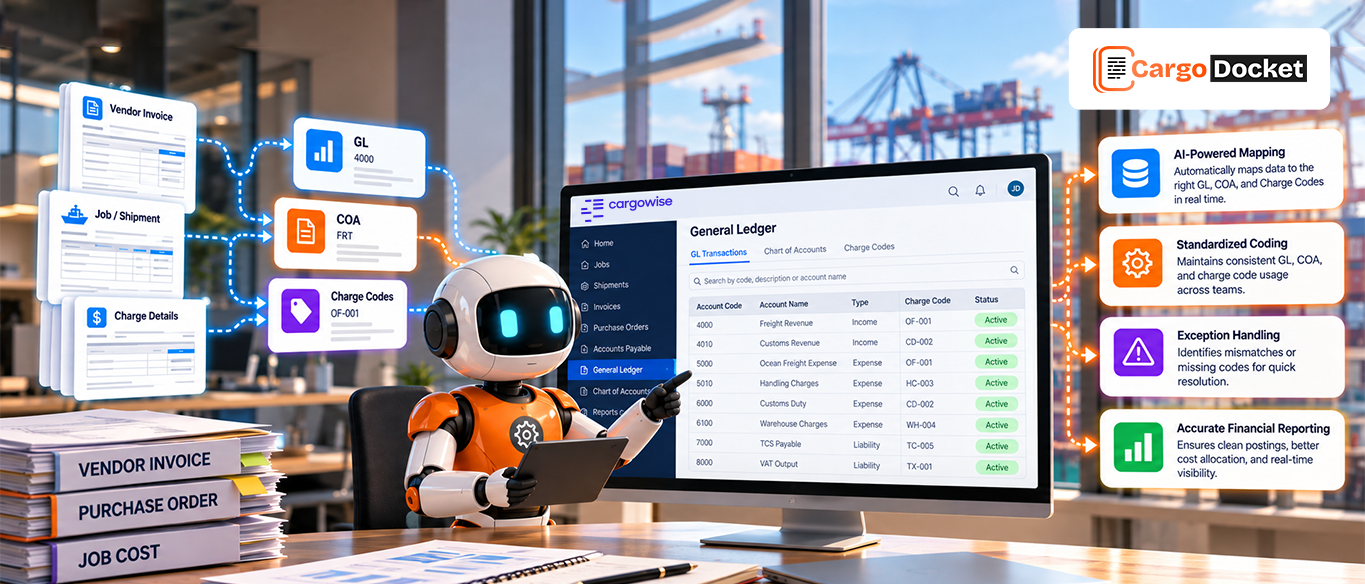
- It maps extracted fields to specific CargoWise job fields
- Shipment records are created using your existing CargoWise workflows
- The document is attached to the job or shipment as backup
- All actions are logged for audit and compliance purposes
This isn’t a separate tool or external process, it works within your CargoWise environment to ensure full data visibility and compliance.
What Benefits Can You Expect?
By shifting from manual to automated MBL/HBL-based shipment creation, you gain:
Time savings: Reduce order creation time by up to 85%
Improved accuracy: Eliminate typos, mismatched records, and rework
Operational agility: Handle high volumes without hiring more staff
Customer satisfaction: Faster, error-free shipments build trust
Employee retention: Free your skilled team from data entry drudgery
This isn’t just a productivity boost, it’s a strategic shift toward intelligent logistics execution.
How Can You Start Automating This Process?
Identify the challenge
Audit your current MBL/HBL entry process, how long does it take? What are the error rates? Where do delays happen?
Choose the Right Automation Partner
Look for a provider that understands logistics and integrates directly with CargoWise, not just a generic OCR tool.
Start with a Pilot
Automate a small set of shipments or a specific trade lane. Monitor how quickly and accurately shipments are created.
Train and Fine-Tune
Refine business rules, teach the system your formats, and get feedback from your ops team.
Scale Gradually
Once you’re confident in the results, expand automation across all documents and trade routes.
Conclusion
If your team is still spending hours every day retyping data from MBLs and HBLs into CargoWise, you’re not just wasting time, you’re missing out on a faster, smarter, and more scalable way to run your business.
Automated order creation helps you move from reactive operations to proactive planning. It cuts out the noise, minimizes the risk, and gives your team room to focus on what matters most: delivering great service, growing accounts, and scaling with confidence.
Want to see how it works in real-time?
Get in touch with us today and schedule a demo. We’ll show you how your MBLs and HBLs can turn into CargoWise-ready shipments in just minutes, with no manual input, no rework, and no delays.
Let’s turn paperwork into progress.