
To be honest, no one gets excited about credit notes. They’re tedious, prone to errors, and often show up late to the party. But when you’re managing hundreds of invoices every week in a high-volume logistics environment, credit notes and exceptions are more than just a nuisance, they can become major obstacles to cash flow, compliance, and customer satisfaction.
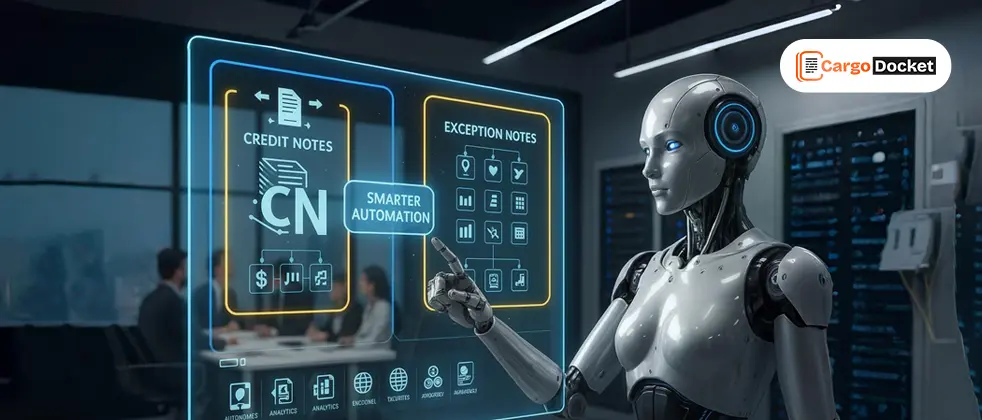
That’s why logistics teams are shifting toward automated workflows that handle credit notes and exceptions with precision, speed, and minimal manual input. This isn’t just about saving time. It’s about giving your teams the clarity and control they need to work smarter.
Why Do Credit Notes and Exceptions Cause So Many Problems?
In freight forwarding and logistics, invoices rarely go untouched. Charges get disputed. Services change mid-transit. Vendors overbill. Clients reject costs. This is where credit notes come in, formal corrections that adjust the value of previously issued invoices.
The challenge? These adjustments are often:
Unstructured: They arrive via email, PDFs, scanned documents, or spreadsheets, each with different formats.
Inconsistent: Not all vendors provide complete reference details (like the original invoice number or job ID).
Time-sensitive: Applying them late can distort financial reports and delay account reconciliation.
Manual: Matching them to original transactions takes time and human effort, which opens the door for errors.
In the middle of all this are exceptions, those instances where the credit note doesn’t perfectly match the invoice. A different amount. A missing line item. A mismatch in shipment references. Suddenly, your accounts payable team is stuck firefighting instead of flowing.
How does Automation Improve the Credit Note Workflow?
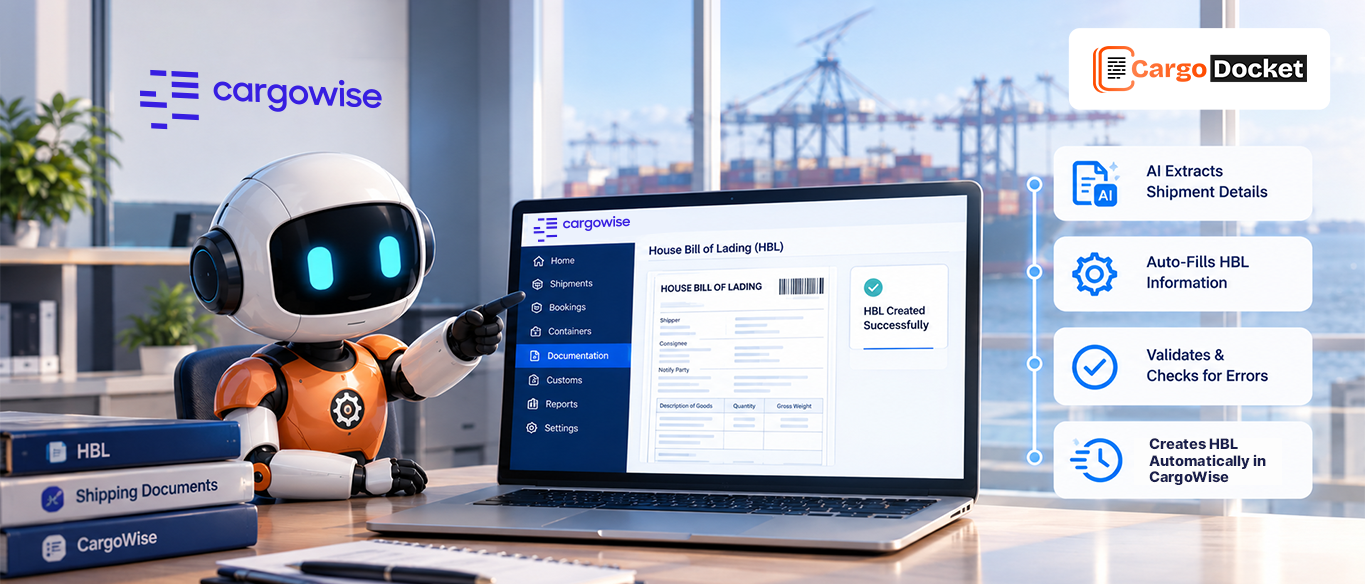
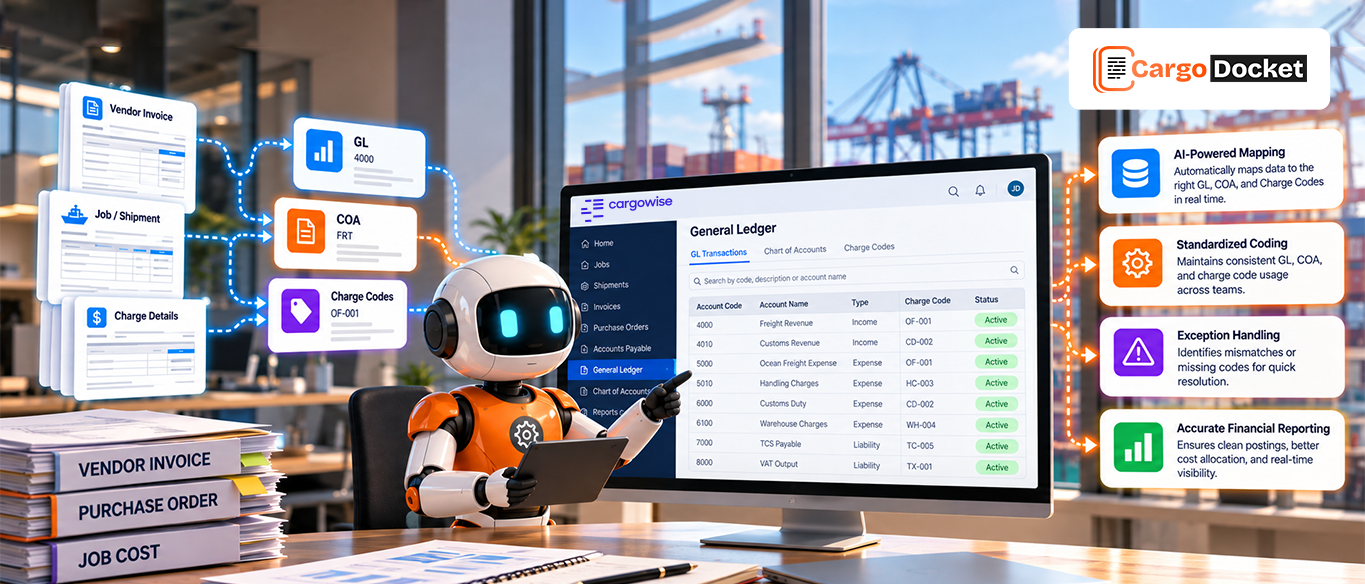
Modern logistics automation platforms, especially those built to work with CargoWise and similar TMS/ERP systems, are designed to take the manual pain out of the process. Here’s how they streamline credit note and exception handling:
1. Document Ingestion from Any Source
Whether the credit note comes through email, is dragged into a shared folder, or uploaded to a portal, the system grabs it automatically.
2. Intelligent Data Extraction
Using AI, the system identifies and extracts key fields like:
- Credit note number
- Referenced invoice
- Line items and values
- Negative amounts
- Vendor and customer references
- Credit reason (e.g., duplicate charge, service cancellation)
This goes beyond basic OCR. AI learns how to read different formats and handle variability.
3. Automated Matching & Validation
Once the data is pulled in, the system attempts to:
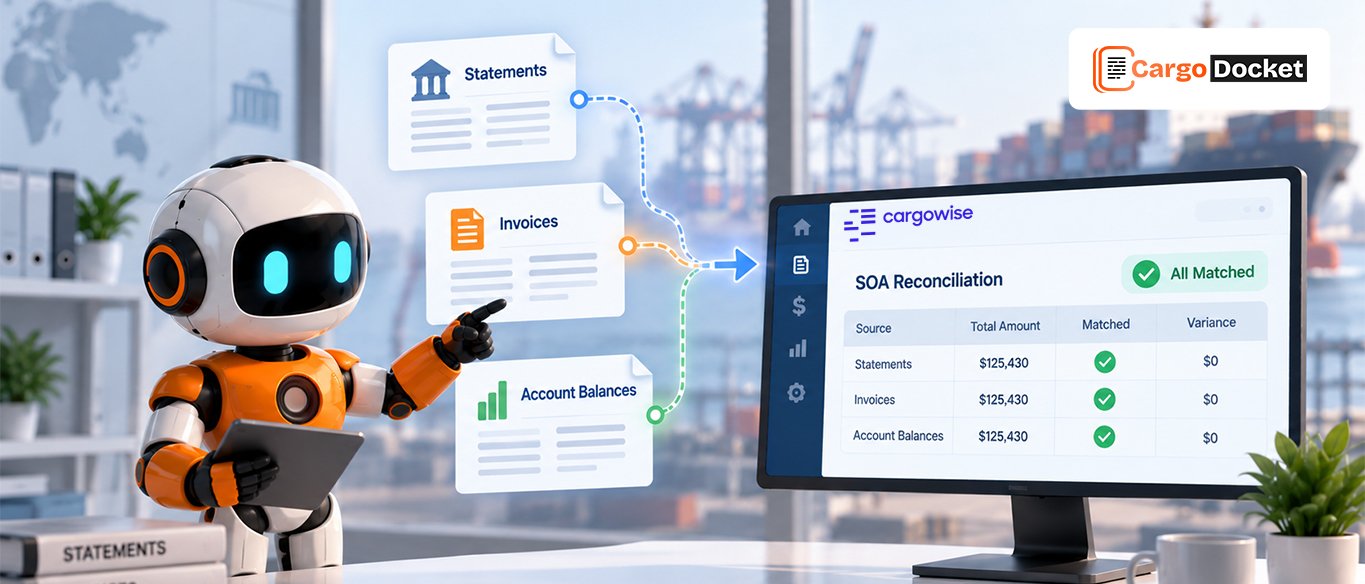
- Match the credit note to its original invoice
- Validate that amounts align
- Flag any mismatches or missing details
- Apply business rules (e.g., threshold tolerances, approval routing)
4. Auto-Posting or Exception Routing
- If everything checks out, the credit is automatically posted to the ERP or financial module.
- If something’s off, it’s flagged and routed to the right team with all the context needed to act quickly.
- All of this happens without someone needing to re-key data into multiple systems.
What are the Real Benefits for Freight Forwarders and Logistics Teams?
Let’s keep it simple. Here’s what teams typically gain when automating credit note workflows:
Reduced Processing Time
What used to take 15–30 minutes per credit note, from reading, matching, checking, and posting, can now be handled in under 2 minutes, or fully hands-off for clean matches.
Fewer Errors
No more misreading a minus sign or entering the wrong invoice number. Automation handles the math and matching with precision, reducing costly mistakes.
Clearer Audit Trails
Each credit note and its resolution path are logged. No more digging through emails and spreadsheets when finance or compliance comes knocking.
Faster Month-End Closing
With credits processed in real-time, reconciliation is smoother and faster. You get a cleaner financial picture when it matters most.
Happier Finance and Operations Teams
Nobody likes wasting time on back-and-forth invoice disputes or hunting for old billing errors. Automation frees your people up for work that actually adds value.
What Happens When There’s an Exception?
Automation doesn’t eliminate exceptions, but it handles them smarter.
Let’s say a credit note arrives that references the wrong invoice number or the credited amount is different from what your records show. Instead of falling into a backlog or needing a full investigation, the automation system will:
- Flag the issue with a clear reason (e.g., “Amount Mismatch” or “Invoice Not Found”)
- Tag the related documents and shipment details
- Route the task to the right person for review
- Allow one-click corrections or approvals once validated
So instead of sifting through paperwork and emails, your team handles exceptions quickly, with the full context in front of them.
When Should You Start Automating Credit Note Handling?
If your team is doing any of the following manually, it’s time to automate:
- Downloading credit notes from emails and vendor portals
- Entering data manually into CargoWise or your ERP
- Manually matching credits to invoices
- Struggling to reconcile accounts at month-end
- Tracking down missing or misapplied credits
Even if your volume isn’t massive, the time savings and accuracy gains compound quickly.
Who in the Team Benefits Most?
Accounts Payable: No more hours lost to spreadsheet matching.
Finance Controllers: More reliable books and faster reporting.
Operations Teams: Better visibility into charges and corrections.
Customer Service: Fewer disputes and delays are passed on to clients.
Compliance: Easier audit support and documentation access.
What Should You Look for in an Automation Solution?
Here are the must-haves:
- AI-based document reading that handles varying formats
- Seamless integration with CargoWise or your TMS/ERP
- Real-time exception handling and routing
- Clear audit logs and user access controls
- Support for both invoices and credit notes
Conclusion
You’ve got enough to do already. Manually processing credit notes shouldn’t be one of them. With smart automation in place, credit notes become just another document, not a disruption.
Let the system handle the matching, validation, and exception flagging. You just step in when human judgment is needed.
At Cargo Docket, we help logistics teams take the manual work out of document processing, including credit notes, vendor invoices, packing lists, customs paperwork, and more, and automate their flow into CargoWise or other systems.
Want to see how it works? Book a free consultation with us today and let us help you eliminate the most frustrating part of your financial workflow.