
Most finance teams underestimate the cost of manual invoice processing. If one invoice takes 15–20 minutes to review and enter, handling 400 invoices a month can consume over 100 working hours, mostly spent on manual data entry.
The cost isn’t just time. Errors, delayed approvals, reconciliation issues, and exception handling add extra pressure on finance teams.
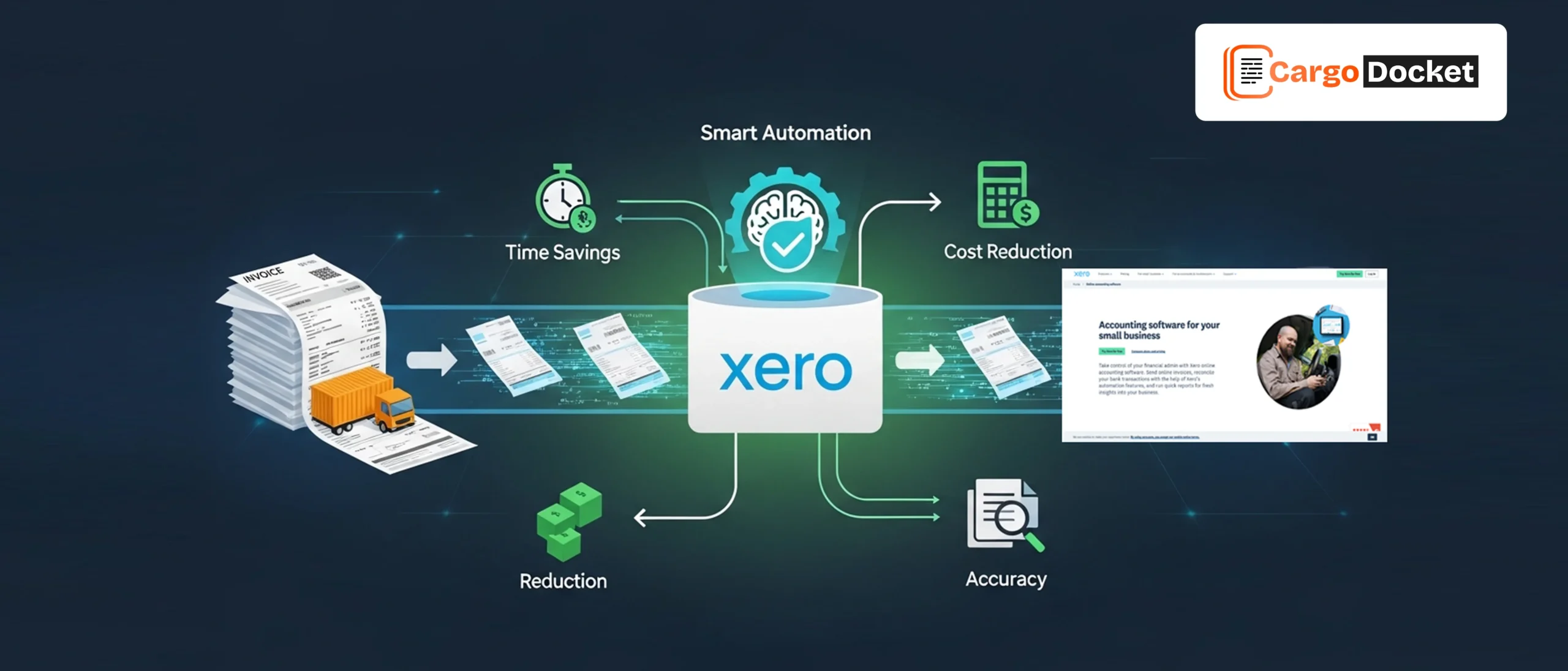
AI document automation and Xero workflow automation reduce manual effort, improve accuracy, and enable faster, more controlled financial workflows.
What is Xero Workflow Automation and Why does it Matter for Logistics?
Xero workflow automation digitizes how invoices, receipts, approvals, and reconciliations move through your accounting system.
Instead of relying on manual data entry and email-based approvals, automation tools use
Cargo Docket AI to extract, validate, route, and sync information directly into Xero. For logistics businesses managing freight, warehousing, customs, and multi-vendor billing, this creates a faster and more structured finance process.
Automation brings:
- Structured invoice processing
- Reduced manual data entry
- Faster approvals and visibility
- Cleaner financial posting
- Real-time financial insights
When workflows are automated, finance teams spend less time typing data and more time focusing on financial control and decision-making.
Why Logistics Invoice Processing Becomes Time-Consuming for Finance Teams?
Invoice processing in freight-based operations is rarely simple. A single supplier invoice can include freight charges, fuel adjustments, customs duties, accessorial fees, storage costs, currency differences, and tax breakdowns. Handling these manually increases workload and risk.
Finance teams often need to:
- Extract line items manually
- Validate totals and tax calculations
- Match invoices against shipment references
- Route documents for approval
Manage exceptions and corrections - Reconcile payments later
As invoice volume grows, manual processes become harder to manage, especially during peak shipment periods. Without automation, teams struggle to maintain speed and accuracy.
When Manual Data Entry Slows Down Finance Operations?
Manual data entry doesn’t just take time, it slows the entire financial workflow.
Common operational issues include:
- Delayed invoice approvals
- Duplicate or incorrect postings
- Mismatched bank transactions
- Incomplete audit trails
- Extended vendor payment cycles
- Increased exception handling workload
When finance teams constantly fix errors or chase missing information, month-end closing becomes stressful and reactive instead of strategic.
Automation breaks this cycle by removing repetitive tasks and improving data consistency from the start.
How Intelligent Invoice Capture Improves Accuracy and Speed?
Intelligent invoice capture uses AI document automation and OCR technology to read invoices automatically and sync clean data into Xero.
Instead of typing every field manually, the system:
- Extracts invoice number, date, vendor, and totals
- Validates tax and currency fields
- Maps line items directly into Xero
- AI Detects exceptions and flags discrepancies early
- Reduces manual correction work
Processing time can drop by 50–70%, while accuracy improves significantly. When data enters Xero cleanly, reconciliation becomes faster and financial reporting becomes more reliable.
How Automated Approval and Reconciliation Workflows Improve Efficiency?
Automation doesn’t stop at data capture, it manages how invoices move across your organization.
With structured workflows:
- Invoices route automatically to the correct approver
- Notifications trigger instantly
- Approval timelines are recorded
- Exceptions are routed for review automatically
- Bank reconciliation becomes faster
- Audit trails remain transparent
This structured flow reduces delays between teams and gives finance clear visibility into invoice status, approvals, and exceptions.
Automated reconciliation improves accuracy by matching transactions faster and flagging issues early, helping teams resolve problems before month-end.
Instead of chasing approvals or manually fixing errors, finance teams rely on system-driven workflows that keep operations moving smoothly, improving cash flow control, reducing bottlenecks, and speeding up vendor payments.
What Real Logistics Tasks Improve with Xero Automation?
Automation directly improves everyday logistics finance tasks, including:
- High-volume supplier invoice processing
- Multi-currency cost handling
- Freight automation for invoice capture
- Receipt categorization and expense tracking
- Exception handling and validation workflows
- Recurring invoice management
- Bank reconciliation
- Tax reporting preparation
- Month-end financial closing
For Example
Challenge:
A freight company processing around 500 supplier invoices per month was spending nearly 120–140 finance hours monthly on manual data entry, approvals, and exception handling. Approval delays averaged 3–5 days, and reconciliation mismatches frequently pushed month-end closing beyond schedule.
Solution:
The company adopted AI-powered invoice extraction and automated workflows integrated with Xero. Invoice data was validated before posting, exception handling rules automatically flagged issues, and approval and reconciliation workflows were standardized.
Result:
- Invoice processing time reduced by 60%
- Manual data entry effort cut by nearly 70%
- Approval cycle reduced from 3–5 days to under 24 hours
- Reconciliation errors significantly decreased
- Month-end closing was completed several days faster
The biggest improvement wasn’t just speed,it was greater visibility, consistency, and control across finance operations.
Conclusion
Manual invoice processing slows finance teams down and creates unnecessary risk. By combining AI document automation with Xero workflow automation, logistics businesses can reduce manual data entry, handle exceptions faster, improve accuracy, and accelerate approvals without adding complexity. Ready to simplify logistics invoice processing? Schedule a demo and see how smarter automation can transform your finance operations.