
The invoice was correct yesterday. Today, there’s a revised version in your inbox. But which one is your team using?
Picture this: a freight forwarder receives a commercial invoice, enters the details, and moves ahead with shipment processing. A few hours later, the supplier sends an updated invoice with a different quantity, revised value, or corrected consignee information.
Sounds simple enough, right? Just replace the old invoice.
But what if the original details have already been used by operations, customs, or finance?
That’s where invoice revisions get tricky. AI Automation can help teams recognize document changes, compare invoice versions, and identify the information that needs another look before outdated details move further through freight operations.
🔍 What Makes Invoice Revisions Difficult to Manage?
Invoice revisions are a normal part of freight operations. Suppliers may correct product descriptions, adjust quantities, update charges, or change commercial details after sending the original document.
The challenge begins when multiple versions of the same invoice are shared through emails, document folders, and different operational workflows.
Imagine your customs team is working with the first invoice while finance has already received the revised one. Both teams believe they’re using the correct information, but the records no longer match.
This can lead to:
- Incorrect invoice values or quantities being used.
- Outdated details remaining in shipment records.
- Repeated checks between operations, customs, and finance.
- Delays while teams confirm which invoice version is approved.
The real problem isn’t receiving a revised invoice. It’s making sure the right version is used everywhere it matters.
📑 How AI Automation Identifies Changes Between Invoice Versions?
When a revised invoice arrives, someone usually has to open both versions, compare the details, and figure out what changed.
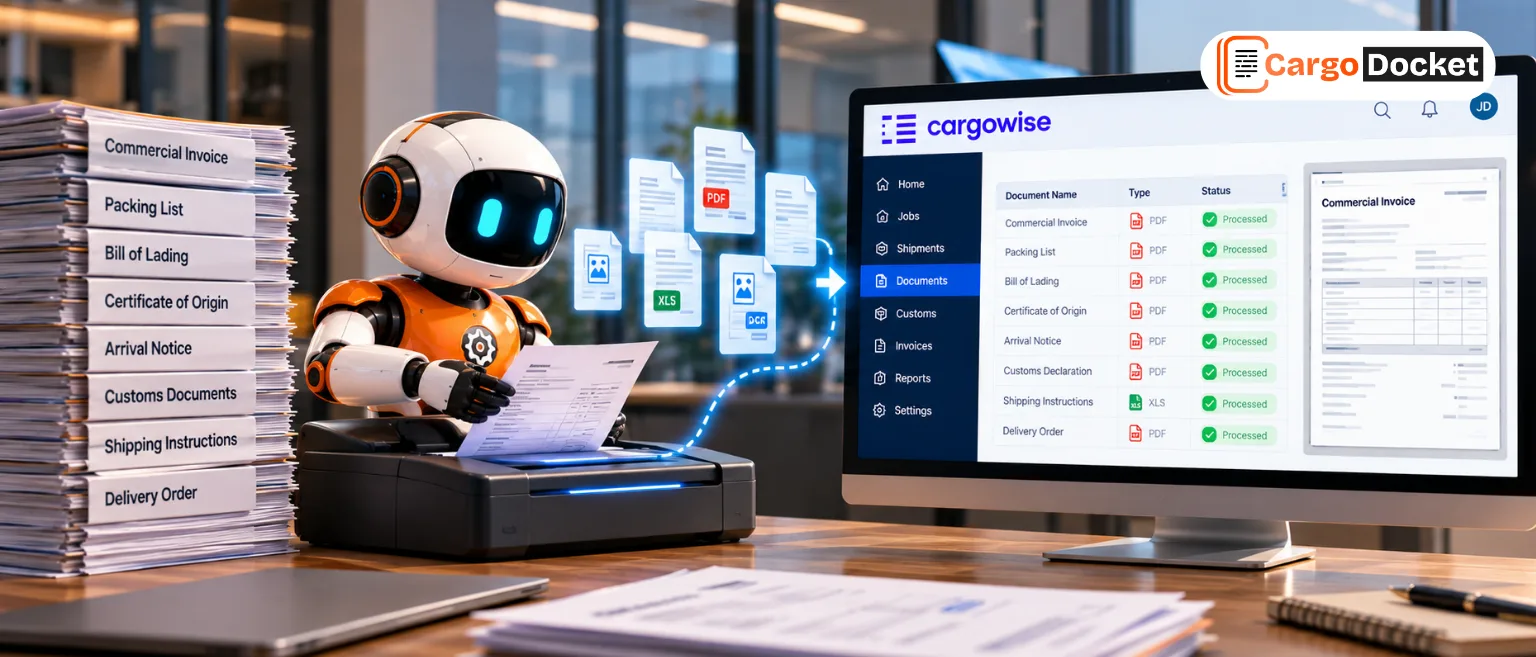
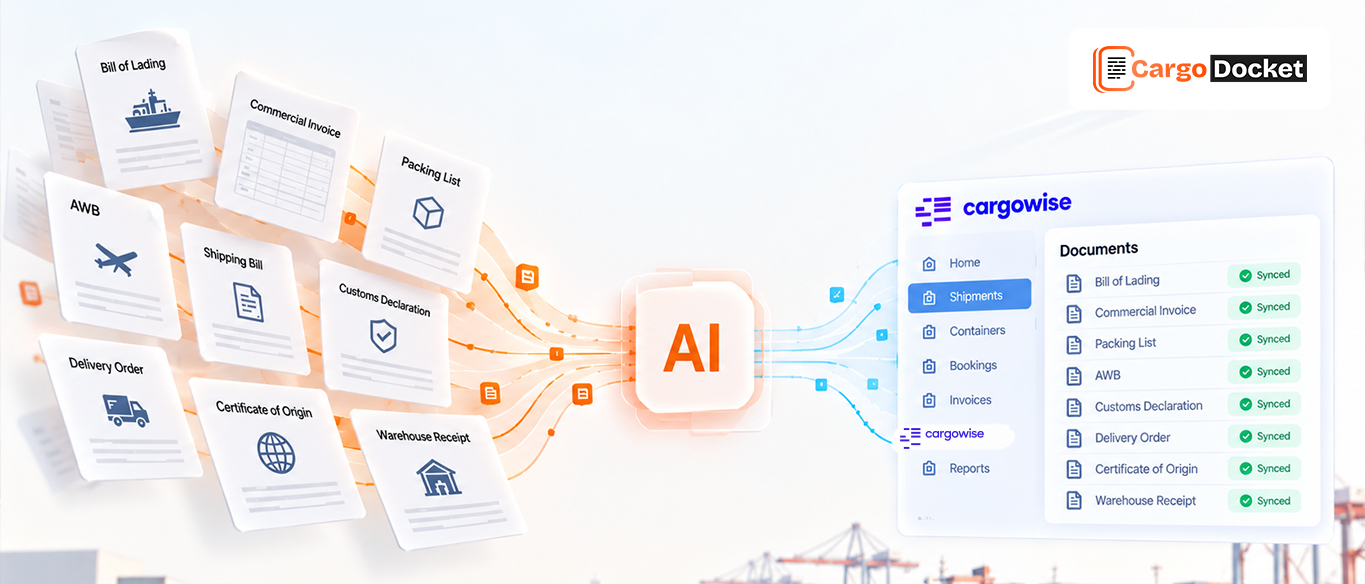
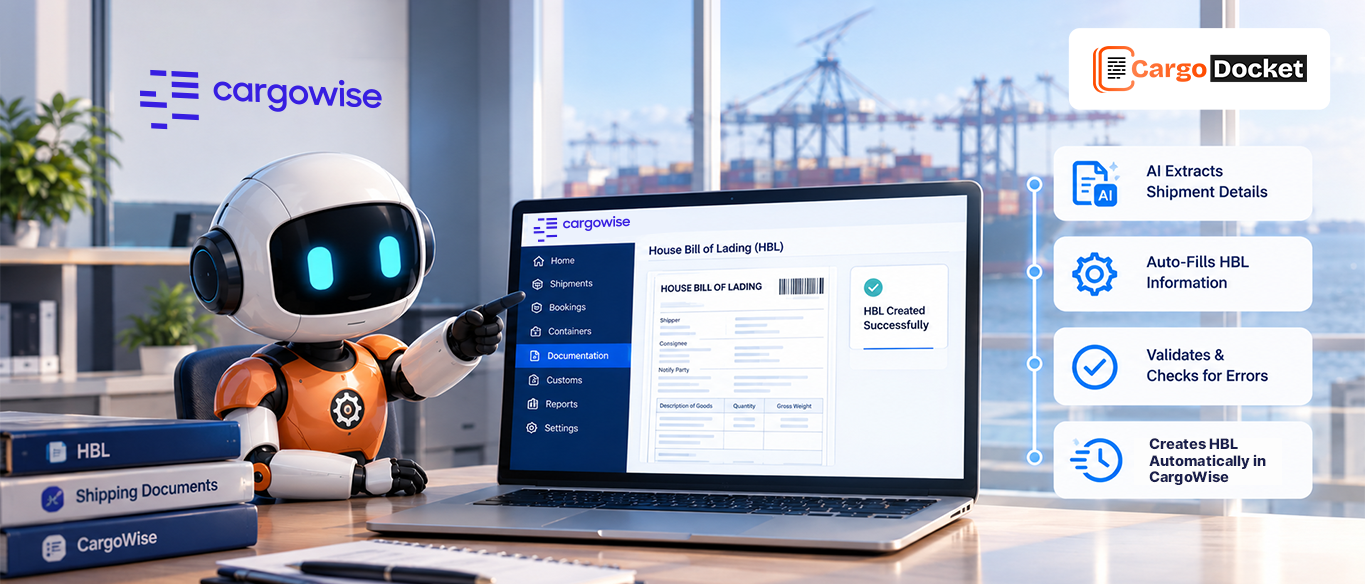
AI document automation can make that process easier by identifying invoice fields, extracting their values, and comparing the new document with the previous version.
For example, suppose an original commercial invoice lists 120 cartons valued at $18,000. The revised invoice shows 115 cartons valued at $17,250.
Rather than relying on someone to spot those differences manually, AI can highlight the changed fields for review.
Depending on how the workflow is configured, it can help teams:
- Match invoice versions: Identify documents that share invoice numbers, supplier details, or shipment references.
- Compare key fields: Highlight changes in quantities, values, dates, descriptions, and consignee information.
- Detect possible duplicates: Flag repeated submissions or invoices that appear unusually similar.
- Identify missing details: Surface incomplete fields or information that doesn’t match related shipment records.
This gives your team a clearer picture of what’s changed without having to compare every line manually.
⚠️ How can Teams Stop Outdated Invoice Data From Moving Forward?
Spotting a change is only half the job. The next step is making sure the correct information reaches the right workflow.
Suppose an invoice value changes after customs documentation has already been prepared. AI automation can flag the difference so your team can review it before the revised information is used.
The process is straightforward:
Submit edits → Verify information → Mark edits → Approve edits → Update database
The same action isn’t required for every revision. Changing a cargo value takes more than changing a contact detail. That’s why human review and clear validation rules remain critical.
🔗How Approved Invoice Changes Reach the Right Teams?
Once a revised invoice is approved, the updated details may need to reach shipment management, customs, and finance systems.
Without a coordinated workflow, one team may update its records while another continues using the previous information.
🚚 What does Better Invoice Accuracy Mean for Freight Operations?
For freight forwarders, accurate invoice information supports more than document processing. It helps customs teams prepare declarations, finance teams review charges, and operations teams maintain reliable shipment records.
When revisions are identified early and reviewed properly, teams can spend less time chasing corrections and more time managing shipments.
The goal is simple: know what changed, confirm what’s correct, and make sure the right information is used.
📌 Conclusion
Managing invoice revisions shouldn’t mean searching through email threads or comparing documents line by line.
AI automation helps freight teams identify changes, flag inconsistencies, and improve document accuracy. With AI, approved invoice information can move more consistently across shipment management, customs, and billing workflows.
Still spending too much time reviewing revised invoices? Discover how AI document automation can help your team catch changes earlier, reduce manual corrections, and keep freight information accurate from document review to final billing.