
A 250-page freight document bundle can mean hours of sorting, checking, and data entry before your team can move on to the next shipment. The challenge is making sure every document is identified, the right information is captured, and the data reaches the correct CargoWise record.
CargoWise AI Document Automation can help reduce this manual workload by organizing documents, extracting shipment details, validating information, and preparing data for entry. Here’s how the process works.
What does it Take to Process 250 Pages of Freight Documents?
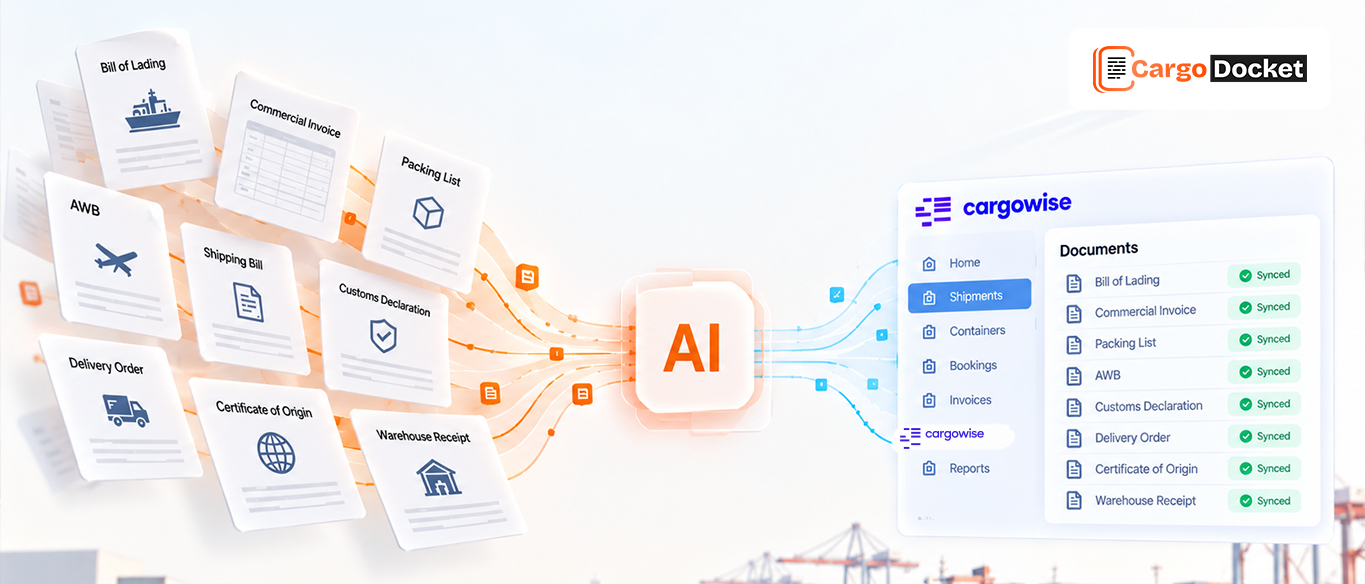
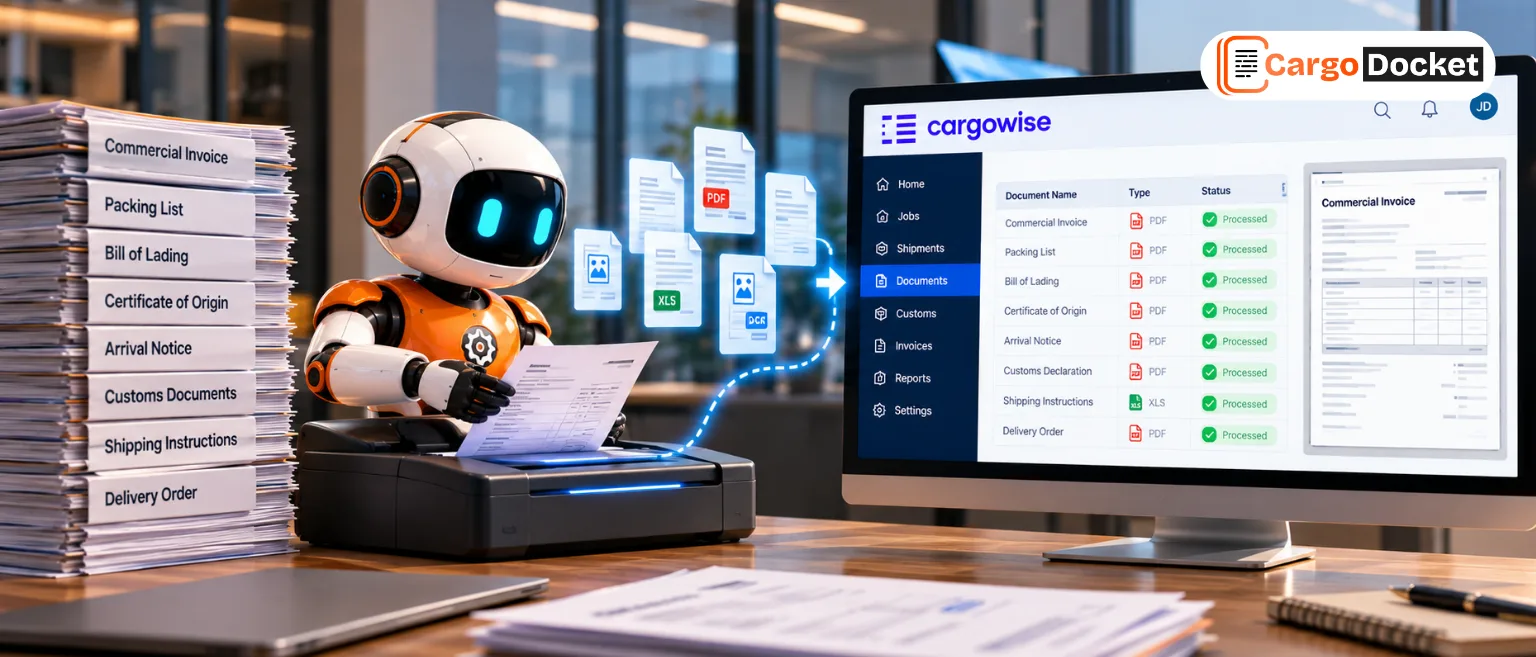
A single PDF may contain commercial invoices, packing lists, bills of lading, and supporting documents for multiple shipments. Before your team can use the information, each document needs to be identified, processed, and matched to the right shipment.
CargoDocket AI can help automate this workflow, from receiving documents to preparing information for CargoWise.
How does CargoDocket Process the Documents?
1. Ingest the documents
Bring freight documents into the workflow through supported email, manual upload, or configured CargoWise-connected processes. This gives the system the files it needs to begin processing.
2. Classify the documents
Identify document types, such as commercial invoices, packing lists, and bills of lading. This helps each document follow the appropriate processing path instead of treating the entire bundle as one file.
3. Prepare and extract the data
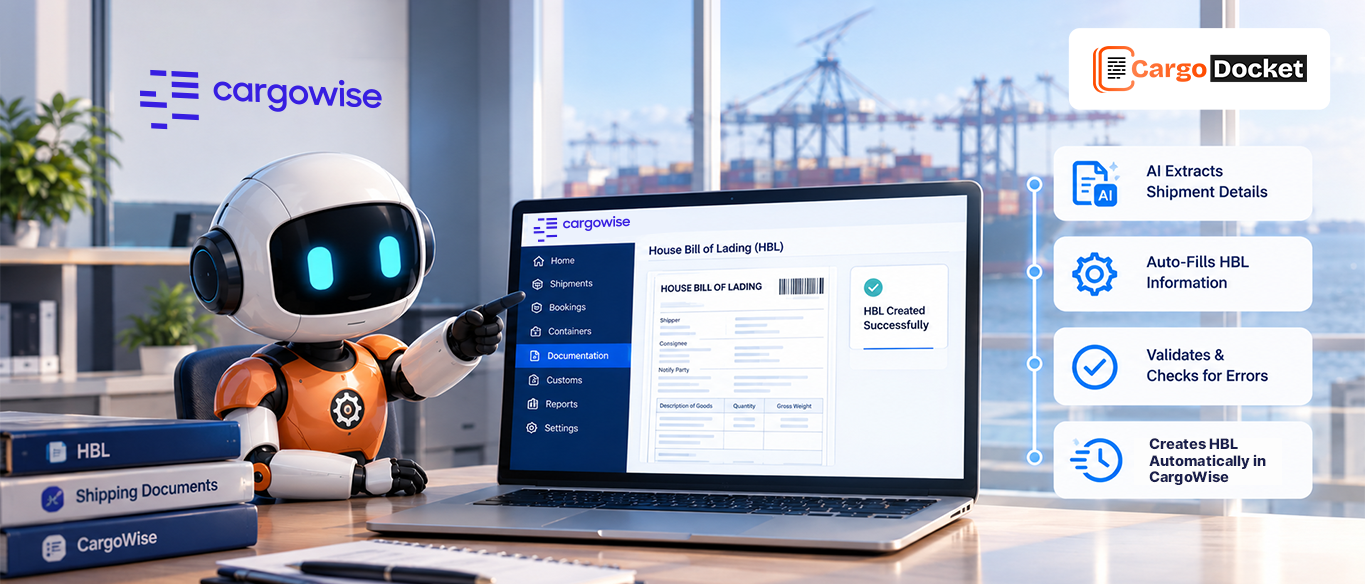
Read the documents and capture the relevant shipment fields. Where supported, document preparation can help with readability issues so the system can identify details such as invoice numbers, container numbers, package counts, and weights.
4. Validate the information
Check required fields and shipment references using configured rules and available records. Missing values, unreadable details, or mismatched information can be flagged for review before the data moves forward.
5. Map and prepare the data
Convert extracted information into the structure required by the relevant CargoWise workflow. Mapping helps ensure that each value is directed to its intended field rather than left in an unstructured document.
6. Monitor the results.
Review available processing records, errors, and reports to see which documents have been processed and which still need attention. This helps your team follow up without reviewing the entire bundle again.
7. Enter the data into CargoWise.
Once the required checks are complete, validated information can be transferred to the appropriate CargoWise records through the configured integration. Documents or fields that remain unresolved should be held for review rather than assigned to the wrong shipment.
Why does this Process Matter for Freight Forwarders?
Without automation, your team may need to open each document, find the relevant fields, copy the information, and check it against shipment records. With hundreds of pages, that repetitive work can quickly add up.
An AI-assisted workflow helps organize these tasks into clear stages. Your team can spend less time on routine manual document handling and more time resolving discrepancies, coordinating shipments, and supporting customers.
It also helps make the process easier to track. Instead of wondering whether a document was missed, your team can review processing results and focus on items that need attention.
How does CargoDocket Help With CargoWise Document Processing?
CargoDocket focuses on AI-powered freight document automation for CargoWise workflows. It helps freight forwarding teams extract document data, validate information, and prepare it for transfer into CargoWise through configured integration processes.
For a large document bundle, the objective is simple: turn unstructured freight paperwork into usable shipment information while keeping exceptions visible for human review.
The exact level of automation depends on document quality, the fields being extracted, validation rules, and the integration configuration. Human review remains important when information is unclear or conflicting.
Ready to Reduce Manual Freight Document Processing?
Processing 250 pages shouldn’t mean manually checking every field and entering every value from scratch. A well-configured workflow can help your team organize documents, extract shipment details, validate information, and enter approved data into the correct CargoWise records.
Contact us to explore how AI document automation can help reduce repetitive data entry, improve document processing visibility, and keep your CargoWise workflows moving.