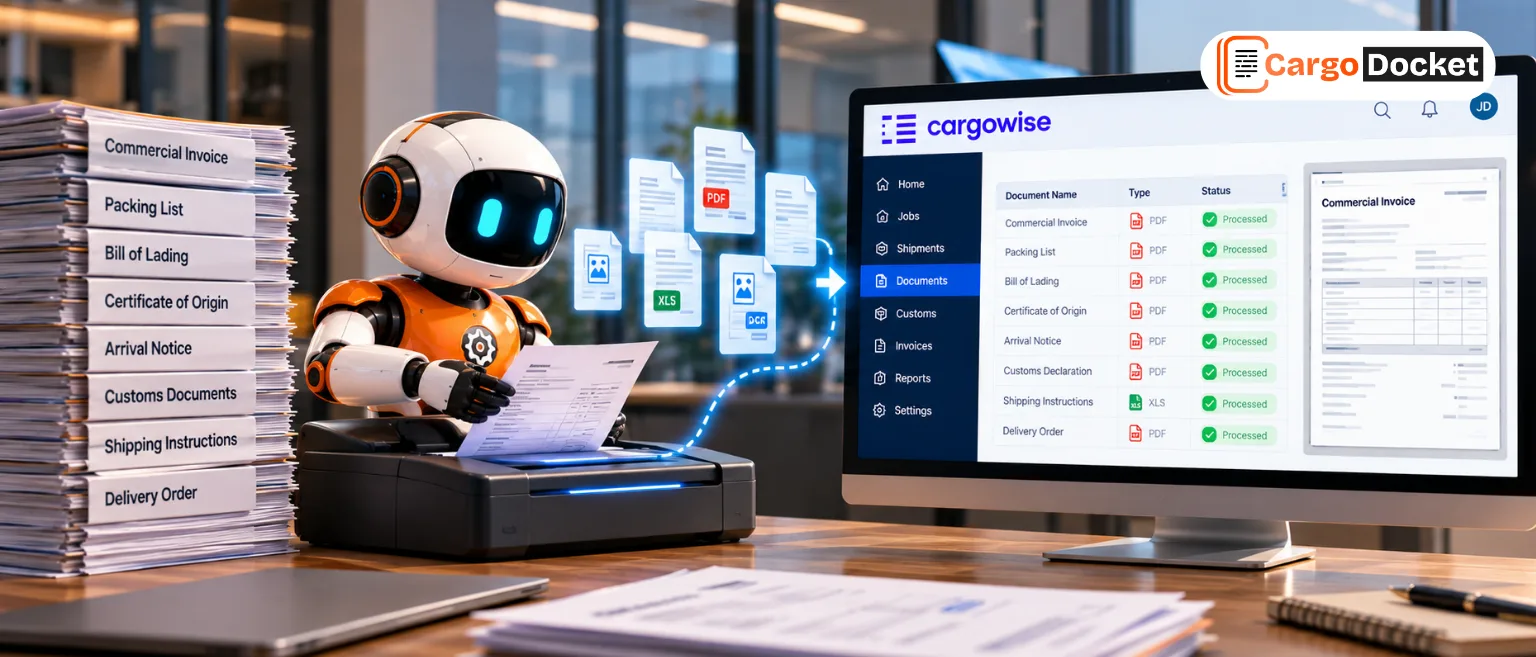

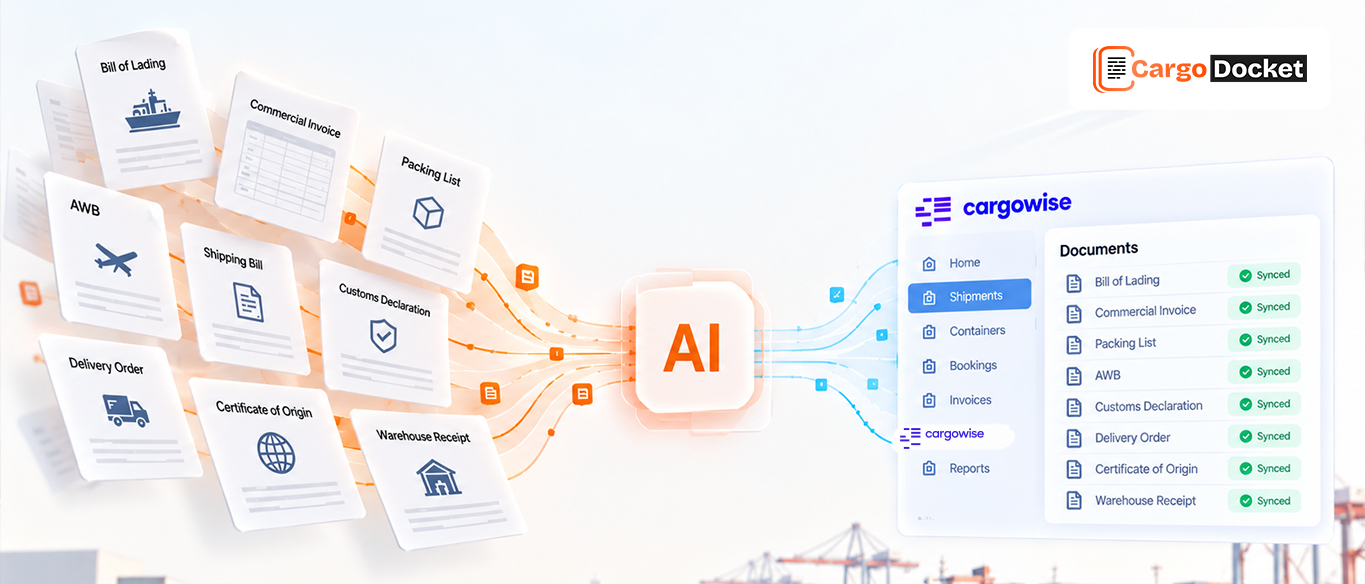
A single shipment can generate a stack of documents, from commercial invoices and packing lists to bills of lading and email updates. The real challenge is keeping every document organized and ensuring the right information reaches the correct shipment in CargoWise.
As shipment volumes grow, searching for documents, entering details manually, and checking for missing information can take valuable time away from daily operations.
AI Document Automation helps simplify this process by extracting shipment details, validating information, and preparing data for CargoWise. With the right configuration, it can also support shipment creation, reducing repetitive work and helping your team focus on what needs attention.
What Makes it Difficult to Keep Shipment Documents Organized?
The problem isn’t simply the number of documents. It’s the work involved in connecting each document to the correct shipment and making sure the information is consistent.
Consider a new export shipment. The commercial invoice arrives by email in the morning, the packing list follows a little later, and the bill of lading arrives after additional details have been confirmed. Your team needs to identify each document, locate the relevant shipment information, and enter the required details into CargoWise.
If a shipment reference is missing or two shipments have similar details, freight forwarder may need to search emails, compare documents, and verify information before continuing.
This creates several challenges:
- Repeated data entry: freight forwarder manually transfer shipment details from documents into CargoWise.
- Time spent searching: Finding the right document across emails and folders slows down processing.
- Document mismatches: Similar shipment references can make it difficult to associate a document with the correct shipment.
- Missing or conflicting information: Incomplete fields or differences between documents require additional checks.
- Processing delays: Teams spend time handling paperwork instead of progressing shipments and resolving important issues.
Individually, these tasks may seem manageable. Across a busy operation, however, they create extra work and make consistent document handling harder to maintain.
How can AI Help Your Team Process Shipment Documents?
AI can help turn information stored in freight documents into structured data that is easier to review and process.
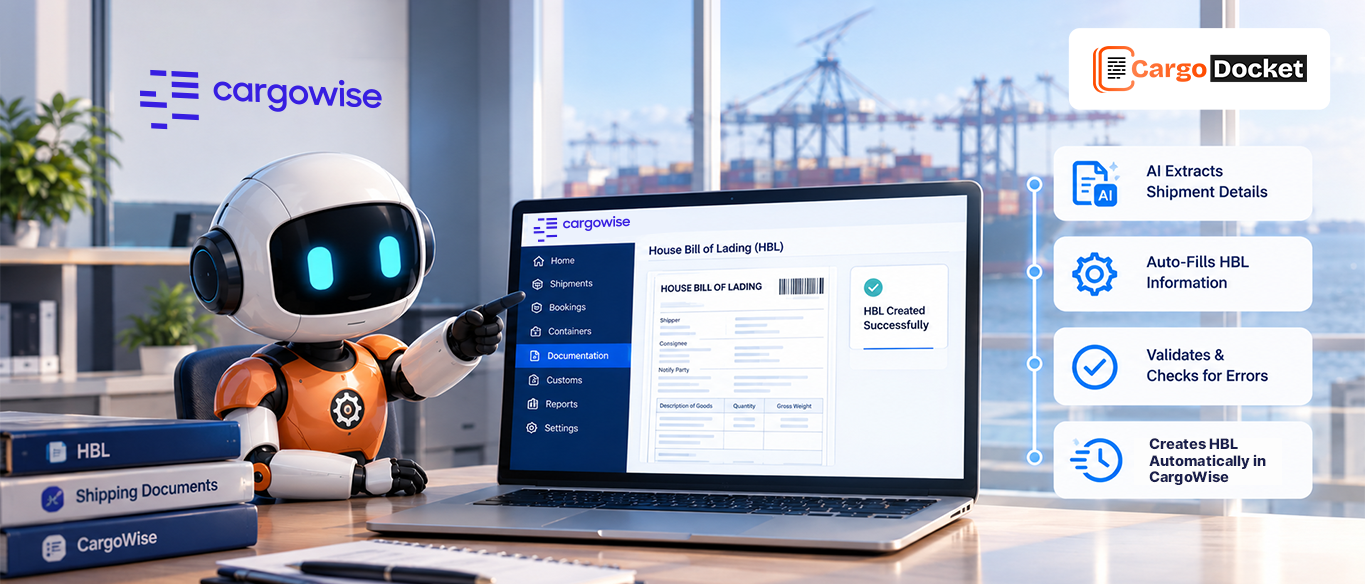
Rather than requiring an freight forwarder to open every file and manually type its contents, an AI-assisted workflow can identify document types, extract relevant fields, and check the captured information against configured rules.
For example, when a commercial invoice arrives, the system can extract available details such as the invoice number, shipper, consignee, and shipment reference. When a packing list arrives, it can capture relevant information such as package counts and other required shipment details.
The extracted information can then be mapped to the appropriate fields for the next step in the workflow.
This can help your team:
- Identify documents: Recognize commercial invoices, packing lists, bills of lading, and other supported freight documents.
- Extract shipment details: Capture relevant information without relying entirely on manual data entry.
- Match documents to shipments: Use available references and configured rules to help associate documents with the correct shipment.
- Validate information: Check required fields and identify missing or inconsistent details before processing continues.
The important distinction is that extracting information is only part of the process. The data must also be checked and connected to the right shipment before it is used in CargoWise.
How does CargoDocket Help Organize Shipment Documents in CargoWise?
CargoDocket’s AI Automation helps reduce the manual work involved in reading freight documents, extracting shipment information, and preparing data for CargoWise workflows.
Instead of treating each document as a separate data-entry task, a configured workflow can process the information in stages, from document receipt through validation and preparation for CargoWise.
Here’s how the process can work.
Receive the document
The workflow starts when freight documents are received through the configured process. These may include commercial invoices, packing lists, bills of lading, and other supported shipment documents. Collecting documents for processing gives the workflow a starting point and reduces the need for freight forwareder to handle every file as an isolated task.
Read and extract information
AI identifies the document type and extracts the required information from the file.
For example, a commercial invoice may contain shipper and consignee details, invoice references, and other shipment-related information. A packing list may provide package counts and additional cargo details. Instead of manually typing these fields into CargoWise, your team can work with the extracted information for the next processing step.
Map and validate data
The extracted information is mapped to the appropriate fields according to the configured CargoWise workflow. Validation checks can help identify missing required fields or inconsistencies that need attention.
For example, if a required shipment reference is missing, the workflow can flag the information for review rather than proceeding as though the data were complete.
This step helps ensure that information is prepared in the expected format before it is used for shipment processing.
Identify exceptions.
Not every document will contain complete or consistent information. A packing list might show a different package count from the available shipment details, or an invoice might contain an unclear reference.
The workflow can flag these exceptions so the freight forwarder can investigate the source document, confirm the correct details, and resolve the issue.
This allows your team to focus on information that needs human judgment instead of spending the same amount of time checking every field manually.
Prepare information for CargoWise
Once the required information has been extracted, mapped, and validated, the workflow can prepare it for the appropriate CargoWise process.
For a new shipment, this can support shipment creation in CargoWise using the required information, subject to the configured workflow and applicable validation checks. Where a shipment already exists, the workflow may support relevant updates, depending on its configuration.
This connects document processing with shipment operations, helping reduce repetitive data entry between incoming freight documents and CargoWise.
What Happens if Documents are Missing, Updated, or Incorrect?
Automation is most useful when it helps your team identify problems before they affect the next step.
Suppose a packing list contains a different package count from the information available for a shipment. Rather than treating the extracted value as automatically correct, the workflow can flag the discrepancy for review.
A freight forwarder can then check the original document, confirm the correct information, and resolve the issue before processing continues.
The same approach can help with missing shipment references, unreadable fields, or other inconsistencies. The exact checks depend on the available data and the rules configured for the workflow.
The goal is not to remove human review from every situation. It’s to reduce routine manual work while making exceptions easier to identify and resolve.
How can Better Document Processing Improve Daily Operations?
When shipment documents are easier to process and their information is prepared consistently, your team can spend less time on administrative tasks.
AI Automation can help to reduce repetitive data entry, help to handle documents more consistently, and prepare validated information for shipment creation in CargoWise. It can also help freight forwarder identify missing details and discrepancies earlier in the workflow process.
The result is a more organized approach to shipping paperwork. This lets your team review exceptions, validate key details, and keep shipments moving instead of having to manually process every document from scratch.
The benefits depend on the types of documents, data quality, validation rules, and levels of automation you set for your operation.
Ready to Simplify Shipment Document Processing in CargoWise?
Managing dozens of documents for every shipment doesn’t have to mean repeating the same manual tasks throughout the day. With the right workflow, AI can help your team extract shipment details, validate information, identify exceptions, and prepare data to support shipment creation in CargoWise.
Contact us to explore how AI Document Automation can help reduce repetitive document processing and make your CargoWise workflows more efficient