
Everything looks ready, your shipment is packed, your documents are in place, and ASYCUDA is set to process everything. Yet clearance still feels slower than it should be.
So the real question isn’t whether ASYCUDA is efficient, but what’s happening before the data even reaches it. In most operations, teams end up spending nearly 40–60% of their time just handling documents, and when each one takes around 8–15 minutes to process, the delays quietly build up.
That’s where the shift begins, because the problem isn’t the system, it’s the manual effort behind it.
What is ASYCUDA and Why does it Depend on Clean, Structured Data?
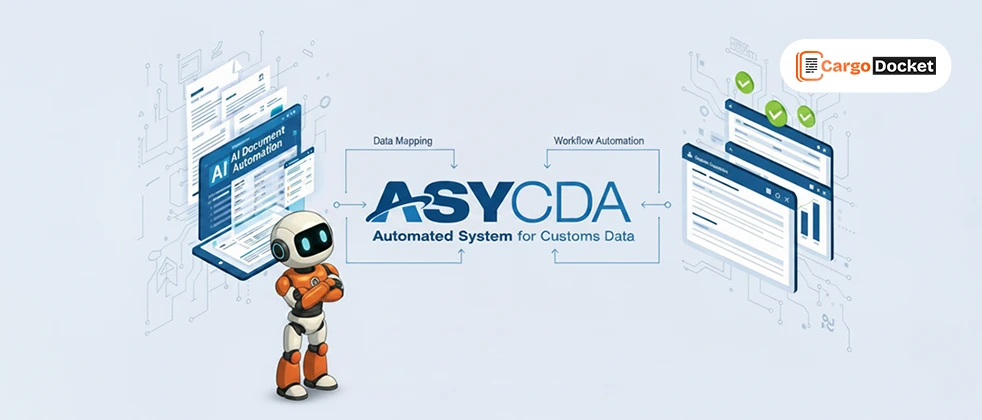
ASYCUDA is designed to simplify customs declarations and bring control to compliance workflows. It is a powerful system built to handle complex regulatory requirements, and when used correctly, it can process declarations quickly and efficiently.
But here’s the reality that most teams experience over time: ASYCUDA is only as efficient as the data you feed into it.
If your data is clean and consistent, declarations move smoothly, approvals happen faster, and shipments clear without disruption. But if the data is incomplete or inconsistent, even the most advanced system cannot prevent delays.
A missing HS code, an incorrect value, or a mismatched reference might seem minor, but in customs workflows, these small gaps trigger:
- Additional validation checks
- Manual corrections and re-submissions
- Shipment holds or delays
So the system itself is not the problem, the real challenge lies in how data is prepared before it enters ASYCUDA.
What Problems do Teams Face Before Data Enters ASYCUDA?
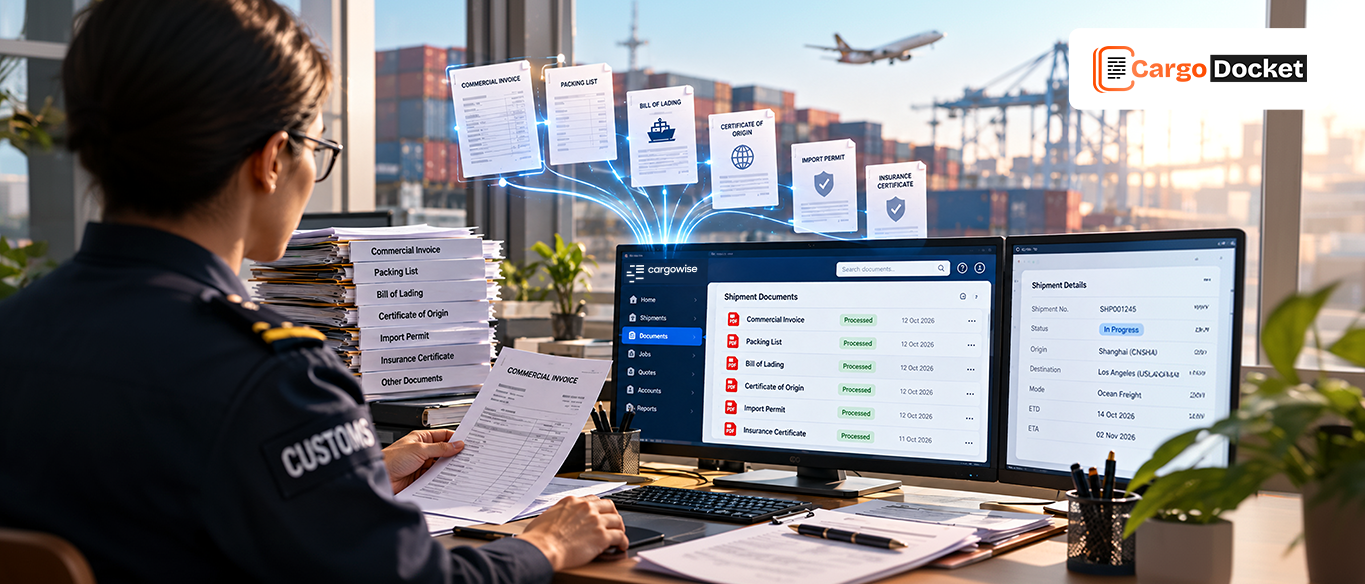
Before data ever reaches ASYCUDA, there is a hidden layer of work that consumes time and introduces risk. Documents arrive from multiple sources and in different formats, and every one of them needs to be reviewed manually.
This creates a workflow that feels manageable at first but quickly becomes complex as volumes increase.
Here’s what teams deal with daily:
- Documents coming in as PDFs, scans, emails, and spreadsheets
- Shipment data is spread across multiple files and formats
- Manual interpretation of invoice values, product details, and codes
- Re-entering the same data across systems
What makes this even more challenging is that every document requires attention, and every step depends on human accuracy. Over time, this creates a cycle where teams are constantly switching between tasks, checking details, and trying to ensure everything aligns.
And this is exactly where delays begin, not in ASYCUDA, but before it.
What Happens When Document Processing Remains Manual?
Manual processes don’t break overnight, they slow down gradually as operations grow. As shipment volumes increase, the effort required to process documents grows even faster. Teams spend more time verifying details, resolving inconsistencies, and correcting errors that could have been avoided earlier.
The reality starts to show in operations:
- Processing speed drops because each document needs manual handling
- Teams spend over half their time on repetitive data entry and validation
- Error rates increase as workload and pressure grow
- Shipment delays become more frequent due to incorrect or incomplete data
What makes this more challenging is that most of this effort is reactive. Teams are constantly fixing issues instead of preventing them, which creates a workflow that feels busy but not productive.
What Changes When Cargo Docket AI is Integrated with ASYCUDA?
When Cargo Docket AI is integrated with ASYCUDA, the biggest shift happens in how documents are handled before they enter the system.
Instead of teams spending time reading, extracting, and entering data manually, the process becomes automated, structured, and far more reliable. This means your workflow moves from manual effort to intelligent processing.
Here’s what actually changes in day-to-day operations:
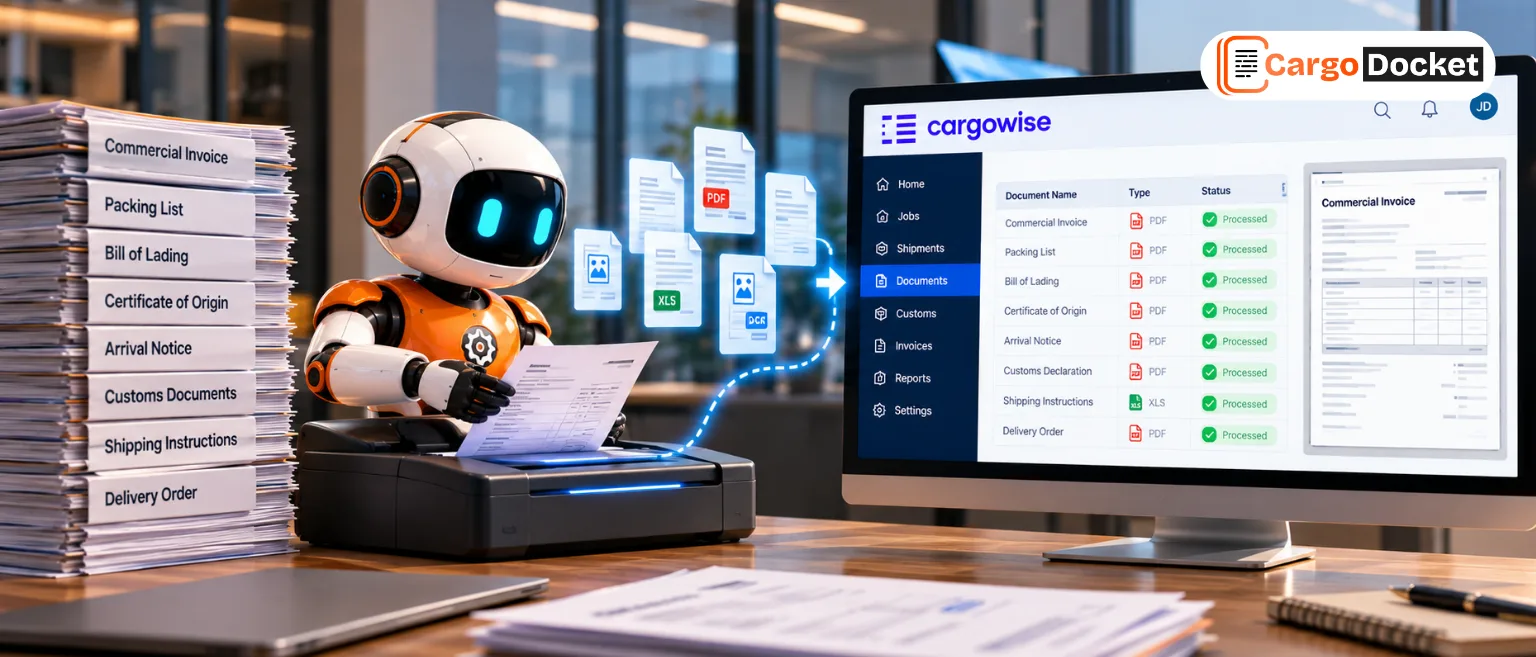
- Documents are captured instantly.
No more manual downloads or sorting, files are automatically picked up from emails by AI and uploaded. - Data extraction becomes automatic
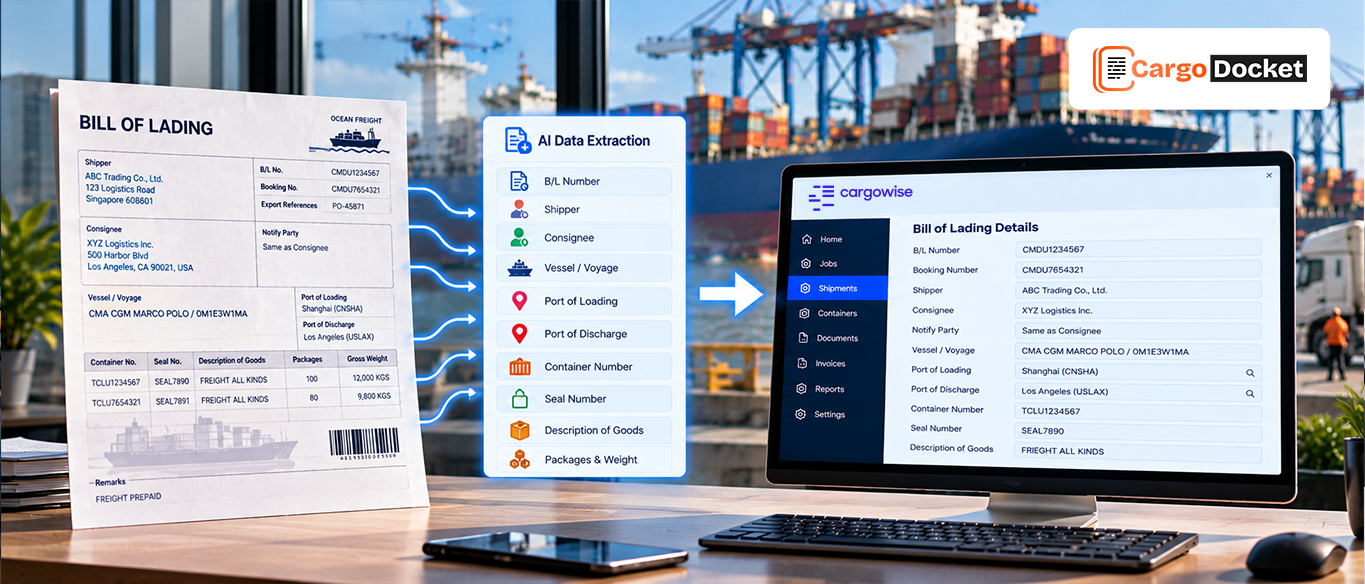
Key details like invoice values, HS codes, and shipment references are extracted in seconds. - Validation happens before entry
Errors such as missing fields or mismatched totals are identified early, reducing rework later. - Clean data flows into ASYCUDA
Structured and accurate information is ready for declaration without manual correction. - Teams focus only on exceptions
Instead of processing every document, your team handles only the cases that need attention.
This shift doesn’t just improve speed, it creates a workflow where accuracy, efficiency, and control come together, making customs processing smoother and more predictable.
What does the Automated Workflow Actually Look Like in Practice?
When automation is implemented, the process becomes structured from the moment a document arrives.
The system captures documents instantly, regardless of format, and begins extracting key details such as shipment references, invoice values, and product information. This happens in seconds, without manual input.
But the real value comes from validation and flow:
- Data is checked automatically for missing fields and inconsistencies
- Invoice values are matched against expected totals
- HS codes and references are verified before processing
- Clean data is prepared and aligned for ASYCUDA entry
Only when everything is validated does the data move forward. If something doesn’t match, it is flagged immediately for review.
This means teams no longer process every document, they only handle the ones that need attention and that single shift can reduce document processing effort by up to 70 percent.
What Benefits do Teams Experience After Automation?
Once automation is in place, the impact becomes visible across daily operations. Teams begin to notice that work flows more smoothly, and the pressure of constant manual handling starts to decrease.
The improvements are both measurable and practical:
- Processing becomes up to 5× faster compared to manual workflows
- Teams recover over 100 hours per month that were previously spent on repetitive tasks
- Error rates drop significantly due to early validation
- Data consistency improves across all systems
But beyond numbers, the biggest change is confidence. Teams trust the data they are working with, which improves both speed and decision-making.
What Impact does this Have on Clearance Speed and Compliance?
Customs clearance depends on one thing above all else, which is accuracy. When data is validated before submission, the chances of delays reduce significantly. Errors are identified early, and compliance requirements are met more consistently.
This leads to:
- Faster clearance timelines
- Reduced shipment holds
- Fewer compliance issues
- Improved reliability in operations
In customs workflows, accuracy and speed are directly connected, and automation ensures both are achieved together.
What does this Mean for the Future of Customs Operations?
As logistics continues to evolve, the complexity of customs processes will only increase. More shipments, more regulations, and tighter timelines will put greater pressure on teams.
Manual processes cannot scale efficiently in this environment. Automation provides a way to handle growing volumes without increasing workload or risk.
It allows teams to move from repetitive tasks to strategic work, from manual effort to intelligent workflows.
Conclusion: What is the Next Step for Your ASYCUDA Workflow?
ASYCUDA is built to deliver efficiency, but manual document handling limits its potential.
By integrating Cargo Docket AI, you simplify document processing, reduce errors, and create a workflow that is faster, more accurate, and easier to scale.
If your team is still spending valuable time managing documents instead of focusing on clearance, it may be time to rethink the process. Contact us today to see how Cargo Docket AI can transform your ASYCUDA workflow into a faster, smarter, and error-free system.