
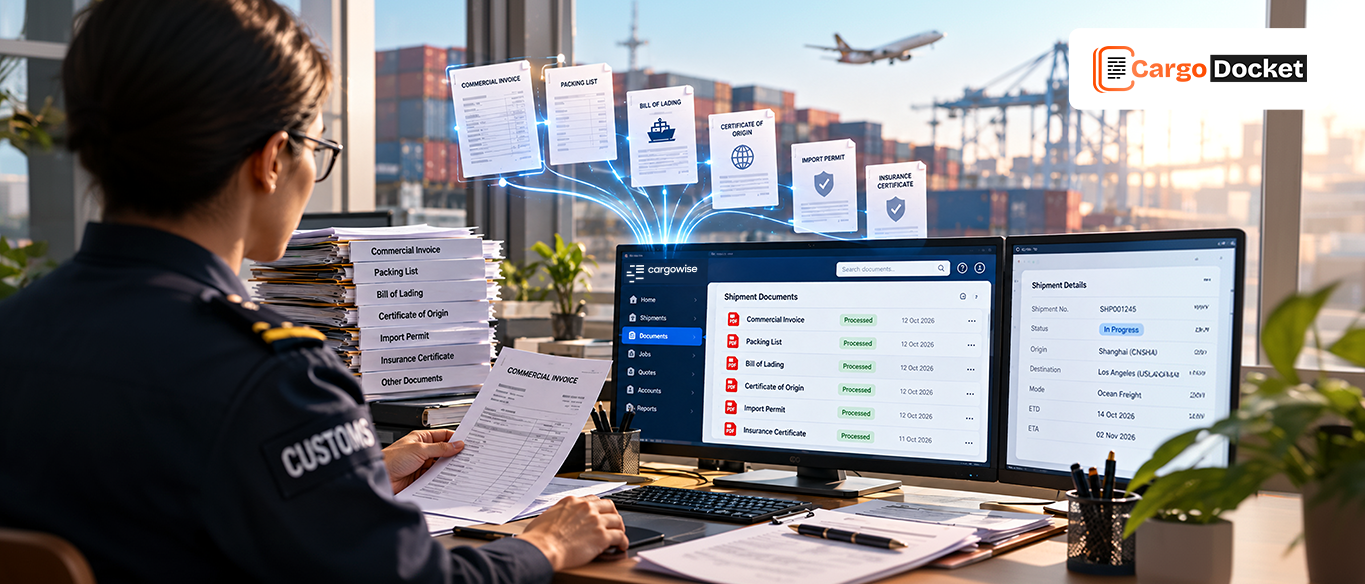
When your customs team handles multiple importers, every shipment can bring different documents, product details, and compliance requirements. Your team must extract information, compare documents, identify missing details, and prepare data for customs entry.
Much of this work is repetitive, yet errors or missing information can delay the next step. AI automation can help reduce manual processing, but it should not replace the professional judgment required for customs decisions.
So, what should customs brokers automate, and which responsibilities should remain with the broker?
What should Customs Brokers Automate First?
Start with repetitive tasks that involve reading, checking, and organizing shipment information. Automating these activities can help your team spend less time on manual preparation.
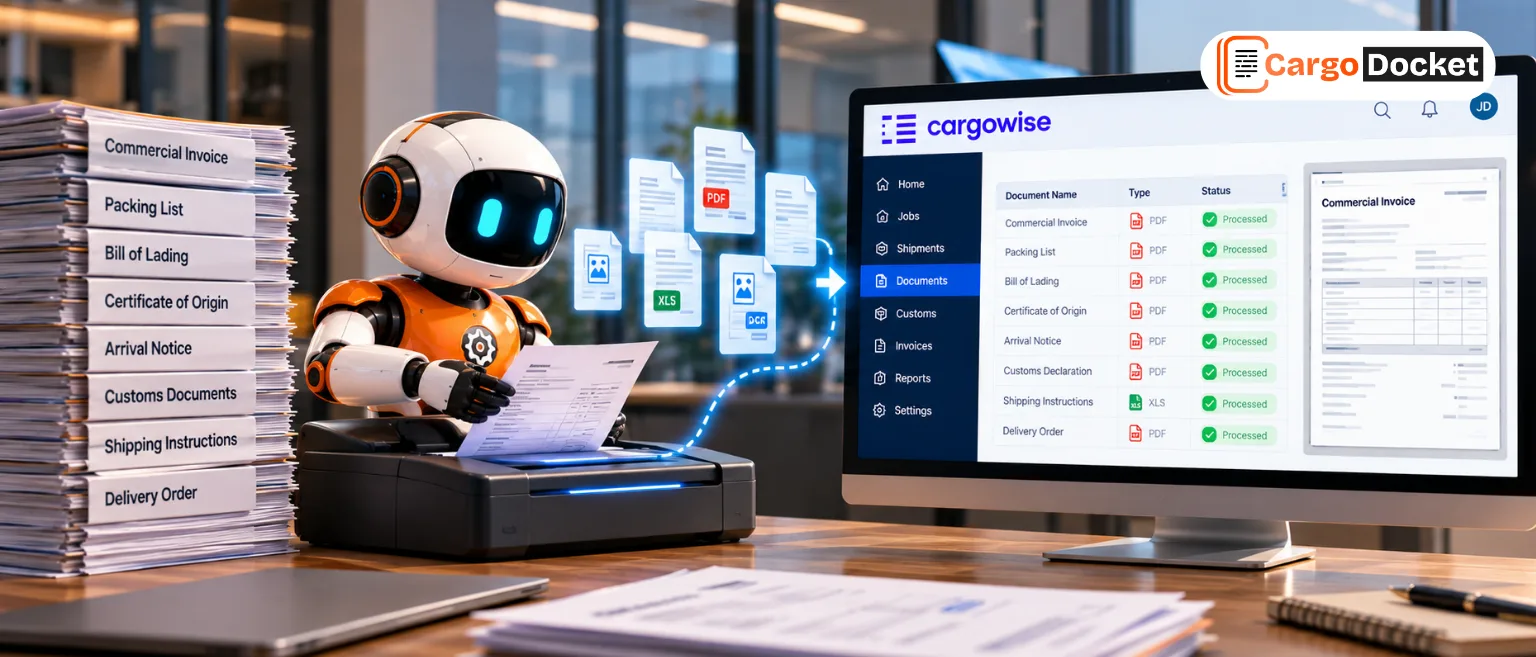
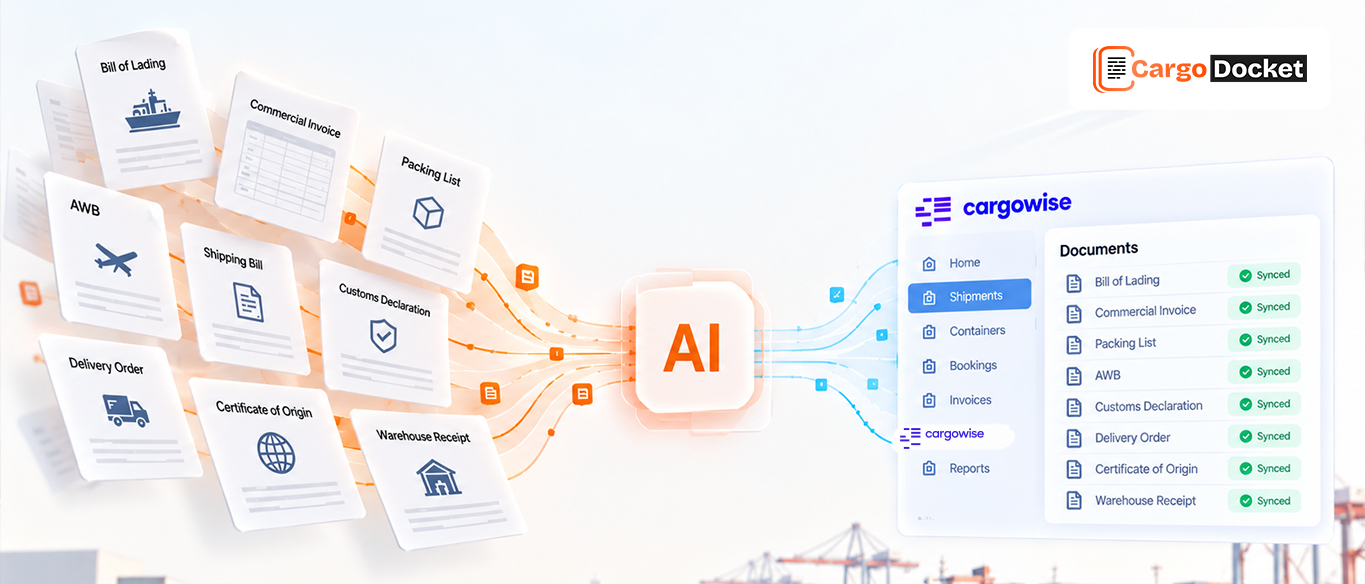
Document data extraction: Extract shipper and consignee details, product descriptions, quantities, weights, and invoice values from commercial invoices, packing lists, bills of lading, and certificates of origin.
Data entry preparation: Prepare extracted information for CargoWise, reducing the need to copy shipment details manually between documents and systems.
Document cross-checking: Compare invoice values, package counts, weights, and origin details across supporting documents to identify discrepancies.
Missing document checks: Flag incomplete information or missing supporting documents so your team can follow up before an entry progresses.
Document organization: Keep supporting documents associated with the relevant shipment or entry records, making them easier to retrieve during reviews.
These tasks create opportunities to reduce repetitive work while helping your team identify information that needs further attention.
Which Customs Decisions Must Stay With the Licensed Broker?
Automation can extract information, apply configured checks, and flag inconsistencies. However, it should not independently make decisions that require professional judgment or authorization.
Key areas requiring appropriate human oversight include:
- HS classification: Review suggested classifications against the product details and applicable classification rules.
- Customs valuation: Verify invoice values and assess any applicable additions or adjustments.
- Country of origin: Check origin information and supporting evidence before making preference claims.
- Licenses and restrictions: Confirm applicable permits, authorizations, and compliance requirements.
- Declaration approval: Review the prepared entry, resolve material exceptions, and authorize submission according to established procedures.
The goal is not to remove the broker from the process. It is to reduce manual preparation so qualified professionals can focus on decisions that require their expertise.
How can Importer Profiles Make Automation More Reliable for Customs Brokers?
Every importer may have different suppliers, products, documentation requirements, and customs procedures. Applying the same rules to every shipment can create unnecessary alerts and make unusual changes harder to identify.
Importer profiles help automation use client-specific information, including approved product descriptions and HS codes, supplier details, countries of origin, valuation instructions, required supporting documents, and review requirements.
For example, suppose an importer regularly ships the same product from an approved supplier. When a new invoice arrives, automation can compare its details with the existing importer and product records. If the product description, value, or origin differs from the expected information, the discrepancy can be flagged for review.
This gives your team a clearer way to identify changes that need attention instead of checking every detail from scratch.
Importer profiles provide context for automation, but the information must remain current and be verified against the actual shipment and applicable customs requirements.
How can Customs Brokers Identify Entries that Need Review?
Not every shipment needs the same level of attention. A review process based on exceptions can help your team prioritize entries that require further investigation.
- Green- Ready for confirmation: Required information is available, and configured checks pass. The entry follows the normal approval process.
- Amber- Review required: Details such as product descriptions, invoice values, or document information need verification.
- Red- Stop and investigate: Critical information is missing or conflicting, or a potential classification, valuation, or compliance issue needs resolution.
These review levels should reflect your brokerage’s procedures and client requirements. Passing automated checks does not automatically authorize a customs declaration for submission.
Why does an Audit Trail Matter in Customs Automation?
When a customs entry is questioned, your team needs to know where the information came from and what happened during processing.
An audit trail should capture the source document, extracted information, validation results, changes made by users, and the person responsible for review.
This helps your team trace discrepancies, understand how entry information was prepared, and identify recurring problems with particular suppliers or documents.
How can You Measure the Value of Customs Brokerage Automation?
Automation should deliver measurable improvements to your daily operations. Start by tracking how much time your team spends preparing entries and resolving document-related issues.
Useful measures include:
- Time required to prepare each entry.
- Number of manual data corrections.
- Time spent chasing missing documents.
- Number of discrepancies identified before submission.
- Percentage of entries requiring additional review.
Compare these measures before and after implementation to identify where automation reduces manual effort and where additional validation is needed.
How can CargoDocket Help Automate Customs Document Processing in CargoWise?
CargoDocket’s AI Document Automation approach focuses on reducing repetitive freight document processing and preparing information for logistics workflows in CargoWise.
Depending on the configured workflow, document data can be extracted, checked against defined rules, and prepared for review or transfer into CargoWise. Exceptions can be flagged for the appropriate team member instead of being treated as automatically resolved.
For customs brokers, this approach can help reduce manual data handling, improve visibility into document discrepancies, and give the team more time to focus on entry review and compliance-related decisions.
The best starting point is to identify which documents your team processes most frequently, where manual checks consume the most time, and which decisions must remain under human control.
Reduce Manual Work Without Losing Control
Customs brokerage automation works best when repetitive document processing is separated from decisions that require professional judgment. Automating extraction, data checks, and document preparation can reduce manual effort while keeping important customs decisions under appropriate human review.
Want to identify opportunities to automate your customs document workflows? Contact us to discuss how AI Document Automation can support your operations in CargoWise