
A mistyped amount, a missed charge, or a duplicate invoice may seem minor at first. But once it reaches reconciliation, payment, or the customer, that small mistake can turn into extra work.
With freight invoices carrying multiple charges, rates, currencies, and tax details, manual checking becomes harder as volumes grow. AI-powered invoicing automation can help catch these issues earlier and keep routine invoice processing moving.
What is AI-Powered Invoicing Automation in CargoWise?
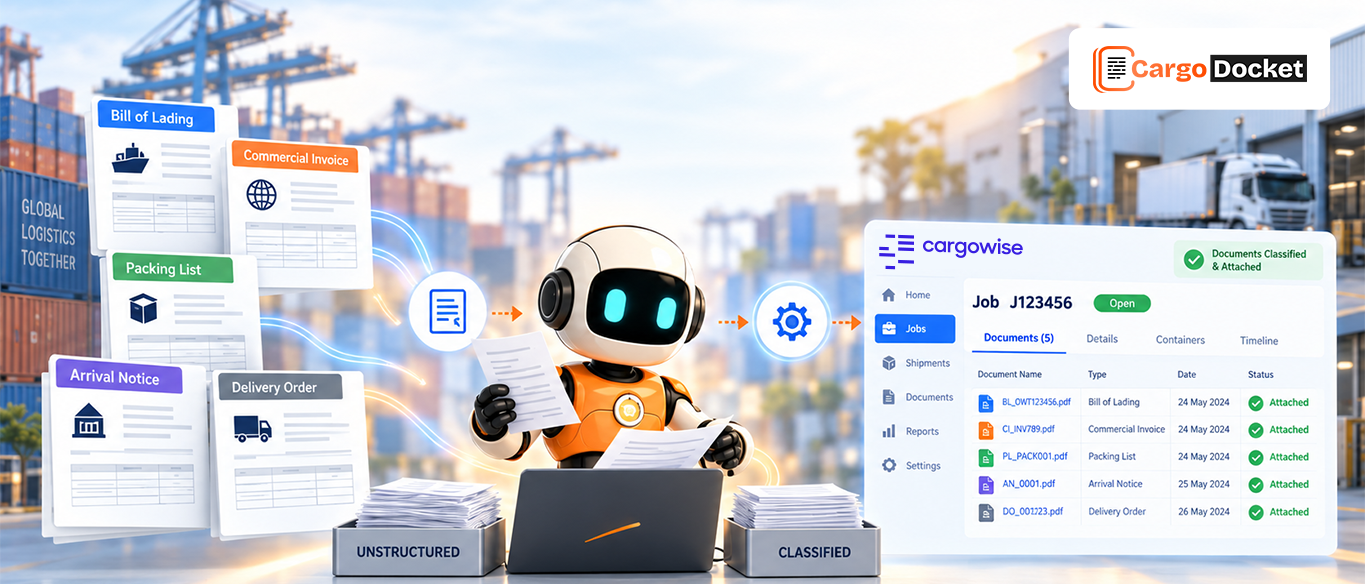
AI-powered invoicing automation uses AI to read invoice documents, extract relevant information, validate the data, and prepare it for processing in CargoWise.
Instead of having someone manually enter and check every invoice, AI can handle the repetitive document work and bring questionable transactions to the finance team for review.
1. Errors from Manual Invoice Data Entry
Invoice processing often starts with basic data entry. Someone has to enter invoice numbers, dates, amounts, supplier details, and job references into the system.
That sounds simple enough, but doing it repeatedly creates plenty of room for mistakes. A single incorrect digit or missing reference can affect the transaction and create more work later.
AI can extract these details directly from invoice documents, reducing the amount of information that needs to be entered manually. The captured data can then be checked before it moves further into the CargoWise workflow.
That means fewer repetitive keystrokes and a cleaner starting point for invoice processing.
2. Missed Charges and Incorrect Rates
Rates and charges can change, and not every charge is easy to spot. A fuel surcharge, accessorial, or updated customer rate may be missed during manual invoice processing. The problem can go both ways. A business may undercharge a customer or record a supplier cost incorrectly, and the difference may not become obvious until later.
AI-powered automation can compare invoice information with the relevant rate and charge data. If a value does not appear to match what is expected, it can be flagged for review.
This gives finance teams a chance to catch the difference before it affects the final billing record.
3. Duplicate Invoices and Double Payments
The same supplier invoice can arrive more than once, particularly when documents come through different channels.
A duplicate may look like a completely new invoice if nobody checks the details against previously processed transactions. If it continues through AP, there is a risk of paying the same invoice twice.
AI can compare information such as:
- Supplier name
- Invoice number
- Invoice amount
- Invoice date
- Job reference
When a potential duplicate is identified, it can be held for review rather than moving forward automatically.
That simple check can help protect cash and save the finance team from having to chase a duplicate payment later.
4. Currency, Tax, and VAT Miscalculations
Freight forwarding often involves different currencies and tax requirements, that makes invoice validation more complicated, especially when teams are processing a large number of documents. A currency value may be incorrect, a tax treatment may not match the transaction, or VAT information may need another look.
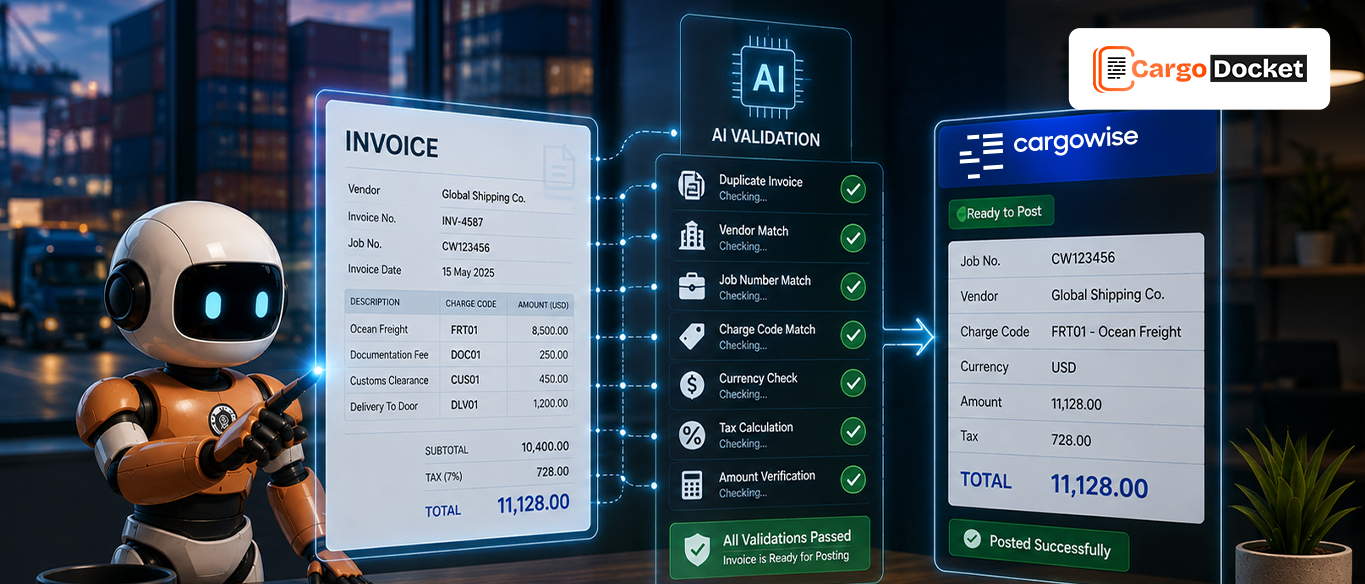
AI can capture these details from the invoice and check them against the relevant CargoWise information and configured rules. If something appears inconsistent, the transaction can be flagged before it moves further through the workflow.
This gives finance teams an earlier opportunity to review potential issues instead of discovering them during reconciliation or reporting.
5. Mismatched Invoice and Job Costs
An invoice should make sense in relation to the CargoWise job it belongs to. When the invoice amount does not match the expected job cost, someone needs to figure out why. Maybe the supplier added a legitimate charge. Perhaps the original expected cost changed. Or the invoice itself may contain an error.
AI can compare invoice charges with relevant job-cost and accrual information and highlight differences that need attention.
The finance team can then review the invoice and the related job information while the details are still easy to trace. This helps move the process from finding problems later to spotting potential mismatches earlier.
6. Delayed Billing and Revenue Leakage
Billing problems are not always about incorrect numbers. Sometimes the invoice simply does not go out when it should. Billing information can sit in emails, documents, or manual queues while the related work has already been completed. The longer it waits, the greater the chance of delayed collections or missed revenue.
AI-powered automation can capture the information needed for billing and help move approved transactions through the workflow without waiting for routine manual processing. The goal is not simply to bill faster. It is to make sure completed work does not get stuck in the billing process unnecessarily.
7. Inaccurate Customer Invoices and Billing Disputes
An inaccurate customer invoice can quickly become more than a billing problem. It can lead to follow-up emails, credit notes, delayed payments, and unnecessary back-and-forth with the customer.
A wrong charge, missing detail, or incorrect reference can make an invoice difficult to reconcile with the service provided. AI can validate customer invoice information against available shipment and billing data before the invoice is finalized.
If the information matches, the invoice can continue through the workflow. If something looks inconsistent, it can be reviewed first, which gives finance teams an opportunity to fix avoidable issues before the customer sees them.
How does CargoDocket AI Help Automate Invoicing in CargoWise?
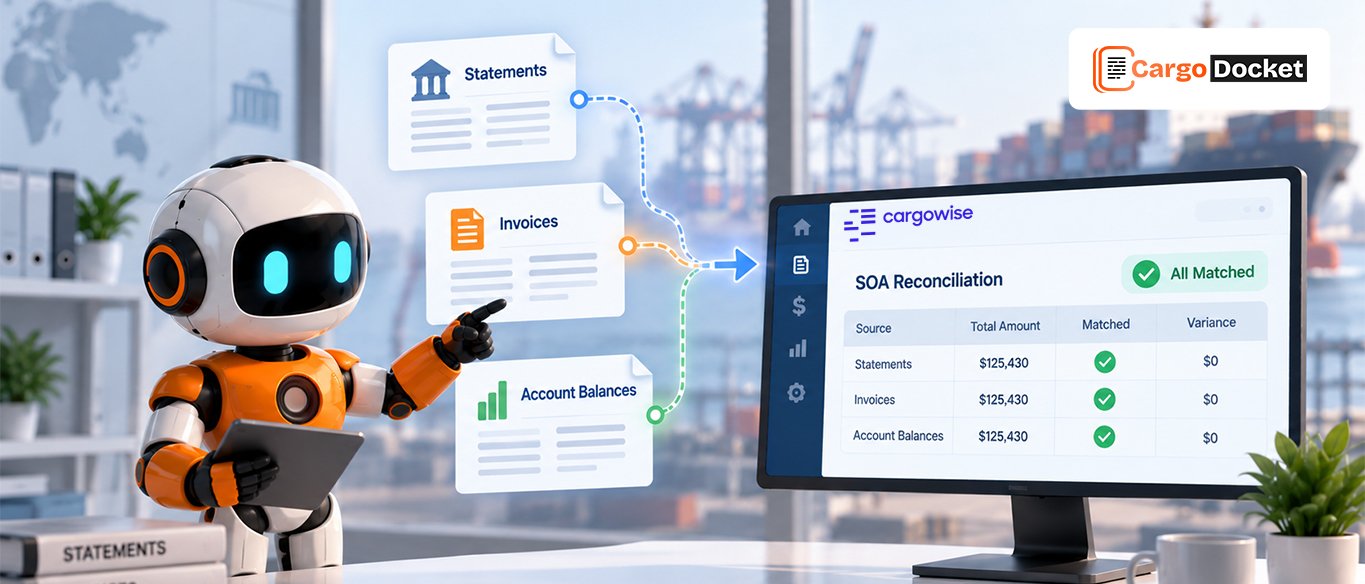
CargoDocket AI helps CargoWise users automate document-heavy invoice workflows by reading incoming invoices, extracting relevant information, validating the data, and preparing it for processing.
When the information meets the expected rules, the transaction can continue. When something is missing, duplicated, or inconsistent, it can be routed to an exception workflow for review.
The process can be summarized as:
Read → Extract → Validate → Match → Flag → Review → Process in CargoWise
This gives finance teams a more focused workflow. Instead of checking every invoice manually, they can spend more time on the transactions that actually need their attention.
What can Finance Teams Gain from AI-Powered Invoicing?
The value of AI-powered invoicing is not just faster processing. It is about creating a more consistent way to catch problems before they become bigger issues.
Finance teams can benefit from:
- Less manual data entry
- Earlier visibility into billing errors
- Fewer duplicate invoices
- Better invoice-to-job matching
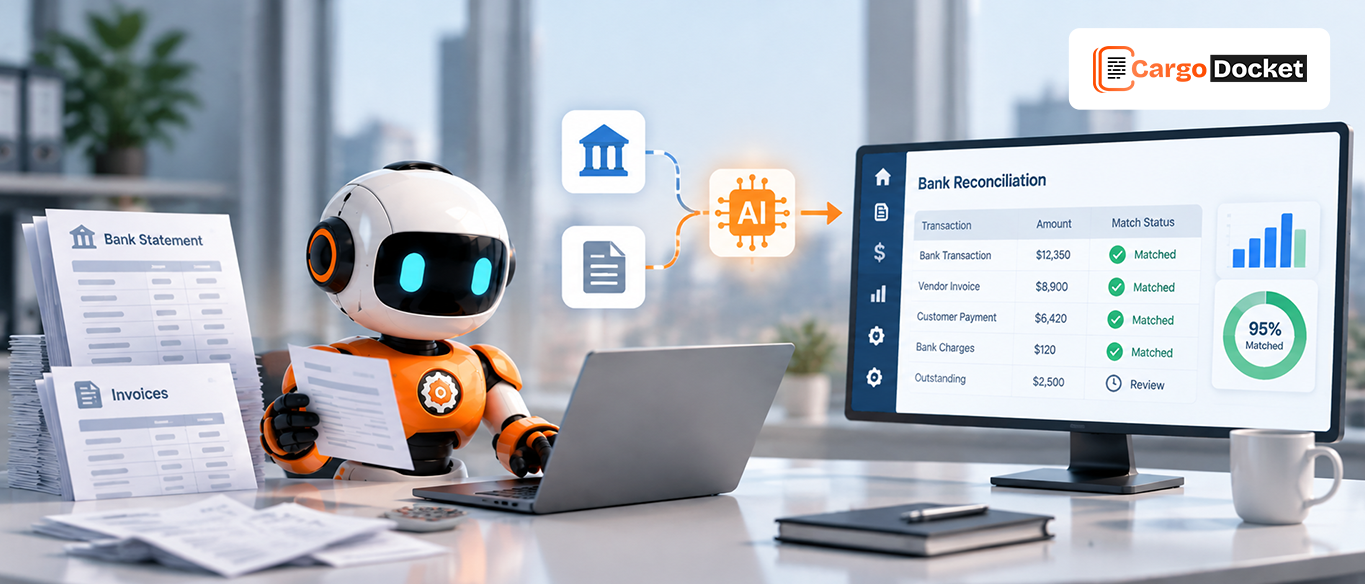
- Reduced reconciliation work
- Faster exception handling
The goal is simple: let AI handle repetitive checks while finance teams focus on exceptions, decisions, and higher-value work.
Conclusion
Billing errors can start with a simple data-entry mistake, missed charge, or duplicate invoice, but the impact can spread into payments, reconciliation, revenue, and customer relationships.
AI-powered invoicing automation helps move those checks earlier in the workflow, giving finance teams better visibility without removing human oversight.
Ready to simplify invoice processing in CargoWise? Schedule a demo to see how CargoDocket AI can help automate your workflow.