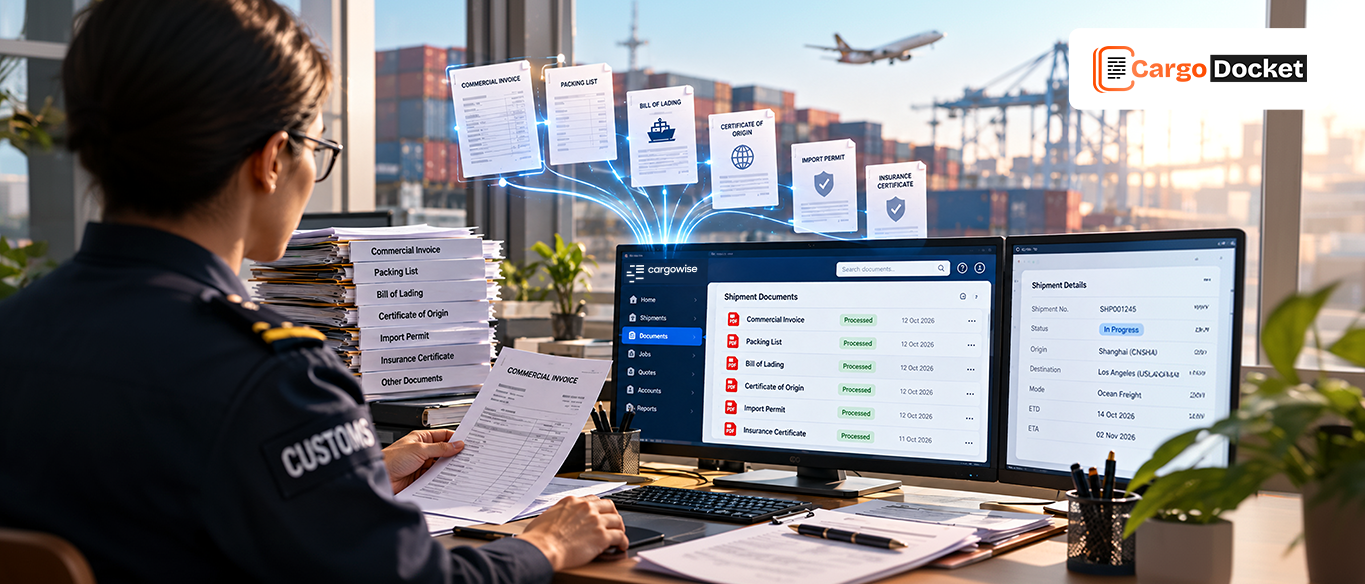

A commercial invoice arrives by email. Then a packing list. A bill of lading follows, along with a few other attachments.
Now someone has to figure out what each file is, open it, find the relevant information, check whether the details are correct, and get that information into the right CargoWise workflow. Doing this for a few documents isn’t a big deal, doing it hundreds of times every week is a different story.
The problem isn’t that freight forwarders lack information. The information is already sitting in their documents. The challenge is turning it into usable data without making the team handle every step manually.
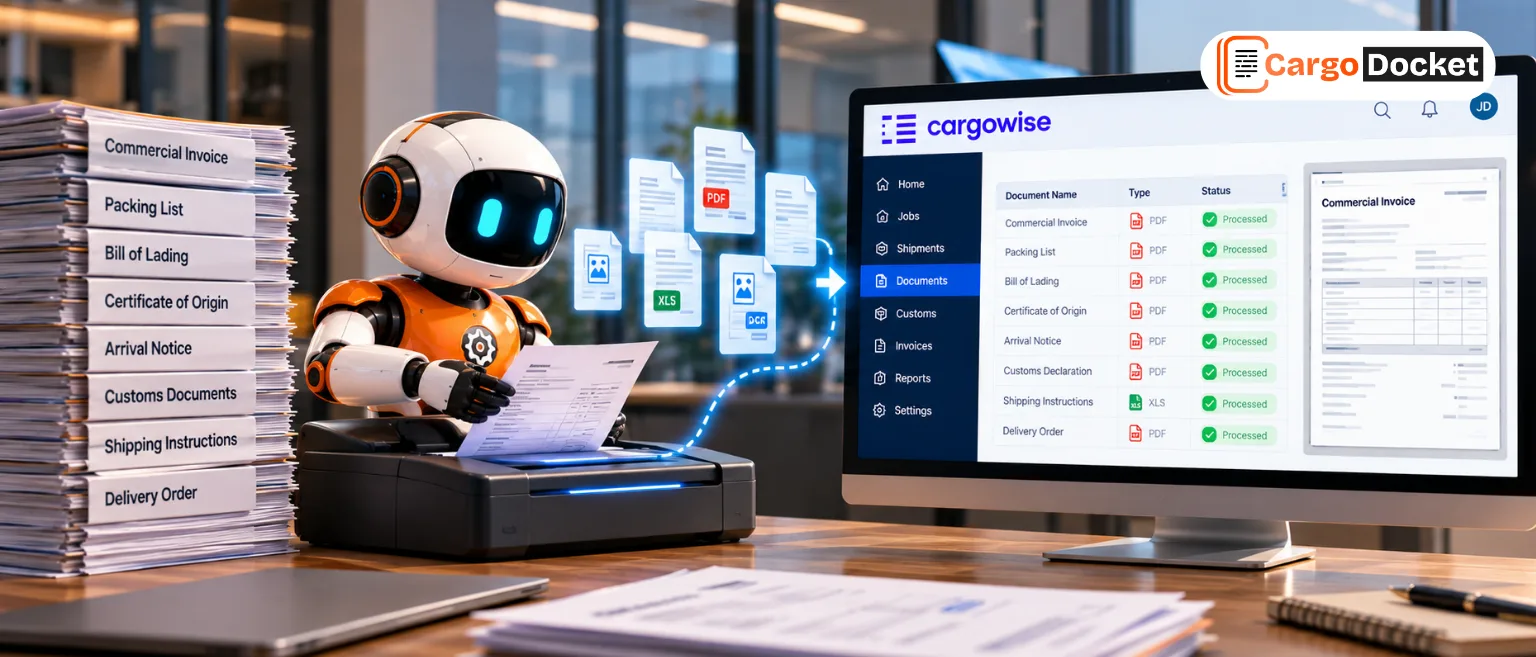
That’s where CargoDocket’s AI can help. It can identify the document, understand what it contains, extract the relevant details, validate the information, and support the next step in the CargoWise workflow.
What Makes Handling Large Volumes of Logistics Documents Difficult?
Freight forwarding generates a steady flow of documents. A single shipment can involve commercial invoices, packing lists, bills of lading, purchase orders, certificates of origin, booking documents, arrival notices, and other supporting files.
These documents can arrive as PDFs, scans, images, spreadsheets, or email attachments, and there’s no guarantee that two documents of the same type will look alike.
As the volume grows, teams can spend a surprising amount of time on work that feels small but happens over and over again: opening attachments, identifying files, locating fields, copying information, and checking whether everything is in the right place.
That creates more opportunities for missed information, incorrect entries, duplicate work, and delays.
Why does Identifying the Right Document Type Matter?
Before AI can extract the right information, it needs to understand what the document is.
A commercial invoice and a packing list may belong to the same shipment, but they contain different information. A bill of lading has its own set of details, while a certificate of origin serves a different purpose.
If a document is classified incorrectly, the wrong fields may be captured or the information may be sent toward an unsuitable workflow.
Manually sorting documents can also become frustrating when filenames provide little context. A file named (Document_2458.pdf) doesn’t tell an operator whether it contains an invoice, packing list, or something else.
AI can examine the document’s content and identify its likely type, giving the rest of the automation process a clear starting point.
How does AI Classify and Understand Different Logistics Documents?
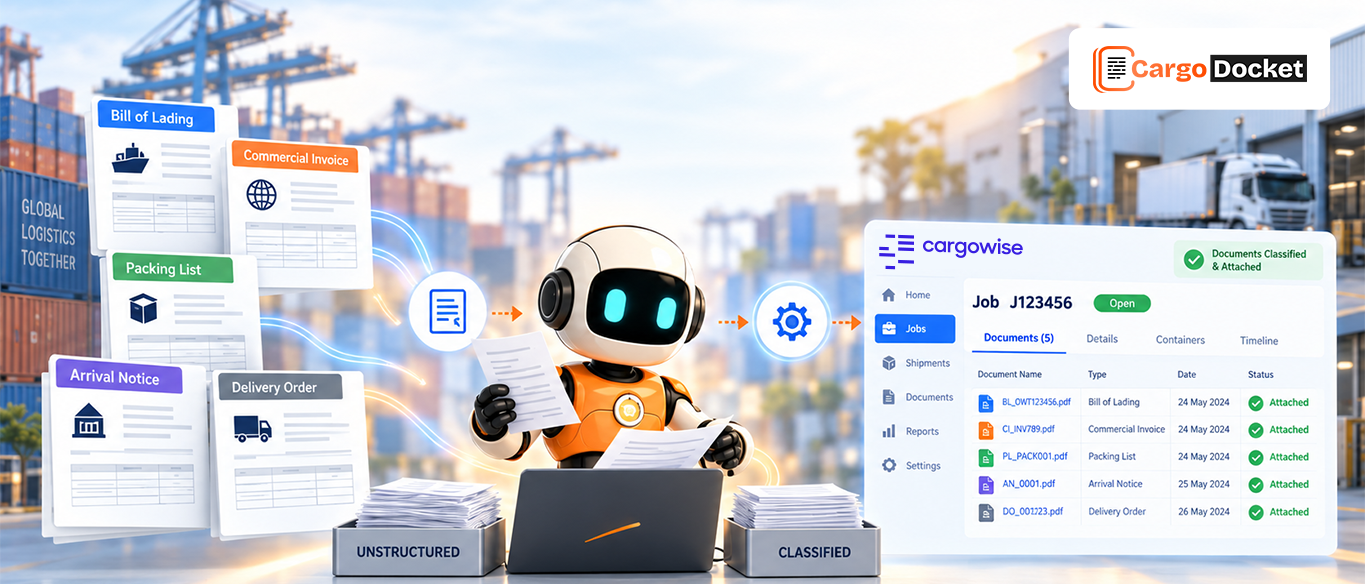
AI can recognize patterns in document content and distinguish between different types of logistics documents, but classification isn’t simply about putting a label on a file. The document type helps determine what information matters next.
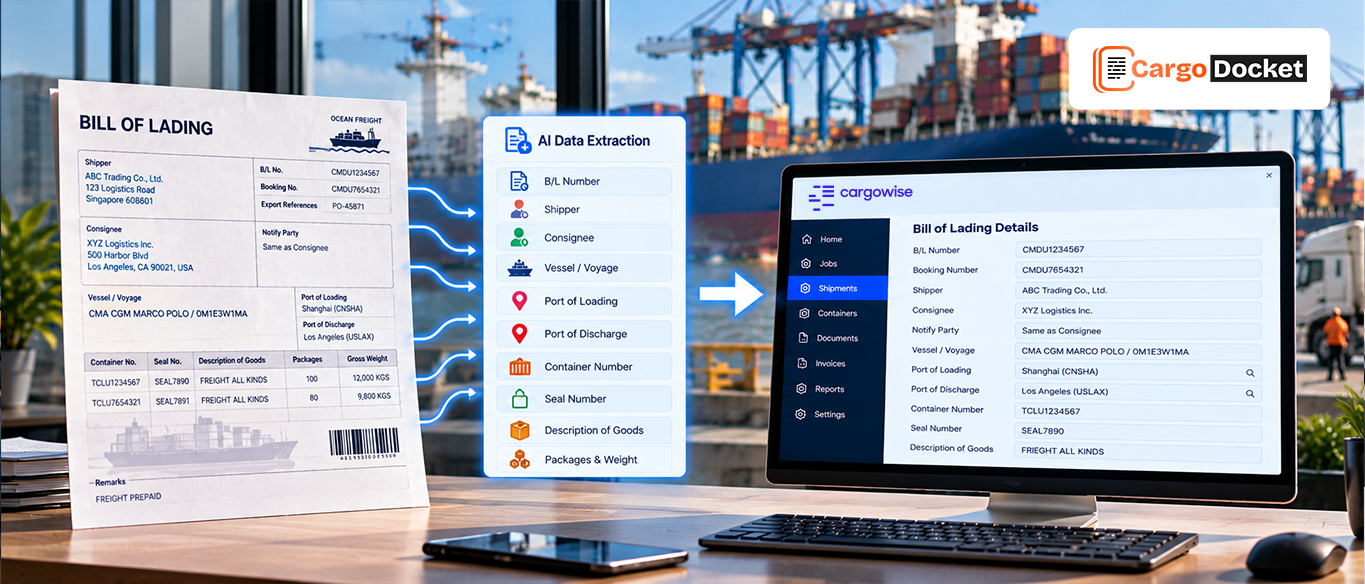
For example, once AI identifies a document as a commercial invoice, it can look for invoice numbers, supplier details, shipment references, values, currency, product information, and other relevant fields. If it identifies a bill of lading, it can focus on information such as shipper, consignee, container numbers, vessel details, ports, and cargo information.
This approach makes the process more useful than simply sorting documents into folders.
What Information can AI Extract and Validate From Each Document?
Once the document type is known, AI can extract the information relevant to that document and organize it into structured fields.
For example:
- Commercial invoice: invoice number, supplier, shipment reference, value, currency, and product details
- Packing list: product descriptions, quantities, packages, weight, and dimensions
- Bill of lading: shipper, consignee, container number, vessel, ports, and cargo details
But here’s an important point: extracted information shouldn’t automatically be treated as correct.
AI can help check whether required fields are present, whether values appear consistent, and whether information matches available CargoWise records or configured business rules.
If a shipment reference is missing or a supplier cannot be matched, the issue can be flagged instead of being pushed forward unnoticed.
How does Document Automation Move Information Into CargoWise?
After the document is classified, the relevant information is extracted and validated, it can then be prepared for the appropriate CargoWise workflow.
The goal isn’t simply to upload another file into the system. It’s to make the information inside that file usable.
The journey can look like this:
Document Received → AI Classification → Information Extraction → Validation → Automation → CargoWise
This can reduce the need for users to repeatedly read documents and manually copy the same information into different fields. Depending on the workflow, the structured information can support shipment, order, documentation, financial, or other operational activities within CargoWise.
What Happens When Document Information is Missing or Incorrect?
Real-world documents aren’t always perfect.
A scanned page may be hard to read. A supplier may leave out a shipment reference. A carrier name may not match the available record. Two documents may contain conflicting information.
A good automation process shouldn’t guess just to keep things moving.
Instead, uncertain or inconsistent information can be treated as an exception and sent to the appropriate user for review. This lets automation handle routine work while people step in when context or judgment is needed that’s a much more practical approach than trying to automate every document blindly.
How can AI Reduce the Daily Document Work for Freight Forwarders?
The real benefit comes from reducing the number of routine tasks your team has to perform manually. Instead of opening every attachment, deciding what it is, finding fields, entering data, and performing basic checks, AI can take care of much of that groundwork.
This can help freight forwarding teams with:
- Less repetitive data entry
- Faster document handling
- More consistent classification
- Better data quality
- Fewer avoidable mistakes
- Faster movement of information into CargoWise
- More focused AI exception handling
The goal isn’t to replace the people who understand the business. It’s to give them fewer repetitive tasks so they can spend more time on work that actually requires their expertise.
How does CargoDocket Bring AI Document Automation Into CargoWise Workflows?
CargoDocket brings document classification, information extraction, validation, and automation together for CargoWise workflows. When a logistics document comes in, the system can help identify what type of document it is, capture the information that matters, check the extracted data, and prepare it for the appropriate next step.
This means documents such as commercial invoices, packing lists, bills of lading, purchase orders, and other logistics files can move beyond simply being stored or manually reviewed.
The focus is on turning information trapped inside documents into structured, usable data for CargoWise while keeping exceptions visible for human review.
Conclusion
Handling large volumes of logistics documents can become a time-consuming job when every file has to be manually identified, read, checked, and entered.
AI can simplify that journey by classifying documents, understanding their content, extracting relevant information, validating the data, and supporting automation into CargoWise workflows.
With CargoDocket AI Document Automation, freight forwarders can reduce repetitive document work while keeping their teams in control of exceptions and important decisions.
Ready to reduce the manual work involved in logistics document processing? Contact us to see how CargoDocket AI Document Automation can help classify, extract, validate, and automate document information within your CargoWise workflows.