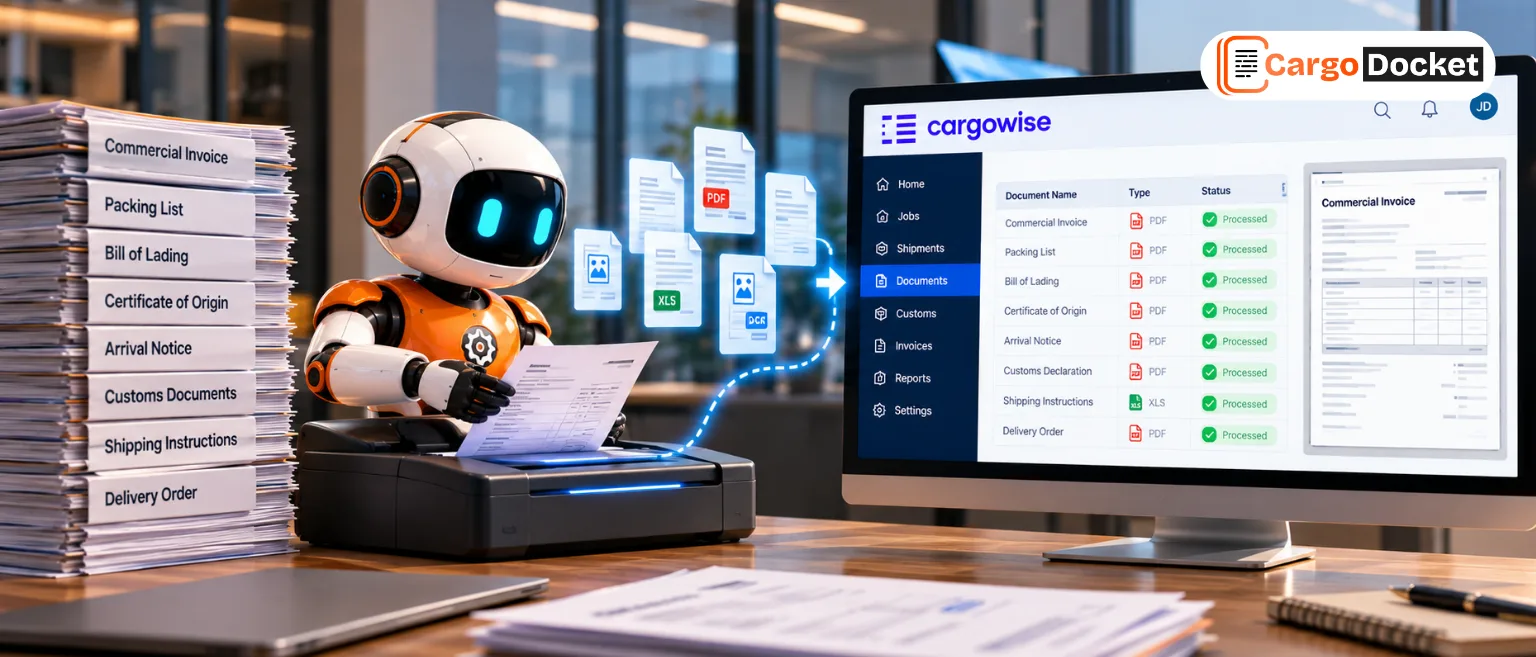

A commercial invoice, packing list, booking, or email can already contain most of the information needed to create a shipment. Yet someone still has to read it, find the right details, and enter them into CargoWise.
When that happens shipment after shipment, the work adds up, and so does the chance of errors.
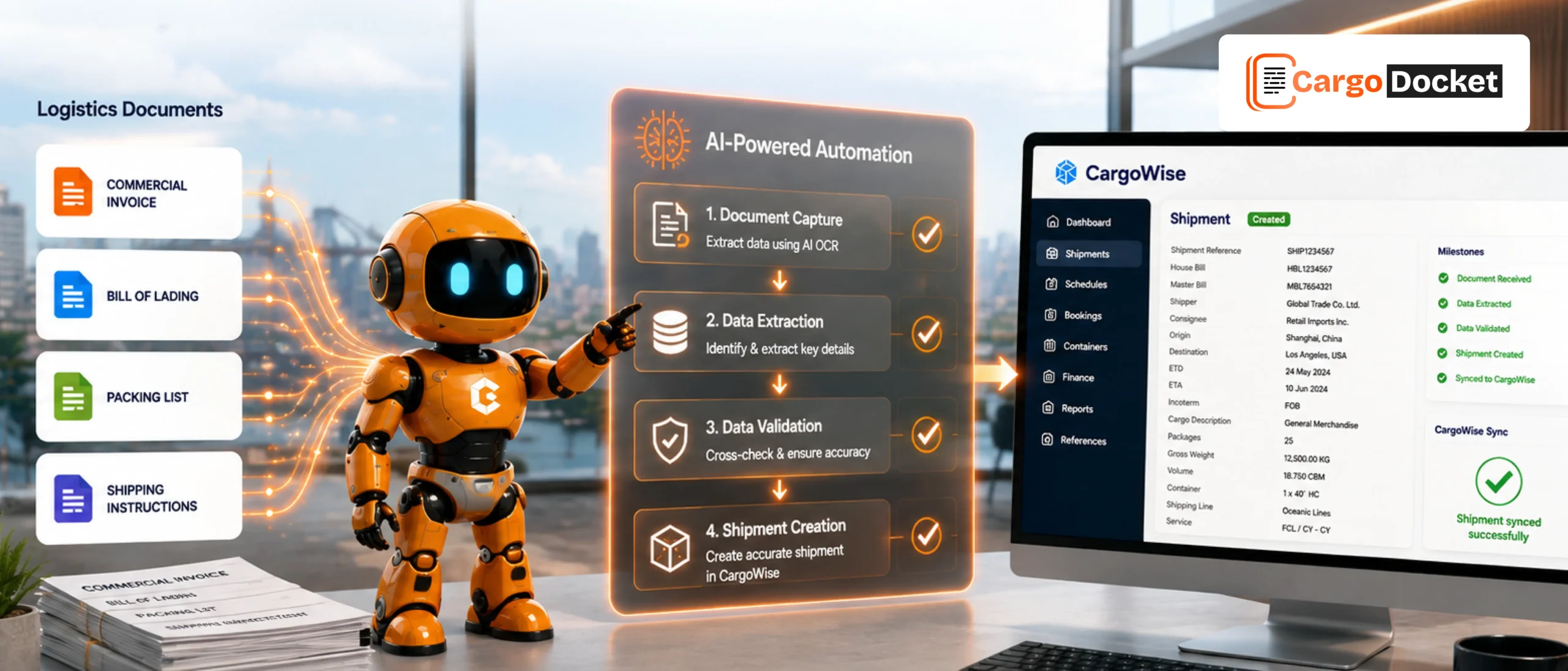
AI-powered shipment creation automation helps close that gap by reading logistics documents, extracting relevant information, checking it, and preparing it for shipment creation in CargoWise.
What Makes Creating Shipments in CargoWise a Manual Obstacles?
Creating a manual shipment record involves more than filling in a few fields. An operator may need to collect information from several documents, determine which details are relevant, and then enter them into the appropriate CargoWise fields.
Depending on the shipment, this may include:
- Shipper and consignee details
- Origin and destination
- Booking and shipment references
- Cargo description
- Package count
- Weight and dimensions
- Container information
- Shipment dates
The challenge becomes obvious when the same process is repeated throughout the day. A few minutes spent on one shipment can become hours of repetitive work across a busy operation, and because the information is being entered manually, a wrong reference, missing field, or incorrect quantity can create rework later.
The problem isn’t necessarily that shipment creation is difficult. It’s that teams are repeatedly transferring information that already exists somewhere else.
Why is So Much Shipment Information Still Trapped in Documents?
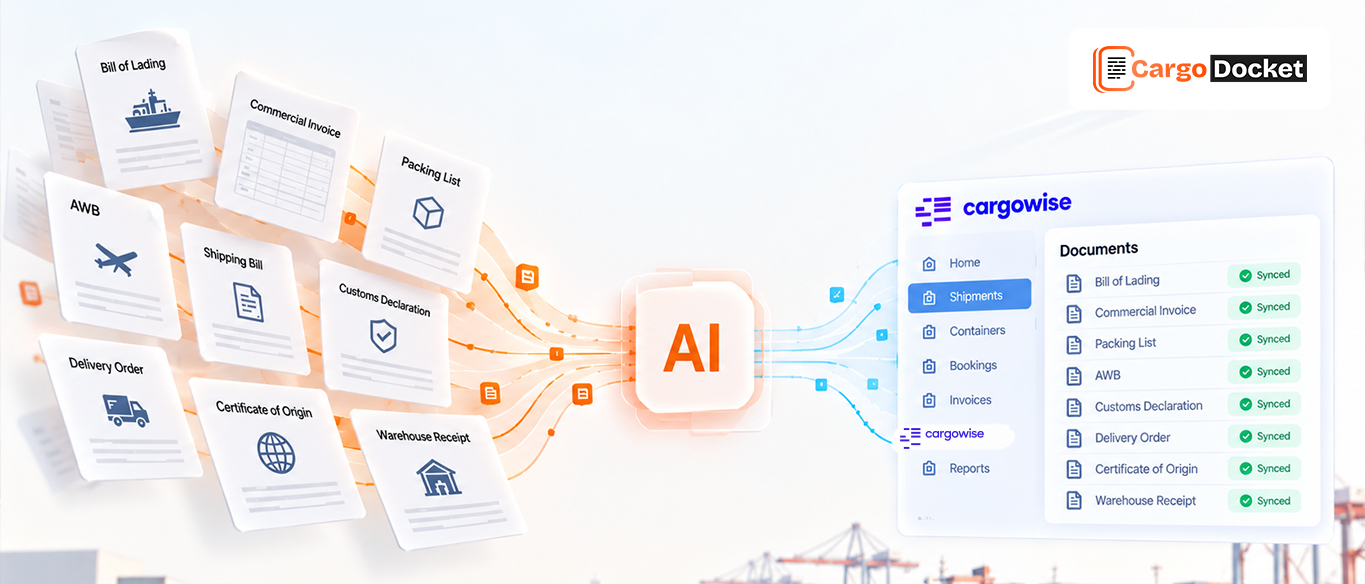
The information needed to create a shipment is usually already available. It may be inside a commercial invoice, packing list, bill of lading, booking confirmation, shipping instruction, spreadsheet, or email attachment.
For example, a commercial invoice can contain the buyer, seller, description of goods, quantities, and total cost. A packing list can provide package counts, weights, dimensions, and other shipment details. A bill of lading can contain shipment references, parties, routing information, and cargo details.
The information is there. The challenge is turning it into structured data that can actually be used in CargoWise.
That’s where AI-powered document automation can help. Instead of asking an employee to read every document and manually transfer the information, AI can interpret the document and identify the shipment details relevant to the workflow.
How does AI Read Documents and Find the Shipment Details Teams Need?
AI-powered document processing can identify shipment information even when it appears in different sections or formats.
For example, AI can help capture:
- Shipper and consignee information
- Origin and destination
- Booking numbers
- Shipment references
- Cargo descriptions
- Quantities and packages
- Weight and dimensions
- Container details
- Relevant dates
The value isn’t simply that AI can read text. It’s that it can help identify the information that matters to shipment creation.
So instead of an operator searching through several pages to find individual details, the relevant information can be brought together and prepared for the next stage.
This becomes especially useful when documents don’t all look the same. One vendor may send a standard PDF, another a scanned document, and another an Excel file or email attachment.
How does AI Check Shipment Data Before Creating a Record in CargoWise?
Extracting information is only part of the process. The next concern is whether the extracted information is complete and consistent enough to use.
Logistics documents can contain missing fields, unclear values, or conflicting information. Two documents for the same shipment may even show different weights, quantities, or references.
AI-powered automation can help identify information that needs attention before it is used for shipment creation.
For example, it can help flag:
- Missing shipment references
- Incomplete addresses
- Unclear values
- Conflicting information between documents
- Required fields that could not be confidently extracted
Instead of pushing questionable information straight into the shipment record, the issue can be brought to an operator for review. This creates a practical balance: AI handles the straightforward information, while people step in when something needs clarification or judgment.
How does Extracted Information Become a Shipment in CargoWise?
Once the relevant information has been captured and checked, it needs to be connected to the appropriate CargoWise fields.
This is where the process moves from document processing to shipment creation.
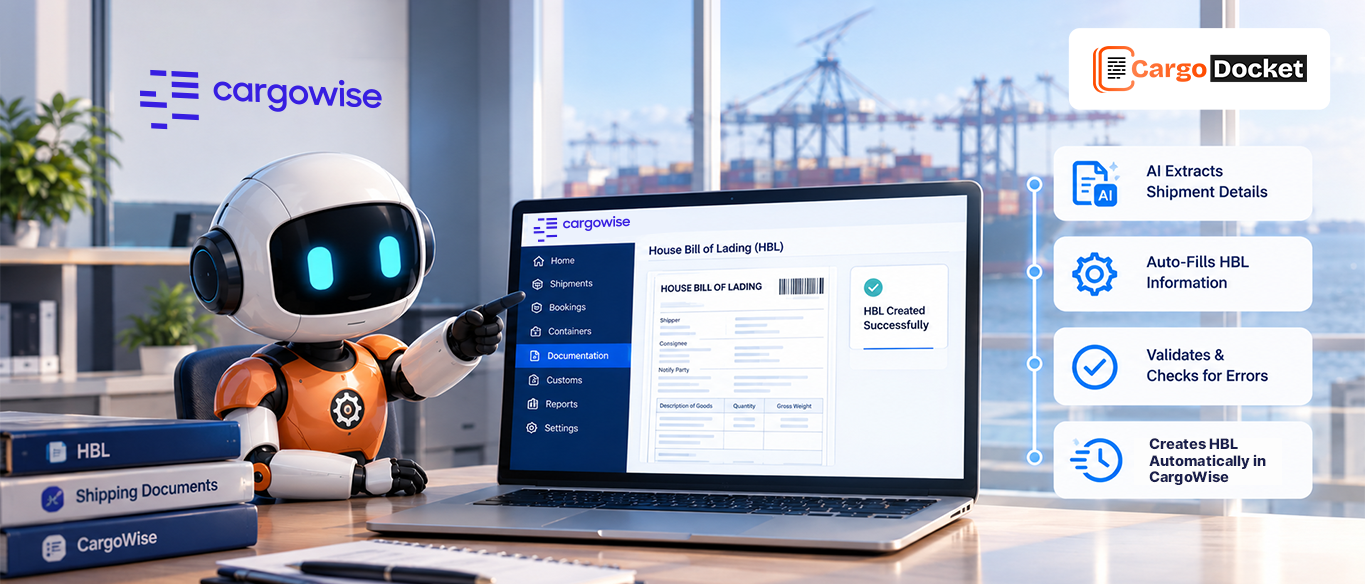
The extracted information can be mapped to the relevant fields used for the CargoWise shipment or job. Instead of having an operator manually recreate information that already exists in the source document, the data can be prepared for the appropriate operational record.
This can include information such as:
- Parties and addresses
- Shipment references
- Routing details
- Cargo information
- Package and weight details
- Container information
- Dates and other operational fields
The exact fields and level of automation can depend on the organization’s CargoWise configuration and workflow. The purpose, however, remains straightforward: reduce unnecessary manual transfer of shipment information into CargoWise.
Which CargoWise Job Types can AI-Powered Shipment Creation Support?
Shipment creation doesn’t always follow the same operational path. Depending on the workflow and CargoWise configuration, AI-powered automation can support information preparation for different job types.
Forwarding Job
Relevant information from forwarding documents can be captured and prepared for the forwarding workflow.
Brokerage Job
Shipment and customs-related information can be extracted from supporting documents to help prepare brokerage-related records.
Transport Job
Pickup, delivery, cargo, and reference information can be captured to support transport workflows.
Warehouse Entry
Information from incoming shipment documents can be extracted and prepared for warehouse-related processing. The key point is that the document provides the information, while the operational workflow determines where that information belongs in CargoWise.
What Happens When AI Finds Missing or Conflicting Shipment Information?
Not every logistics document will provide a perfect set of shipment details. A field may be missing, a scanned value may be difficult to read, or two documents may contain different information. In those situations, automation shouldn’t simply guess.
Instead, the issue can be identified for human review. An operator can check the source information and determine what should happen next.
For example, if the weight on a packing list differs from another shipment document, the operator can review the supporting information before deciding which value should be used.
This keeps the human decision-maker involved without requiring them to manually review every straightforward shipment.
The goal isn’t to remove people from the process. It’s to involve them where their judgment actually matters.
How can Automated Shipment Creation Reduce Repetitive Data Entry?
The operational benefit becomes clearer when shipment volumes increase. Imagine an operator processing shipment after shipment. For each one, they may need to open a document, search for the information, copy it, enter it into CargoWise, and then check that everything was entered correctly.
One shipment might take only a few minutes. Across hundreds of shipments, those minutes can become a significant amount of time.
AI-powered shipment creation can reduce that repetitive workload by helping move information from documents toward the relevant CargoWise workflow.
That can mean less:
- Copying and pasting
- Re-keying information
- Switching between documents and CargoWise
- Repeating the same shipment setup steps
- Correcting simple data-entry mistakes
The goal isn’t to make your team type faster.
It’s to make them type less.
How can AI Help Teams Create Shipments Faster Without Losing Data Accuracy?
Speed by itself isn’t enough. If a shipment is created quickly but contains incorrect information, the operations team may spend even more time fixing it later.
A better approach combines automation with validation and human review where necessary.
AI can help identify and organize information from documents, while the workflow can highlight missing or conflicting details before they create downstream problems.
This can help teams achieve:
- Faster shipment setup
- More consistent data capture
- Earlier visibility into missing information
- Fewer avoidable entry errors
- Less repetitive manual work
The focus isn’t simply on creating more shipment records. It’s about creating them faster while maintaining better control over the information being used.
Which Formats can CargoDocket AI Process for Shipment Creation?
Shipment information doesn’t always arrive in the same format. One vendor may send a PDF, another may use an Excel file, while shipment details may also come through email attachments or scanned documents.
CargoDocket AI can support processing across a range of formats, including:
- Standard and scanned PDFs
- JPEG, PNG, and TIFF images
- Excel and CSV files
- TXT and DOCX files
- Email attachments
- Single- and multi-page documents
- Documents in multiple currencies
- Documents in multiple languages
This flexibility helps teams work with the information they already receive instead of manually converting every file before processing.
It also means the document format doesn’t have to become another manual step before shipment creation can begin.
How does CargoDocket AI Help Bring Document Data into CargoWise?
CargoDocket AI supports the document-to-shipment process by helping turn information from logistics documents into structured data for CargoWise.
For example, when a commercial invoice, packing list, booking document, or email attachment arrives, CargoDocket AI can help identify the relevant shipment details and prepare them for the appropriate CargoWise workflow.
When the information is complete and suitable for processing, it can continue through the workflow. When something is missing, unclear, or inconsistent, it can be brought to the team’s attention for review.
This allows CargoDocket AI to handle much of the repetitive document-processing work while keeping operations teams involved when a shipment requires human judgment.
The result is a more practical approach to automation: less manual document handling, less repetitive data entry, and more focus on the shipments that actually need your team’s attention.
Conclusion
Shipment creation often starts with information that already exists in a document. AI-powered automation can help turn that information into structured, validated data for CargoWise, reducing repetitive manual entry while keeping people involved when exceptions need attention.
Ready to simplify shipment creation in CargoWise? Contact us to see how CargoDocket AI and AI Document Automation can help turn your logistics documents into accurate shipment data.