
Freight accounting involves more than recording transactions. Every invoice, charge, and payment is connected to shipments, vendors, customers, and operational activities.
When financial information is handled manually, teams spend more time entering data, checking invoices, and correcting errors instead of focusing on financial performance.
AI-powered QuickBooks workflows help logistics businesses transform freight invoices into accurate financial data, reduce repetitive tasks, and create a faster accounting process.
Why Managing Freight Invoices Becomes Difficult as Businesses Grow?
As logistics businesses expand, financial operations naturally become more complex. More shipments bring more vendors, invoices, charges, and financial information that must move accurately between teams.
Unlike standard invoices, freight invoices often contain multiple layers of details, including shipment references, transportation charges, accessorial fees, taxes, customer information, and payment details.
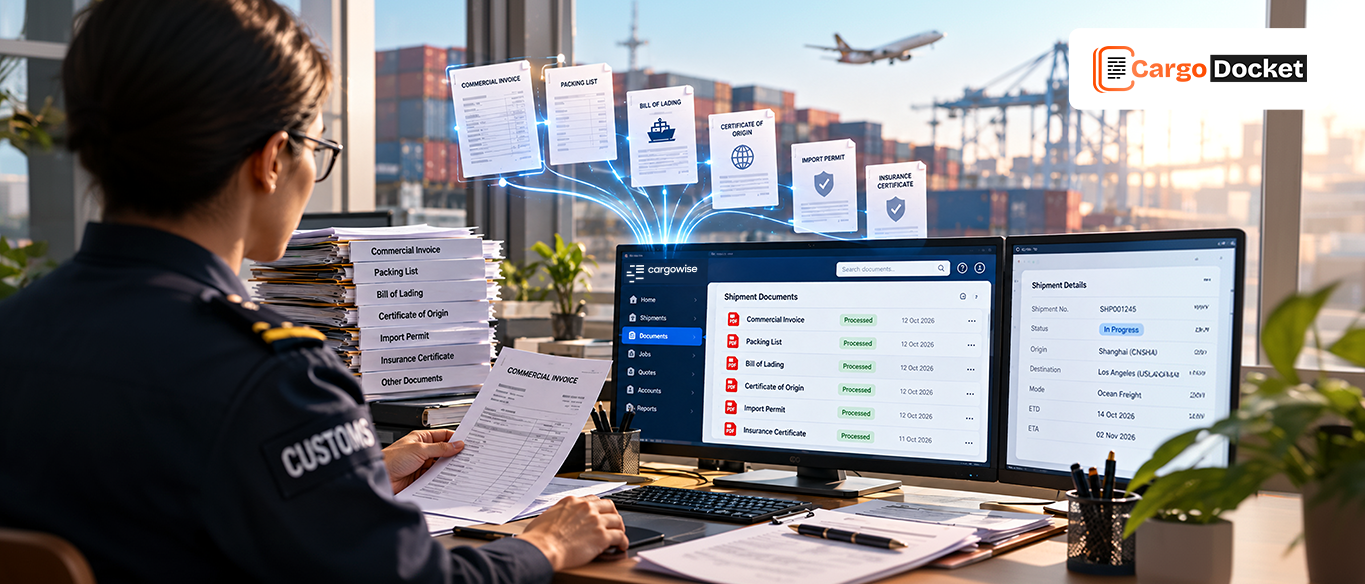
Finance teams regularly handle documents such as:
- Accounts payable invoices
- Vendor invoices
- Commercial invoices
- Bills of Lading
- Air Waybills
- Customer invoices
- Purchase orders
Each document must be reviewed before information reaches accounting platforms like QuickBooks.
For example, a freight forwarder that receives hundreds of vendor invoices every month may need to manually verify charges, match shipment references, and update accounting records. As transaction volume increases, businesses need a smarter approach to manage financial data efficiently.
Where Manual Invoice Processing Slows Down Logistics Finance Teams?
Freight accounting requires a strong connection between operational activities and financial records.
A normal workflow often looks like:
Shipment completed
↓
Charges verified
↓
Invoice received
↓
Finance review completed
↓
Accounting records updated
When these steps depend on manual work, small delays can create larger financial challenges. Teams often spend valuable hours checking invoices, comparing information, correcting errors, and updating systems.
Common challenges include:
- Repeated invoice data entry
- Incorrect financial information
- Delayed invoice approvals
- Missing shipment references
- Vendor charge differences
- Longer reconciliation processes
These activities reduce productivity and make it difficult for finance teams to maintain real-time visibility.
How AI Turns Freight Invoices into Ready-to-Use Financial Data?
AI is changing how logistics businesses manage invoice processing. Traditionally, invoices were treated as documents that required manual reading, checking, and entry.
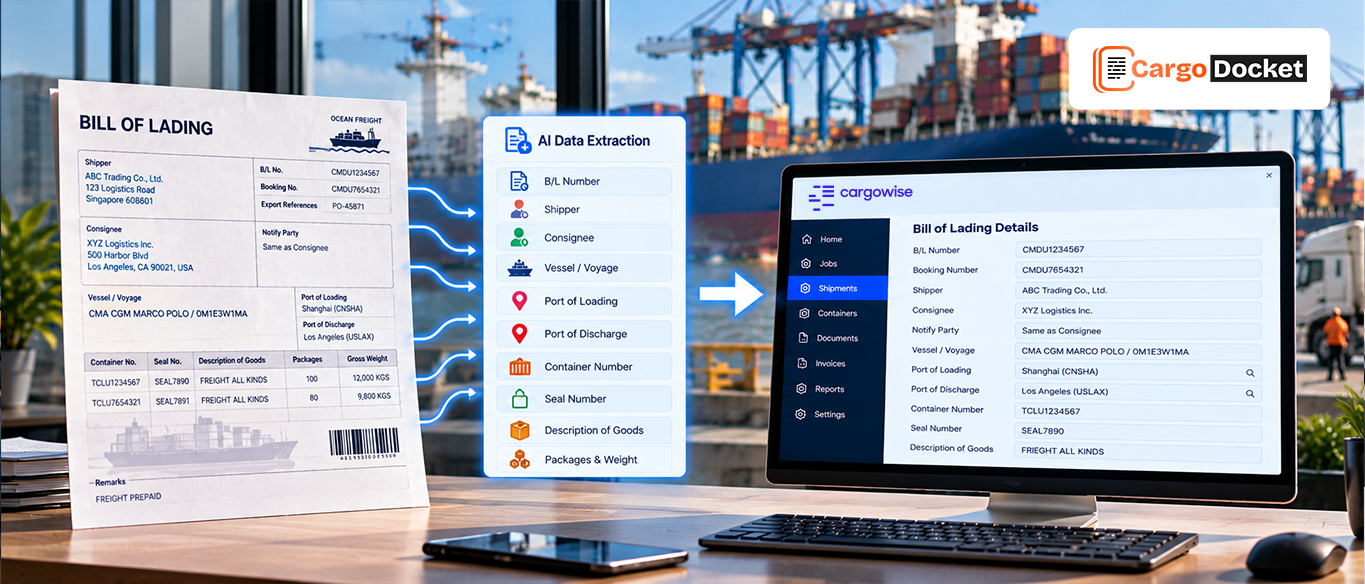
Today, AI can turn invoices into structured financial information by understanding the document, extracting important details, and preparing the data for accounting workflows.
The process changes from:
Manual invoice handling → Intelligent financial data processing
AI can capture invoice numbers, vendor information, shipment references, charges, dates, and payment details.
This creates cleaner financial data that can move faster between logistics operations and accounting systems.
How Cargo Docket AI Integrate Freight Documents with QuickBooks?
Cargo Docket AI bridges the gap between logistics financial documents and QuickBooks accounting workflows.
It converts unstructured invoices and financial files into organized accounting data ready for business use.
Cargo Docket AI helps teams:
- Capture invoice data from different formats
- Extract financial and shipment details
- Validate important information
- Structure accounting-ready data
- Integrate information with QuickBooks workflows
Instead of manually transferring invoice details, finance teams can manage a more accurate and connected flow of financial information.
What Financial Documents can be Automated Before Reaching QuickBooks?
Before data moves into QuickBooks, financial documents need to be captured, validated, and organized. Cargo Docket AI supports multiple logistics financial processes.
Accounts Payable Invoices
Accounts payable processing requires accurate invoice review before payment approval. In logistics, AP teams manage invoices from carriers, vendors, transport providers, and other service partners.
Cargo Docket AI extracts important details such as vendor information, invoice numbers, amounts, dates, shipment references, and payment details.
For example, when a trucking provider sends multiple freight invoices, AI can capture the required information, organize the data, and prepare it for QuickBooks workflows without teams manually entering every invoice field.
The extracted data is structured and validated, helping teams reduce processing time, improve accuracy, and manage payments more efficiently.
Vendor Invoice Validation
Vendor invoices must be checked carefully because incorrect charges directly impact financial accuracy and profitability.
Cargo Docket AI validates invoice information against operational and financial references to help identify differences before invoices move forward.
For example, if a carrier submits an invoice with freight charges, fuel charges, or additional service fees, finance teams need to verify whether those amounts match the expected shipment costs.
AI helps highlight mismatches earlier, allowing teams to review only exceptions instead of manually checking every invoice line.
This improves invoice accuracy, reduces reconciliation work, and gives finance teams better control over vendor payments.
Commercial Invoice Processing
Commercial invoices contain important financial and trade information used across logistics, accounting, and reporting workflows.
Cargo Docket AI captures details such as invoice values, product information, currency details, customer information, and references.
For example, when a logistics business receives commercial invoices from multiple customers in different formats, AI can identify important fields and convert the information into structured financial data.
This allows teams to maintain consistent invoice information, reduce duplicate entry, and improve accuracy before data moves into QuickBooks.
Purchase Orders and Supporting Documents
Finance teams frequently need to compare invoices against purchase orders and supporting documentation before completing approvals.
Cargo Docket AI helps connect related information by extracting and organizing details from multiple documents.
For example, when a supplier invoice arrives, finance teams may need to compare it with the original purchase order to confirm quantities, pricing, and references. AI simplifies this process by making the required information easier to validate.
This reduces manual comparison work, improves approval speed, and creates smoother financial workflows before information reaches QuickBooks.
How Invoice Information Moves Automatically into QuickBooks?
An integrated QuickBooks workflow depends on accurate information movement from the beginning.
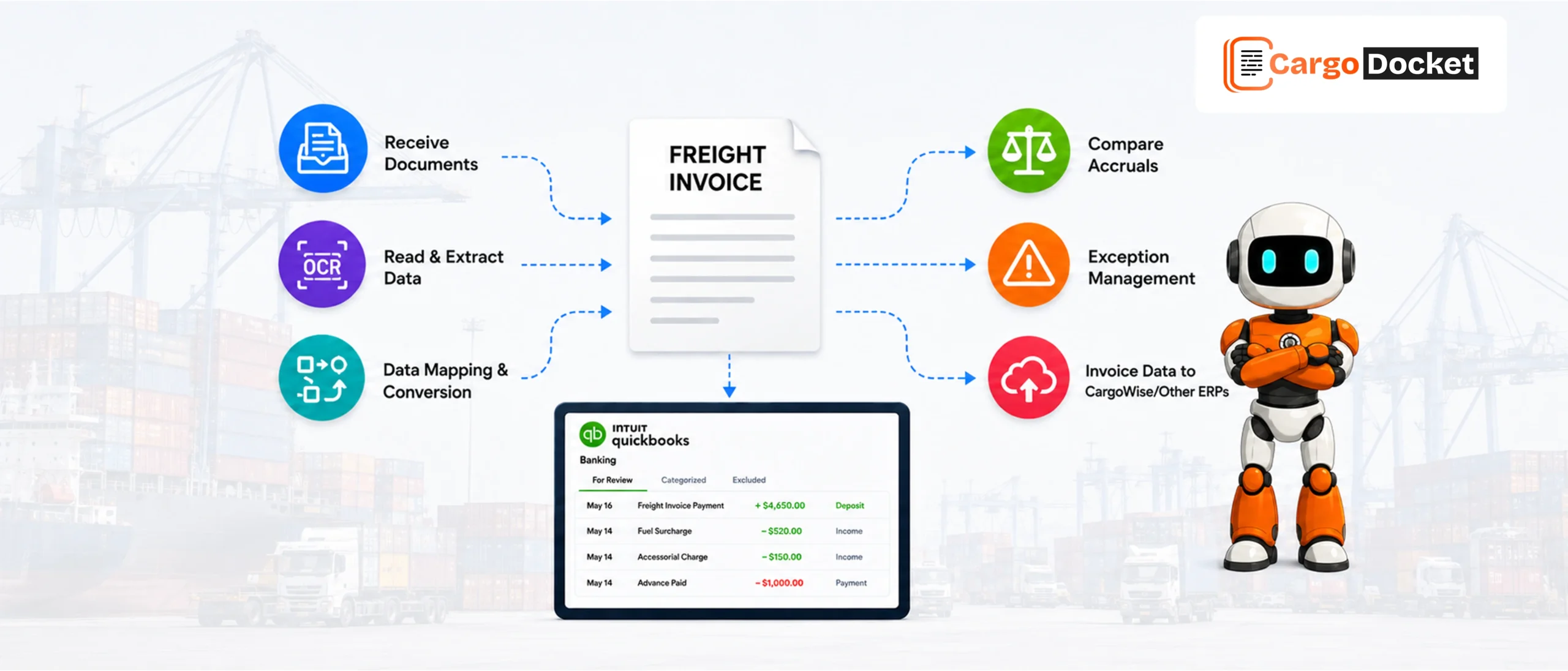
The process includes:
Receive Invoice Documents
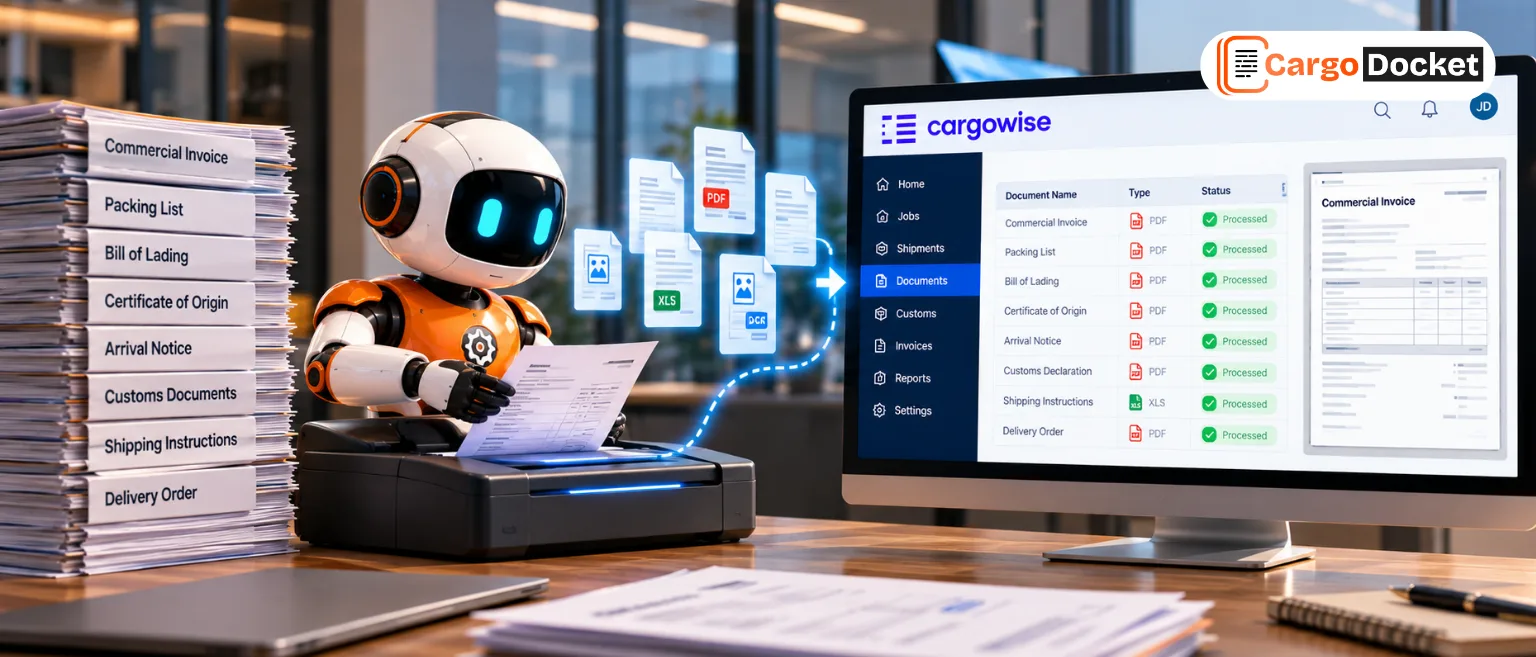
Invoices arrive through emails, PDFs, scanned files, spreadsheets, or other sources.
AI Captures Important Details
The system reads financial documents and identifies accounting-related information.
Data Gets Validated
Extracted information is checked for accuracy based on business requirements.
Exceptions are Reviewed
Finance teams can review and approve exceptions before final processing.
QuickBooks Gets Updated
Validated information moves through configured integrations into QuickBooks based on workflow requirements.
This creates a smoother connection between freight documents and accounting operations.
Creating More Accurate and Integrated Accounting Workflows
QuickBooks provides strong accounting capabilities, but financial accuracy depends on the quality of data entering the system.
AI-enabled processing improves the flow of information before it reaches accounting workflows.
It supports better:
- Vendor record management
- Customer information accuracy
- Invoice data processing
- Expense tracking
- Financial reporting
Reliable information helps finance teams make faster and more confident decisions.
How AI Helps Finance Teams Save Time and Improve Visibility?
Intelligent automation is not only about reducing data entry. It improves how finance teams manage everyday operations.
By integrating invoice processing with QuickBooks workflows, logistics businesses can improve:
- Invoice processing speed
- Financial data accuracy
- Payment visibility
- Reconciliation efficiency
- Team productivity
Finance teams spend less time correcting information and more time focusing on financial strategy.
Growing Freight Operations Without Increasing Accounting Workload
As logistics businesses grow, more shipments naturally create more invoices, vendor payments, and accounting tasks. Managing this increase manually can slow down finance teams and make daily processes harder to control.
AI-powered financial workflows allow businesses to handle increasing invoice volumes without adding unnecessary manual effort. Information can be captured, validated, and organized faster, helping teams focus on approvals, exceptions, and financial decisions.
This helps freight businesses scale accounting operations while maintaining accuracy, visibility, and control.
Building Future-Ready Freight Accounting with Connected Financial Data
The future of logistics finance depends on accurate data moving smoothly between operations and accounting systems.
By combining intelligent invoice processing with QuickBooks connectivity, businesses can create financial workflows where invoices, vendor details, payments, and reports stay connected.
Instead of spending time fixing errors or searching for missing information, finance teams can focus on improving cash flow visibility, decision-making, and long-term growth.
Conclusion:
Freight finance depends on accurate information moving between operations, accounting teams, and financial systems.
Cargo Docket AI helps transform freight invoices into structured accounting data and integrate that information with QuickBooks workflows.
By reducing manual processing and improving data accuracy, logistics businesses can build faster, smarter, and more scalable finance operations. Your finance team deserves more than manual invoice processing. Contact us today to see how Cargo Docket AI can help create faster, smarter, and more connected QuickBooks accounting workflows.