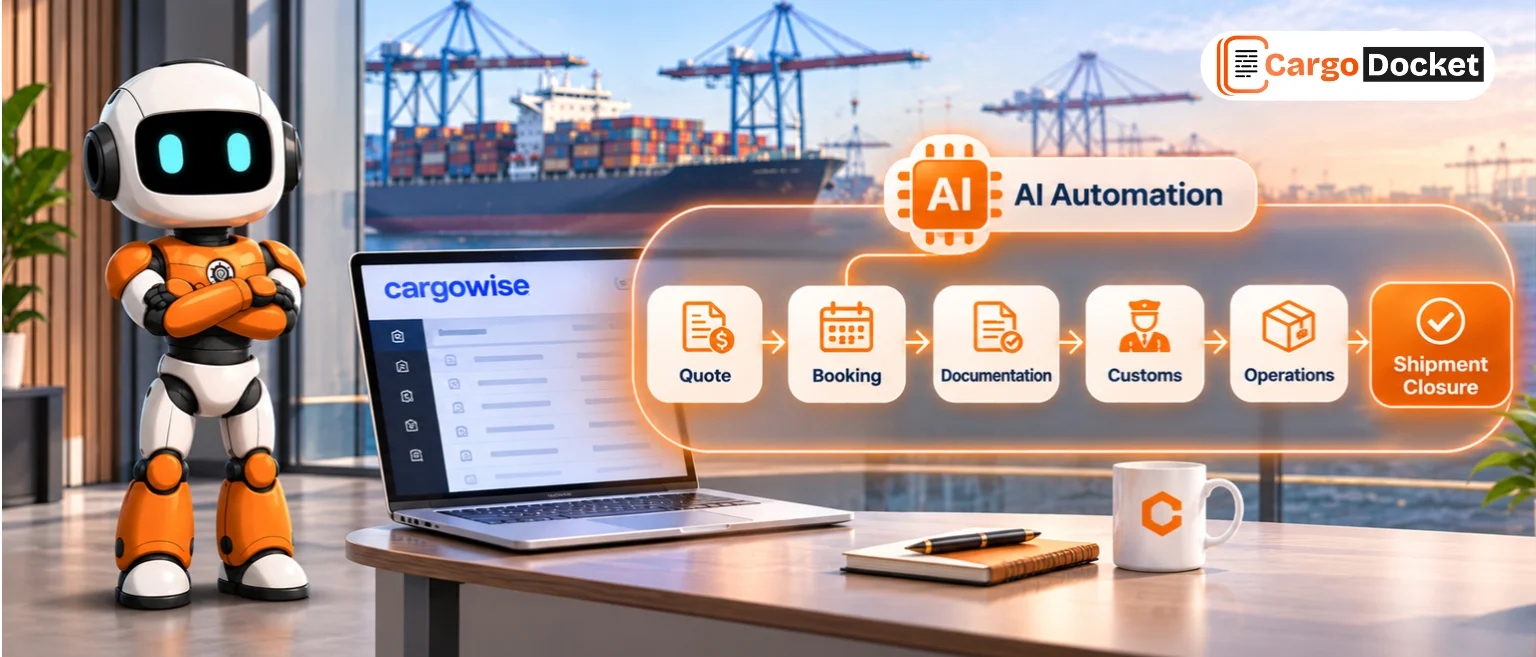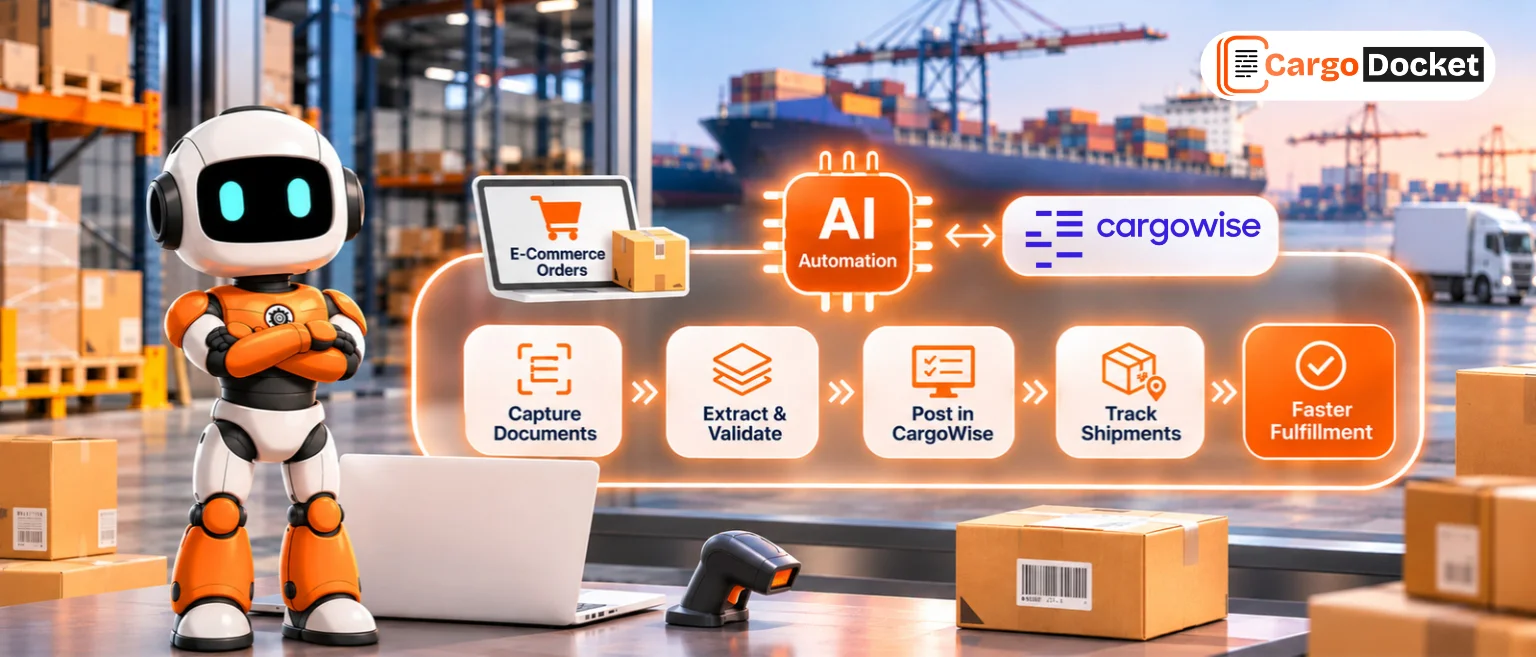


Every day, freight forwarders receive Bills of Lading, commercial invoices, packing lists, booking confirmations, and other shipment documents by email. While receiving these documents is routine, processing them isn’t. Opening attachments, finding the right information, and updating CargoWise manually can quickly become repetitive as document volumes grow.
AI document automation simplifies this process by automatically reading, extracting, validating, and preparing document data before it reaches CargoWise. The result is faster document processing, improved accuracy, and more time for logistics teams to focus on operations instead of paperwork.
What does a Forwarder’s Ops Inbox Actually Contain?
A freight forwarder’s operations inbox is much more than a place for communication. It becomes the central point where shipment documents arrive throughout the day, often mixed with customer requests, operational updates, and routine emails.
A typical inbox may contain:
| Email Type | Common Documents | What Usually Happens Next |
| Booking emails | Booking confirmations, vessel details | Review and update shipment records |
| Customer documents | Commercial invoices, packing lists | Read and capture shipment data |
| Carrier documents | Bills of Lading, Arrival Notices | Verify shipment information |
| Delivery documents | Proof of Delivery, delivery notes | Match documents to shipments |
| Finance documents | Freight invoices, credit notes | Validate financial information |
The challenge is that these emails don’t arrive in any particular order. An urgent commercial invoice may be buried beneath newsletters, while a revised Bill of Lading could sit unnoticed between routine shipment updates.
Before any document reaches CargoWise, someone first has to determine which emails actually require action.
Why does Managing Email Documents become so Time-Consuming?
Processing one or two documents isn’t difficult. Processing hundreds every day is a different story.
Every customer, carrier, and supplier has its own way of sending documents. Some attach PDFs, others send scanned images, while some include several different documents within a single email. Even documents serving the same purpose often follow completely different layouts.
For every incoming document, logistics teams usually need to:
- Open the email and download the attachment.
- Identify the document type.
- Find important shipment information.
- Verify references and shipment details.
- Enter or update the information in CargoWise.
Each task only takes a few minutes, but repeating those same steps throughout the day quickly adds up. As shipment volumes grow, so does the amount of administrative work required to keep information accurate and up to date.
The real challenge isn’t email itself, it’s the amount of valuable business information hidden inside every attachment. That’s where AI begins to make a meaningful difference.
How does AI Read and Understand Documents from Incoming Emails?
Once a logistics document arrives by email, AI automatically begins analyzing the attachment rather than relying only on the email subject or file name.
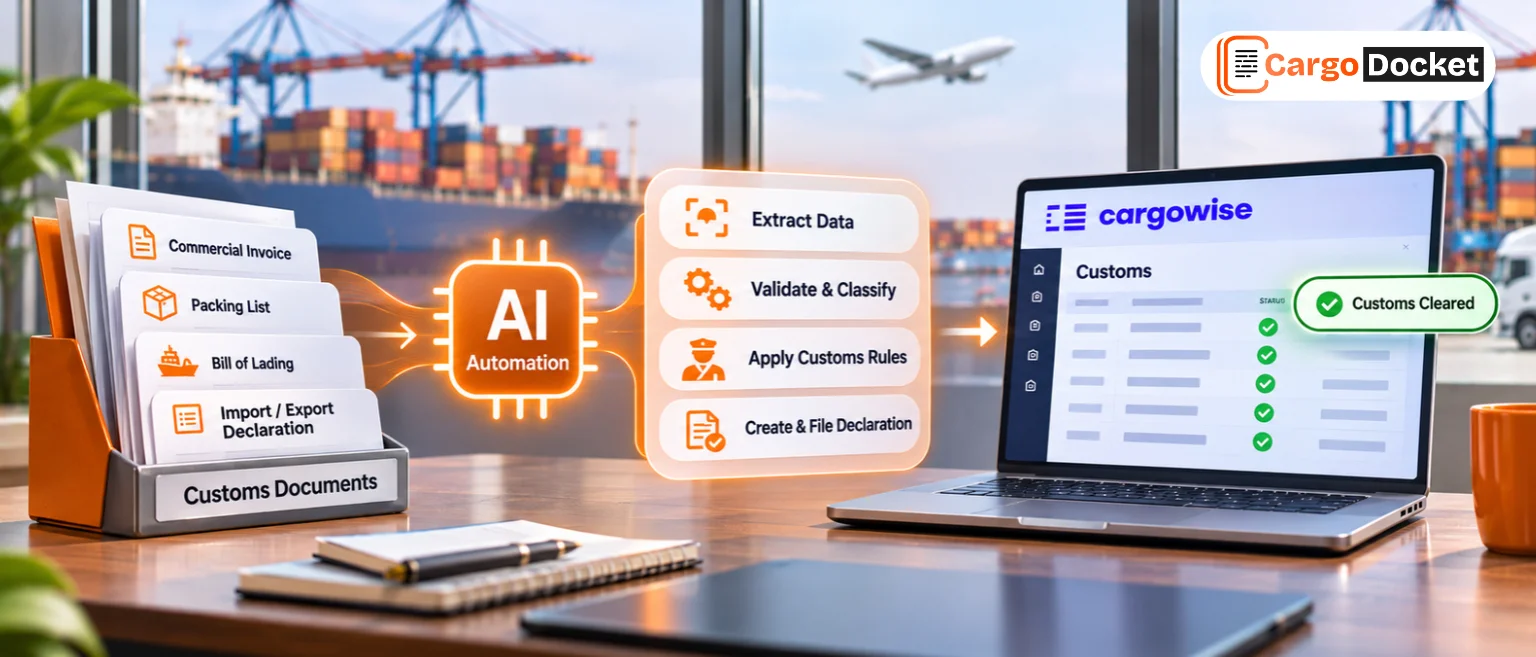
Using technologies such as Optical Character Recognition (OCR) and Intelligent Document Processing (IDP), AI identifies both the document type and the important information it contains.
Depending on the document, AI can recognize details such as:
- Shipment reference numbers.
- Purchase order numbers.
- Container numbers.
- Customer and supplier details.
- Product descriptions.
- Invoice values.
- Ports of loading and destination.
- Cargo information.
The biggest advantage is flexibility. AI doesn’t expect every supplier or carrier to use the same document template. Instead, it understands documents based on their content, allowing logistics teams to process information from a wide variety of formats without creating separate workflows for each sender.
Reading information, however, is only one part of the process. Before that data can be used, it still needs to be verified.
How does AI Validate Document Data Before it Reaches CargoWise?
Extracting information is valuable, but reliable logistics operations depend on accurate information.
Before any document data is prepared for CargoWise, AI validates the extracted information against predefined business rules and available shipment records. This helps ensure that only reliable information continues through the workflow.
During validation, AI can automatically check:
- Shipment reference numbers.
- Customer information.
- Container numbers.
- Invoice values.
- Purchase order references.
- Mandatory document fields.
- Duplicate documents.
- Missing information.
If everything matches, the document continues through the workflow. If something appears inconsistent, the document is flagged for review instead of moving forward automatically.
This approach allows logistics professionals to spend less time reviewing routine documents and more time resolving the exceptions that genuinely require human expertise.
Once the information has been validated, the workflow moves to the next stage, handling exceptions and preparing clean, structured data before it reaches CargoWise.
What Happens When AI Finds Missing or Incorrect Information?
Not every document arrives complete. An invoice may be missing a purchase order number, a Bill of Lading could contain an incorrect shipment reference, or the same document might be received more than once.
Instead of passing incomplete information into CargoWise, AI identifies these exceptions and flags them for review.
Common exceptions include:
- Missing shipment references.
- Duplicate documents.
- Incorrect customer information.
- Unclear scanned documents.
- Missing mandatory fields.
This means logistics teams only review documents that genuinely need attention, while the rest continue through the workflow automatically.
How does Validated Document Data Move into CargoWise?
Once the information has been extracted and validated, it’s prepared for CargoWise. Instead of manually copying data from emails into the system, AI maps the information to the appropriate fields before updating the shipment record.
The process is simple:
📩 Email Received
↓
📄 Document Identified
↓
🔍 Data Extracted
↓
✅ Information Validated
↓
⚠️ Exceptions Reviewed
↓
📦 Data Updated in CargoWise
By reducing repetitive data entry, logistics teams can keep shipment information accurate while spending less time processing documents.
What Changes for Forwarders When Email Document Processing is Automated?
The biggest improvement isn’t just faster document processing, it’s giving logistics teams more time to focus on operations instead of paperwork.
With AI handling routine document tasks, businesses can benefit from:
- Faster document turnaround.
- Reduced manual data entry.
- More accurate CargoWise records.
- Better visibility into document exceptions.
- More time for customer service and shipment management.
As document volumes continue to grow, automation helps teams process more work without increasing administrative effort.
Why does Human Expertise Still Matter in an Automated Workflow?
AI can process routine documents quickly, but logistics still depends on people. Some documents require operational judgment, customer communication, or business decisions that technology can’t make on its own. AI handles repetitive document processing, while logistics professionals focus on exceptions and situations that require experience.
The best results come from combining intelligent automation with human expertise, creating a workflow that is both efficient and reliable.
Conclusion
Every day, logistics teams receive hundreds of documents by email, and processing them manually can quickly become time-consuming. AI document automation helps simplify this process by reading incoming documents, validating the information, managing exceptions, and preparing accurate data before it reaches CargoWise.
Ready to transform the way your team handles logistics documents? Schedule a demo to see how AI-powered document automation can reduce manual effort, improve data accuracy, and help your team move information into CargoWise faster.