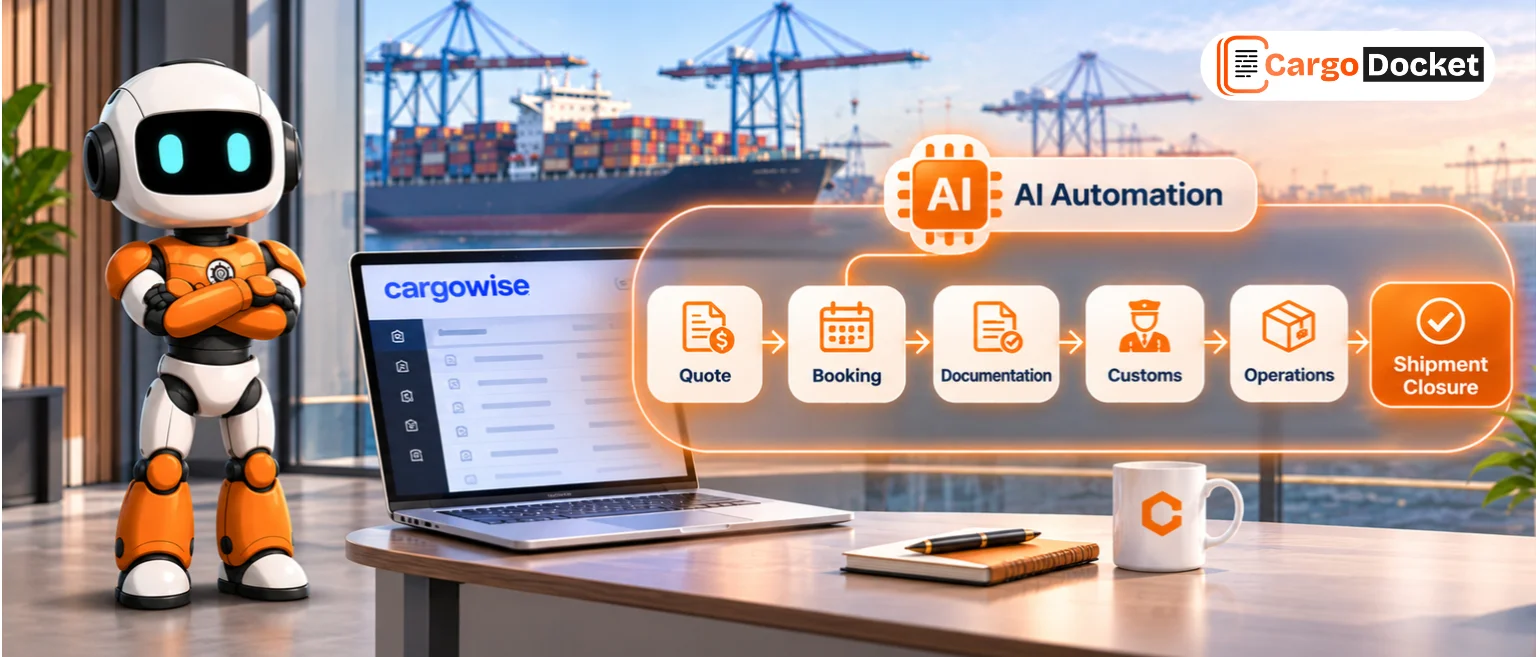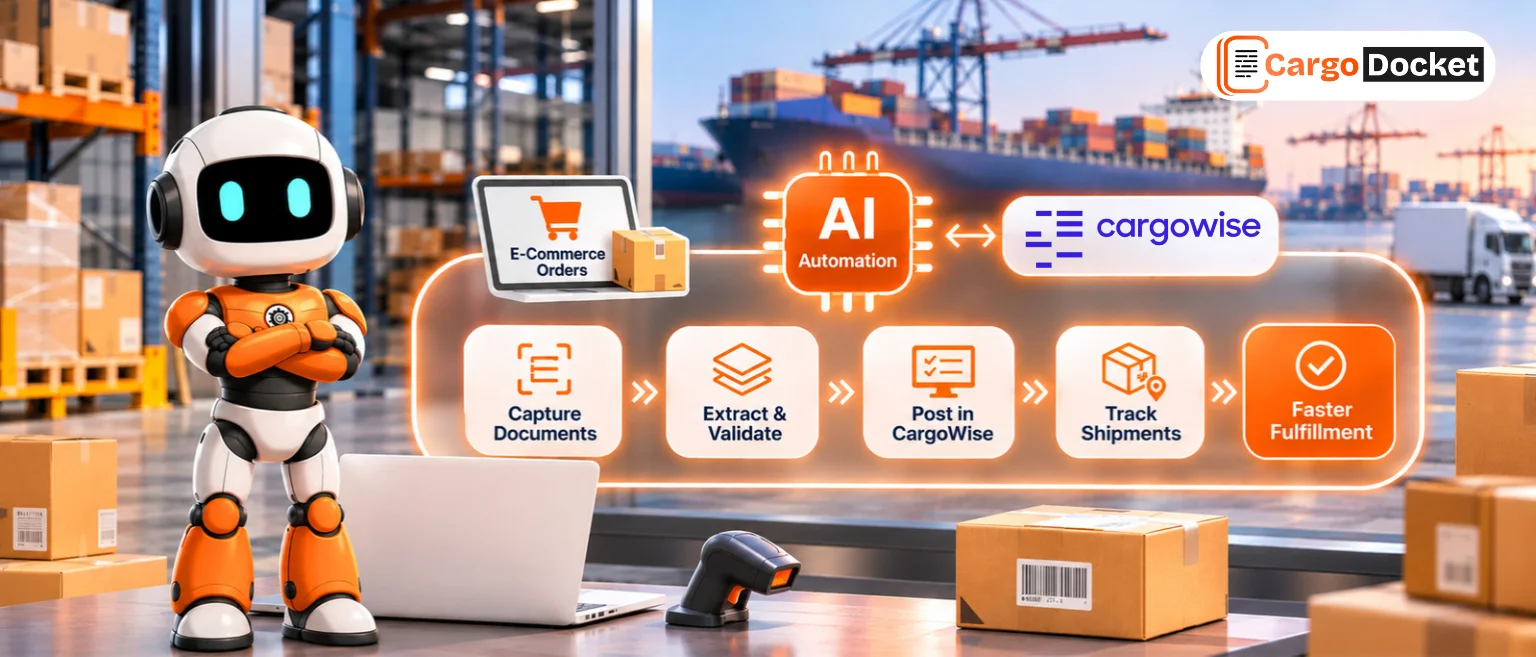

A shipment can be ready to move, but one missing document or a detail that doesn’t match can slow down the entire customs process. Meanwhile, your customs team is opening invoices, checking packing lists, reviewing shipment details, and entering information into CargoWise. When dozens of shipments need attention, those small tasks can quickly add up.
AI automation offers a practical way to reduce this workload. By extracting information from trade documents, checking data against defined rules, and preparing it for CargoWise workflows, AI can help freight forwarders spend less time on repetitive tasks and more time resolving customs issues that need their expertise.
What does an In-House Customs Desk Handle?
An in-house customs desk manages the customs-related work that helps shipments meet documentation and clearance requirements. Depending on the freight forwarder’s operations and the countries involved, this can include collecting supporting documents, reviewing shipment information, preparing declaration data, and coordinating with customers, brokers, and customs authorities.
Much of this work depends on information spread across different documents. A commercial invoice may contain the goods value, while a packing list provides package details, and a bill of lading contains transport information. The team needs to bring these details together and make sure they support the correct shipment.
CargoWise provides customs declaration capabilities for managing import and export declarations. However, teams can still spend considerable time preparing information from incoming documents before it is ready for the relevant workflow.
That’s where AI automation can help bridge the gap between receiving documents and using their information in CargoWise.
Why does Manual Customs Processing Slow Teams Down?
The challenge isn’t always the complexity of customs regulations. Sometimes, it’s the amount of repetitive work that happens before a declaration is ready.
A customs professional might need to open several attachments, locate the correct shipment, compare values across documents, and enter the same details into multiple fields. If a document is incomplete or the information doesn’t match, the process takes even longer.
Common challenges include:
- Repeated data entry: Staff manually copy shipment, consignee, goods, quantity, and value details from documents.
- Document discrepancies: Differences between invoices, packing lists, and shipment records require investigation.
- Missing information: Incomplete supporting documents can delay declaration preparation and require follow-ups.
- Growing workloads: Higher shipment volumes create more document checks and administrative work for the same team.
- Limited visibility: Without a clear exception-handling process, employees may spend time figuring out which records need attention first.
These tasks can pull experienced customs staff away from reviewing complex entries, resolving issues, and coordinating with stakeholders.
How can AI Automation Support Customs Workflows in CargoWise?
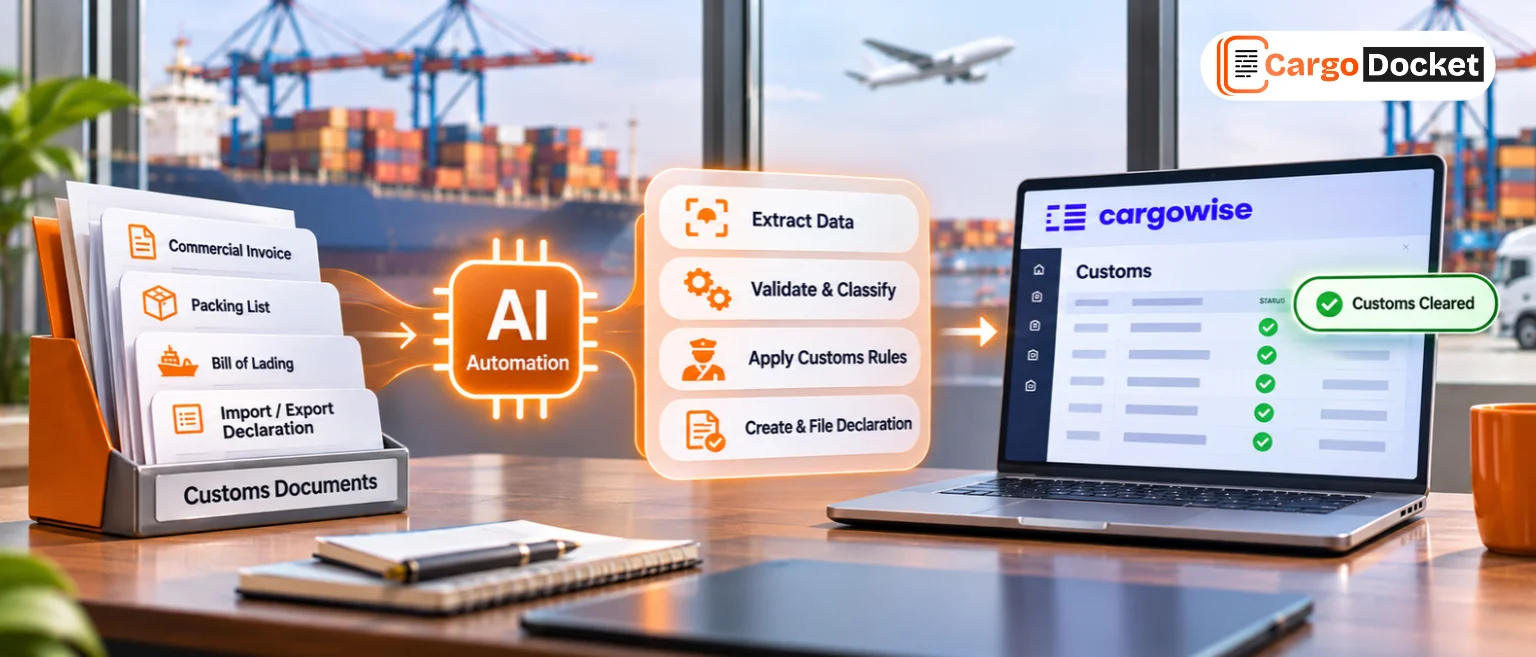
AI automation can help process the information that customs teams receive every day and prepare it for the next operational step. Rather than relying entirely on manual reading and typing, teams can use a structured workflow to capture, validate, and transfer relevant data.
Here’s how that process can work.
01 – Receive Customs Documents
Collect commercial invoices, packing lists, bills of lading, certificates of origin, and other required customs documents from email or connected sources and bring them into one workflow.
02 – Read & Extract Customs Data
AI extracts relevant information from supported documents, including shipper and consignee details, goods descriptions, HS codes where provided, quantities, weights, invoice values, currencies, and shipment references.
03 – Map and Structure the Data
Organize the extracted information into the required fields and map it to the relevant CargoWise customs workflow. Prepare the data for validation and declaration processing.
04 – Validate Customs Information
Check extracted data for missing fields, inconsistencies, and mismatches across supporting documents. Where configured, compare the information against available CargoWise shipment records and defined business rules.
05 – Review Exceptions and Approvals
Flag missing documents, conflicting values, and information requiring further verification. Route exceptions to the customs team for review and correction before the data proceeds to the next step.
06 – Post-Validated Data to CargoWise
Once the required checks and approvals are complete, transfer the validated information to the configured CargoWise customs workflow through the agreed integration method, ready for the appropriate declaration preparation and review process.
Which Customs Desk Tasks are Worth Automating First?
Not every customs activity needs full automation from day one. The best place to start is usually a high-volume task with repetitive steps and clear validation requirements.
Consider these opportunities:
- Commercial invoice processing: Extract goods descriptions, quantities, values, and other required fields.
- Packing list checks: Capture package counts, weights, and dimensions where available, then flag inconsistencies.
- Supporting document checks: Identify missing documents or information required by the configured workflow.
- Shipment data preparation: Organize extracted details and map them to relevant CargoWise records.
- Exception management: Highlight missing, inconsistent, or uncertain information so staff can focus on the records that need attention.
The goal is to reduce avoidable manual work without removing the checks needed for accurate customs processing.
How can Freight Forwarders Keep AI Automation Reliable?
Automation works best when the process behind it is clear. If shipment records are inconsistent or validation rules are poorly defined, AI can simply move errors through the workflow faster.
Before implementing automation, freight forwarders should establish which fields must be checked, which discrepancies require approval, and which transactions can proceed automatically. Testing should include clean documents as well as incomplete records, duplicate references, and conflicting values.
Customs professionals should remain responsible for decisions that require regulatory knowledge, tariff classification judgment, or formal approval. AI can assist with information extraction and research, but the team must verify that the data and recommendations are appropriate before a declaration is submitted.
It’s also worth measuring results after implementation. Track manual processing time, exception rates, correction frequency, and the amount of work completed without repeated data entry. These measures help identify where the workflow is working well and where it needs adjustment.
How can CargoDocket Support Customs Document Automation in CargoWise?
Our AI document automation for logistics workflows connected to CargoWise. Its document-processing approach helps extract information from supported files, organize it into structured data, and apply configured validation and integration steps.
For an in-house customs desk, this approach can support the preparation of information from commercial invoices, packing lists, and other relevant documents. Where the workflow is configured to do so, extracted data can be checked against available records, mapped for CargoWise, and routed for review when discrepancies need attention.
The aim is straightforward: less time spent opening files and retyping information, and more time for your customs team to handle exceptions, documentation requirements, and shipment-specific decisions.
The exact automation possible depends on your document types, business rules, integration setup, and customs processes.
Give Your Customs Team More Time for the Work that Matters
Managing an in-house customs desk involves more than preparing declarations. It also means handling documents, checking details, following up on missing information, and keeping shipment data organized. AI automation can help reduce that administrative load when it is connected to a well-defined CargoWise workflow.
Ready to cut repetitive document work and improve how customs information moves into CargoWise? Contact us to explore AI document automation for your customs desk, identify the right tasks to automate, and build a workflow around your team’s actual needs.