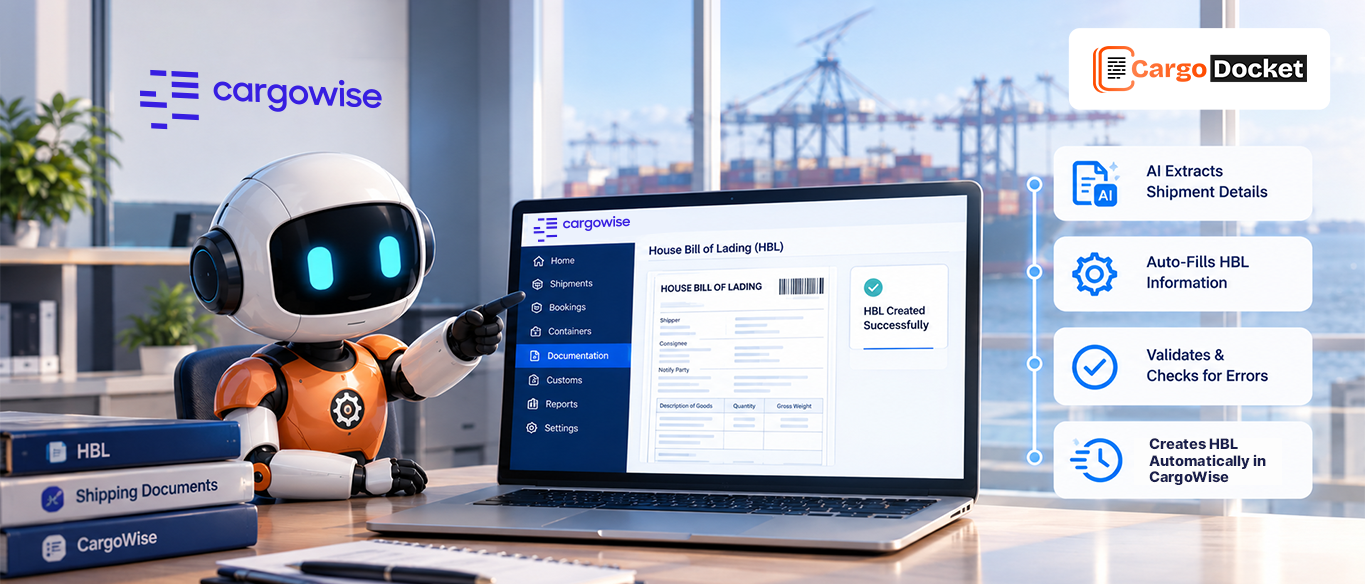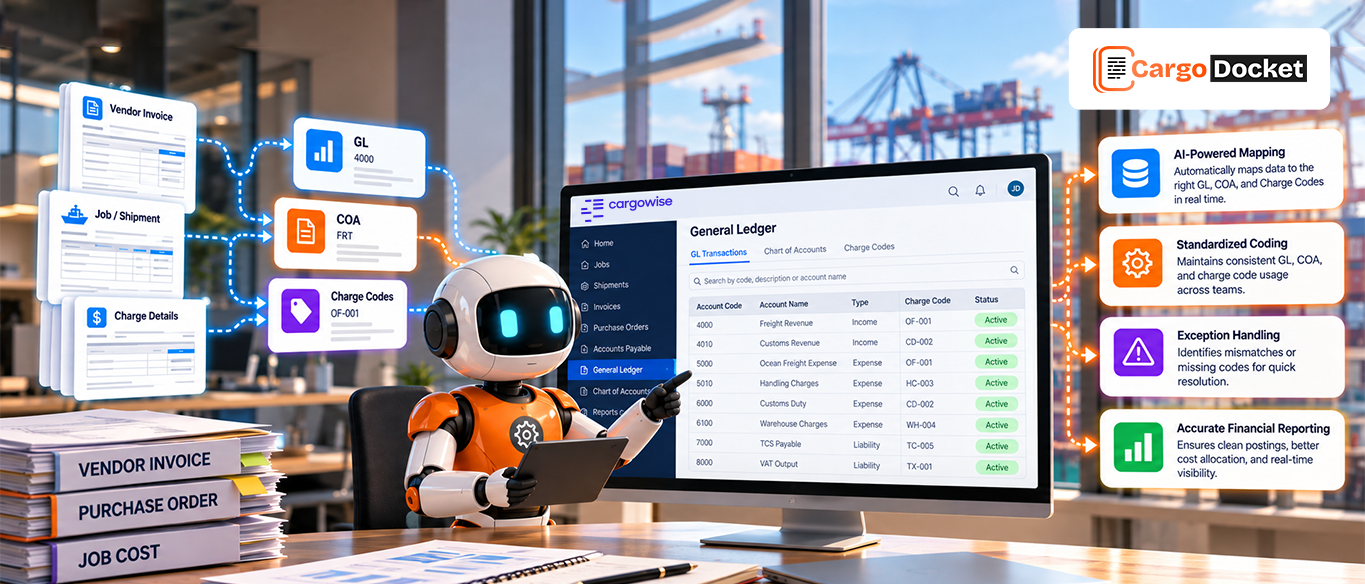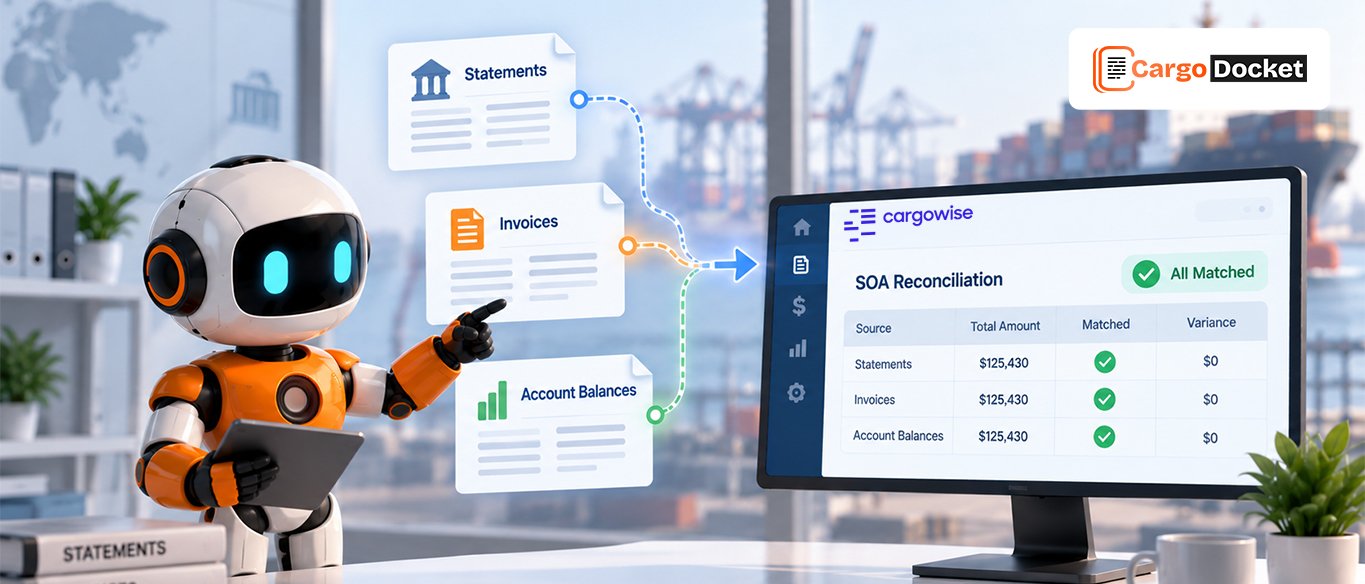

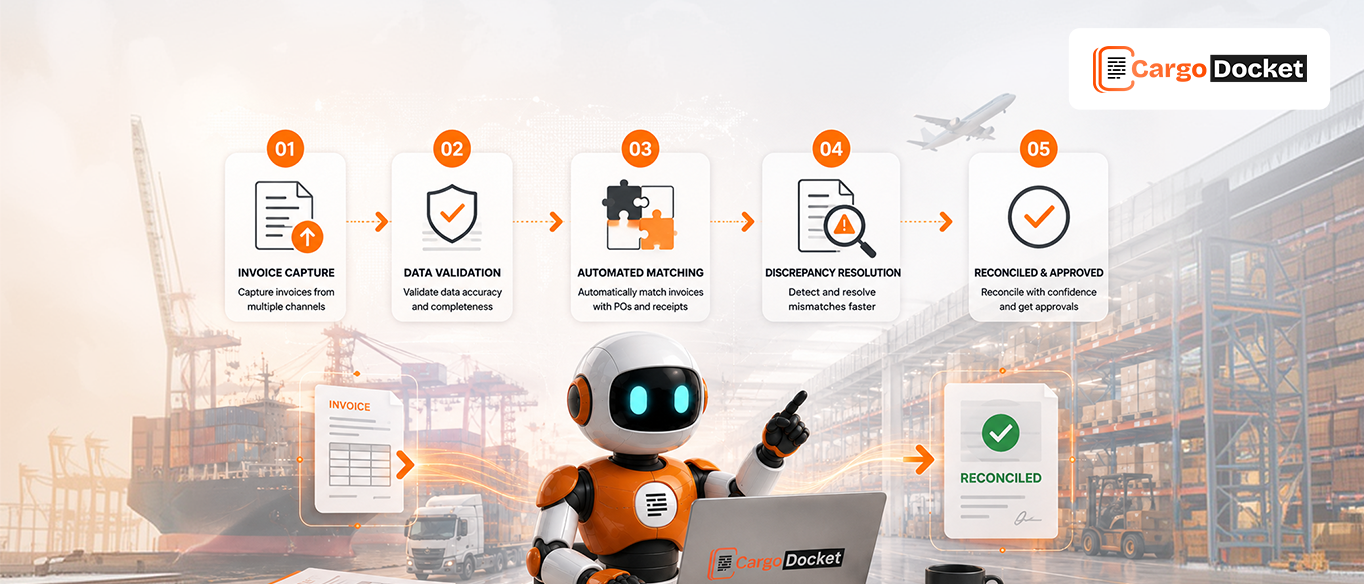
Vendor reconciliation can get messy fast. An invoice amount doesn’t match, a credit is missing, or a document arrives twice. Your finance team then has to dig through documents, emails, and CargoWise records to figure out what went wrong.
AI-powered end-to-end vendor reconciliation automation helps connect these steps. It can read vendor documents, extract information, validate it, match records in CargoWise, identify differences, and route exceptions for review and resolution.
What is AI-Powered End-to-End Vendor Reconciliation Automation in CargoWise?
AI-powered vendor reconciliation automation helps manage the process of comparing vendor documents and financial information with the relevant records in CargoWise.
Rather than manually reading every document and checking transactions one by one, AI can extract relevant information and prepare it for validation and matching. When something doesn’t line up, the transaction can be identified for review.
The process can follow a connected workflow:
Vendor Documents → AI Reads and Extracts Data → Information Is Validated → Records are Matched in CargoWise → Differences are Identified → Exceptions are Reviewed → Issues are Resolved → Records are Updated in CargoWise → Reconciliation is Completed
The key here is that the workflow doesn’t stop when it finds a mismatch. It helps move the transaction toward review, resolution, and completion.
What Types of Vendor and Trade Documents Can CargoDocket Process?
CargoDocket can help process different document types and file formats used across vendor, shipment, and reconciliation workflows. This is useful when information arrives in different document structures and needs to be extracted before it can be validated or matched with the relevant CargoWise records.
Commercial Invoice
A commercial invoice contains key transaction details such as the buyer, seller, description of goods, quantities, and total cost. Depending on the workflow, these details can be extracted and used for financial processing, reconciliation, and customs-related activities.
Packing List
A packing list provides a detailed breakdown of the goods included in a shipment. It may contain information such as package counts, item descriptions, weights, and dimensions, helping teams verify shipment-related information.
Certificate of Origin
A certificate of origin identifies the country where goods were produced or manufactured. This information can be important for customs processes, trade agreements, and tariff treatment.
Other Supported Document and File Types
CargoDocket can also support the processing of:
- Single and multi-page documents
- Invoices in multiple currencies
- Documents in multiple languages
- Image formats, including JPEG, PNG, and TIFF
- Standard and scanned PDF files
- Excel and CSV file formats
- Text-based documents, including TXT and DOCX
- Email attachments
This makes the workflow more flexible when documents don’t arrive in one standard format. Instead of requiring teams to manually prepare information from every file, AI Document Automation can help read, extract, and prepare the relevant data for the next step in the CargoWise workflow.
One small recommendation: because Packing Lists and Certificates of Origin are not typically vendor reconciliation documents in the same way as invoices, calling the section “Vendor and Trade Documents” gives you a better and more accurate flow.
How does AI Extract and Validate Vendor Information?
The reconciliation process starts with understanding what is inside the vendor document.
AI can read the document and extract relevant information such as:
- Vendor name
- Invoice number
- Invoice date
- Invoice amount
- Currency
- Reference numbers
- Charge details
- Credit information
Once the information is extracted, it can be validated before moving to the matching stage.
For example, if an invoice is missing an important reference or contains information that appears inconsistent, it can be identified before the transaction moves further through the workflow.
This gives your team a cleaner starting point. Instead of spending time manually entering and checking every field, they can focus on reviewing the information that actually needs attention.
How are Vendor Records Matched in CargoWise?
After the information has been extracted and validated, it can be compared with the relevant records in CargoWise.
Matching may use available information such as:
- Vendor details
- Invoice numbers
- Invoice amounts
- Invoice dates
- Job or shipment references
- Charge information
When the information lines up, the transaction can continue through the reconciliation workflow.
But, of course, not every transaction will be a perfect match. That’s where differences and exceptions come into the picture.
How are Differences and Exceptions Identified?
A discrepancy simply means that something doesn’t match.
For example, a vendor invoice may show $2,500, while the related record in CargoWise shows $2,200. Or an invoice number may already exist, suggesting a possible duplicate.
Other common exceptions can include:
- Missing invoices
- Duplicate transactions
- Different invoice amounts
- Incorrect references
- Missing credits
- Unexpected charges
AI-powered automation can help identify these differences and separate transactions that need attention from those that match as expected.
Instead of reviewing every transaction manually, your finance team can focus on the exceptions.
How are Reconciliation Issues Reviewed and Resolved?
Identifying a difference is only half the job. Someone still needs to understand why it happened.
For example, the difference could be caused by an additional charge, a missing invoice, an incorrect amount, or a credit that hasn’t been recorded yet.
The exception can be reviewed along with the relevant information to determine what action is needed.
Depending on the issue, your team may need to:
- Correct an amount
- Find a missing document
- Review an additional charge
- Record a missing credit
- Investigate a duplicate transaction
- Contact the vendor for clarification
AI helps organize and surface the relevant information, while your finance team handles the decisions that require human judgment.
How are Resolved Records Updated in CargoWise?
Once an issue has been reviewed and resolved, the relevant information needs to be reflected in CargoWise.
Depending on the outcome, this may involve updating:
- Invoice information
- Charges
- References
- Credits
- Other relevant transaction details
This is an important part of an end to end reconciliation process. A mismatch shouldn’t simply be identified and discussed; the outcome should be reflected in the relevant records so the reconciliation can move toward completion.
What can Finance Teams Gain from AI-Powered Vendor Reconciliation?
The biggest advantage isn’t simply processing documents faster. It’s reducing the amount of repetitive work involved in getting from a vendor document to a completed reconciliation.
Your finance team can benefit from:
- Less manual data entry
- Reduced document-by-document checking
- Faster invoice matching
- Earlier visibility into differences
- Better handling of exceptions
- Fewer manual spreadsheets and email searches
- More time to focus on transactions that require human judgment
The goal isn’t to replace the finance team. It’s to take repetitive document and matching work off their plate so they can focus on investigating and resolving the issues that actually need their expertise.
How does CargoDocket AI Support End to End Vendor Reconciliation in CargoWise?
CargoDocket AI supports document-heavy reconciliation workflows by helping CargoWise users process vendor information from the moment a document arrives.
AI Document Automation can read incoming documents, extract relevant data, and prepare the information for validation and matching with CargoWise records.
When records match, the workflow can move forward. When something is missing, duplicated, or inconsistent, it can be identified as an exception for review. Once the issue is resolved, the relevant information can be updated in CargoWise to support the completion of the reconciliation process.
Conclusion
Vendor reconciliation doesn’t have to mean digging through documents, emails, and spreadsheets to find every mismatch.
With AI Document Automation, CargoDocket can help simplify the journey from vendor documents and invoice matching to exception handling and reconciliation in CargoWise.
Want to simplify your vendor reconciliation workflow? Contact us to learn how CargoDocket AI and AI Document Automation can support your CargoWise processes.