
An account statement can look simple until it has to be checked against the records already held by the finance team. Invoices, payments, adjustments, and outstanding amounts all need to line up. When they don’t, someone has to find out why.
For accounts teams handling a growing number of transactions, that checking can become a repetitive part of the day. AI Automation is changing how much of this reconciliation work can be handled, helping teams focus on the records that actually need attention.
🔎 Statement of Account Reconciliation is Moving Beyond Manual Account Checks
A Statement of Account (SOA) is a summary of financial transactions between two parties over a specific period. It can include invoices, payments, credits, debits, and the remaining account balance.
SOA reconciliation means comparing that statement with internal financial records to make sure both sides agree.
An accounts team may need to check:
- Invoice numbers and amounts
- Payments and payment dates
- Credit and debit adjustments
- Transaction references
- Outstanding amounts
- Account balances
When everything matches, the account can move toward reconciliation. When something doesn’t line up, the difference needs to be investigated.
🤖 AI is Changing How Account Statements are Compared
This is where AI Automation is making a practical difference.
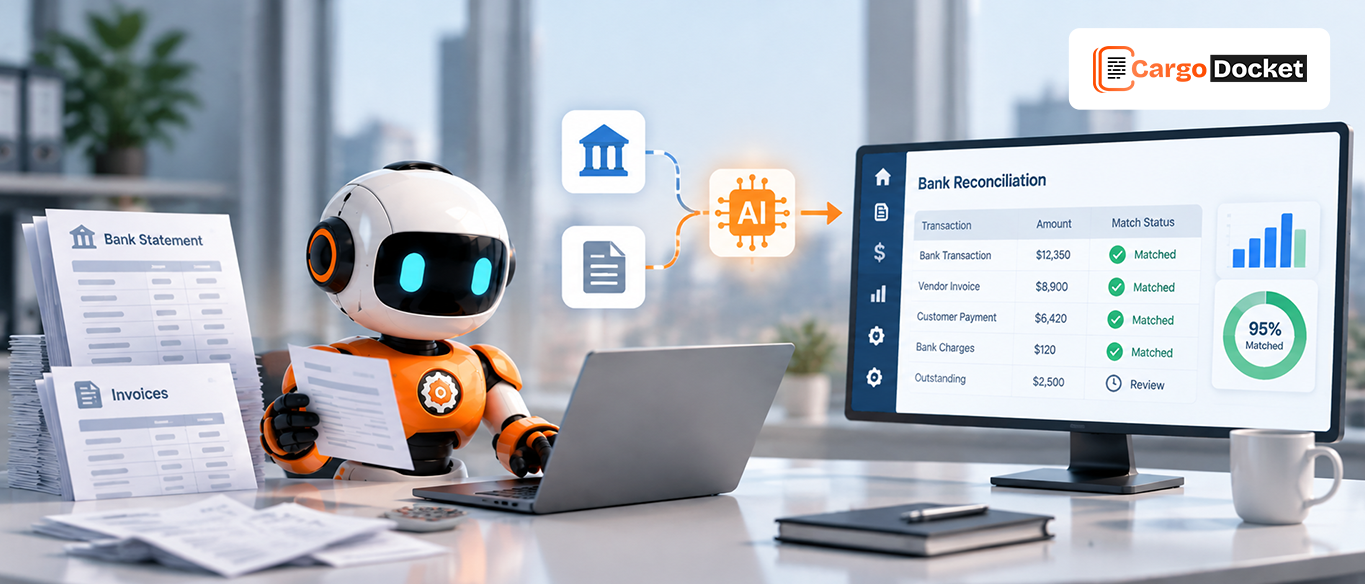
Instead of manually checking every transaction, AI can help analyze account information, compare records, identify potential matches, and flag items that don’t appear to line up.
The workflow can move through:
Account Statement → Record Comparison → AI Matching → Difference Detection → Review → Reconciliation
The key change is simple: accounts teams don’t have to approach every transaction manually. Records that appear to match can move through the process, while unusual or unmatched items can be brought forward for closer attention.
⚠️ Account Differences are Becoming Easier to Find and Investigate
Not every difference means there is a financial error.
A payment may have been recorded at a different time. An invoice may have a different reference number. An adjustment may appear in one record but not yet in another.
AI can help bring these differences to the surface instead of making the accounts team search through the entire statement.
It can help identify:
- Missing transactions
- Unmatched payments
- Different transaction amounts
- Duplicate entries
- Timing differences
- Unresolved balances
Once a difference is identified, the team can investigate what caused it and decide what needs to happen next.
💰 Outstanding Balances are Becoming Easier to Track
Finding a difference is only one part of reconciliation. Accounts teams also need to understand what remains open.
After the SOA is compared with internal records, the results can be viewed more clearly:
Matched → Reconciled
Unmatched → Needs Review
Outstanding → Needs Follow-Up
This gives the team a clearer picture of what has been settled and which amounts still need action.
Instead of going back through the entire statement, they can focus directly on the open items and work toward resolving them.
👥 With AI, Accounts Teams can Focus More on Exceptions than Routine Checks
The biggest change may be how accounts professionals spend their time.
When AI handles more of the repetitive comparison work, teams can put their attention toward issues that require investigation or financial judgment, such as:
- Reviewing unmatched invoices
- Checking unallocated payments
- Investigating balance differences
- Following up on outstanding amounts
- Reviewing unusual transactions
- Resolving exceptions
The goal isn’t to take people out of reconciliation. It’s to reduce the routine checking around it. AI handles the repetitive comparison; people handle the exceptions and decisions.
📊 SOA Reconciliation is Moving Toward Exception-Based Work
The broader shift is changing the way reconciliation is approached.
A traditional process may look like:
Check Every Record → Find Differences → Investigate → Reconcile
With AI Automation, it can move toward:
Compare → Match → Flag Exceptions → Review → Resolve → Reconcile
That means accounts teams can spend less time searching for problems and more time dealing with the records that have already been identified as unmatched, unusual, or outstanding.
For teams handling large volumes of account information, this creates a more focused reconciliation process.
🔗 AI Automation is Connecting the Main Steps of Reconciliation
SOA reconciliation involves more than comparing two numbers. Information needs to be checked, potential matches identified, differences reviewed, and outstanding balances resolved.
AI Automation can support these activities within one connected workflow:
Statement Received → Records Compared → Matches Identified → Differences Flagged → Exceptions Reviewed → Balances Resolved → Account Reconciled
Keeping these steps connected can reduce unnecessary manual checking and give the accounts team a clearer view of where each account stands.
📌 Conclusion
Statement of Account Reconciliation Automation is changing how accounts teams compare statements, identify differences, and manage outstanding balances.
AI Automation can take on repetitive comparison and matching work, while account professionals remain focused on exceptions, investigation, and final decisions.
The goal is straightforward: let AI handle the routine checking so accounts teams can spend more time resolving the differences that actually need their attention.