
Every shipment creates important documents that connect customers, carriers, vendors, and logistics teams. From shipment files to financial records, each document carries information needed to keep operations moving.
However, when documents are managed through emails, PDFs, and manual processes, teams spend more time searching, entering, and validating information.
Studies show employees can spend nearly 30% of their work time managing and searching for information, creating delays in daily workflows.
E-document automation helps logistics teams capture, process, validate, and organize document data faster, reducing repetitive tasks while improving accuracy and visibility across operations.
What is E-Document Automation in Logistics?
E-document automation is the process of turning digital documents into structured and usable information with minimal manual effort.
For logistics businesses, it helps manage documents received from multiple sources and converts important details into data that can support daily operations.
It goes beyond storing files digitally. The purpose is to make document information easier to capture, verify, and move between teams and systems.
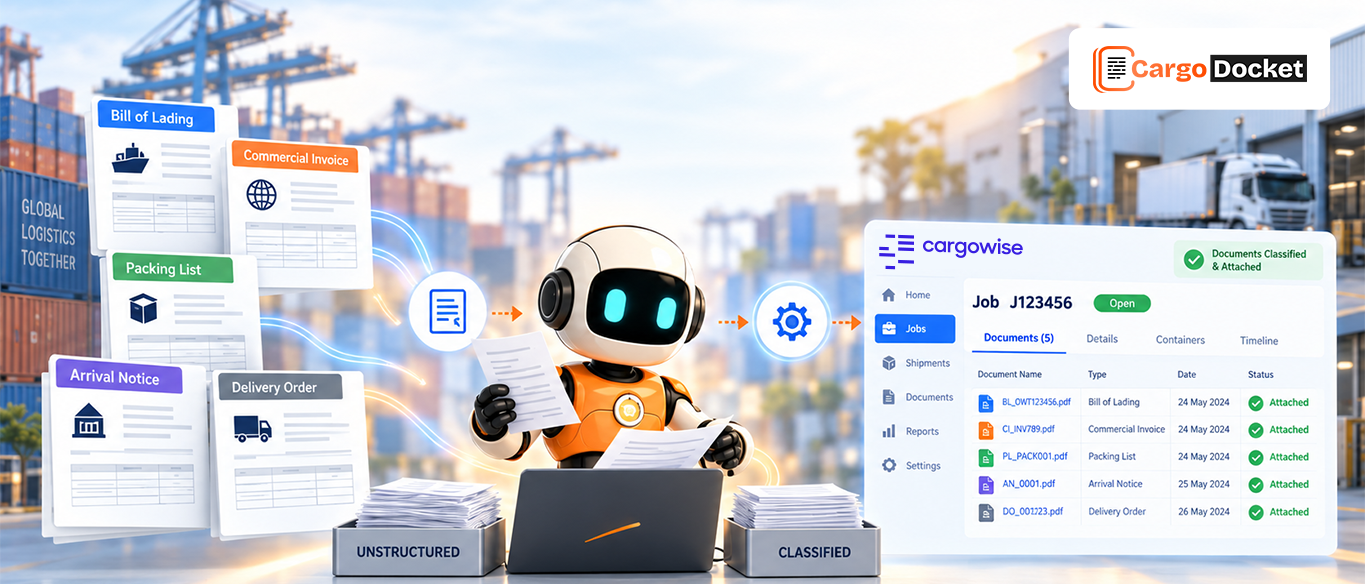
For example, when a freight invoice, Bill of Lading, or shipment document arrives, automation can extract important details and prepare them for processing without teams manually entering every field.
This helps logistics operations become faster, more accurate, and easier to manage.
Why Logistics Teams Need a Smarter Approach to Handle Documents?
Logistics operations depend heavily on accurate documentation. A single shipment can involve multiple teams and documents that need to move at the right time.
Common documents include:
- Bills of Lading
- Commercial invoices
- Packing lists
- Purchase orders
- Freight invoices
- Operational documents
When these documents are handled manually, teams spend valuable time reviewing files, entering data, and correcting mistakes.
A smarter document approach helps logistics teams:
- Access information faster
- Reduce repeated manual work
- Improve document accuracy
- Maintain better workflow visibility
This allows teams to focus more on managing shipments instead of managing paperwork.
Common Document Challenges That Slow Down Logistics Operations
Manual document processing creates challenges that impact productivity and efficiency.
Documents often arrive through different channels such as emails, shared folders, and external sources.
Without a structured process, teams face issues like:
- Time spent searching for documents
- Duplicate data entry
- Missing document information
- Manual approval delays
- Limited document tracking
For example, if shipment details are entered incorrectly, teams may need extra time to identify the issue, communicate internally, and correct the information.
These small delays can affect overall operational performance.
How E-Document Automation Transforms Logistics Document Processing?
E-document automation helps logistics teams move from manual document management to a more connected workflow.
Instead of treating documents as files that need manual checking, automation turns them into usable information.
Traditional workflow:
Document received
→ Manual checking
→ Data entry
→ Corrections
→ Processing delays
Automated workflow:
Document received
→ Information extracted
→ Data validated
→ Exceptions reviewed
→ Ready for operations
This creates a faster process where teams spend less time on repetitive activities and more time on important decisions.
How Logistics Documents Move from Manual Handling to Digital Workflows?
E-document automation connects the entire journey from receiving documents to preparing accurate information for business systems.
Receive Documents
Logistics documents are received from vendors, customers, and partners through emails, attachments, shared folders, and other sources. Automation collects incoming documents and prepares them for processing.
This removes the need for teams to manually download, organize, and track every document.
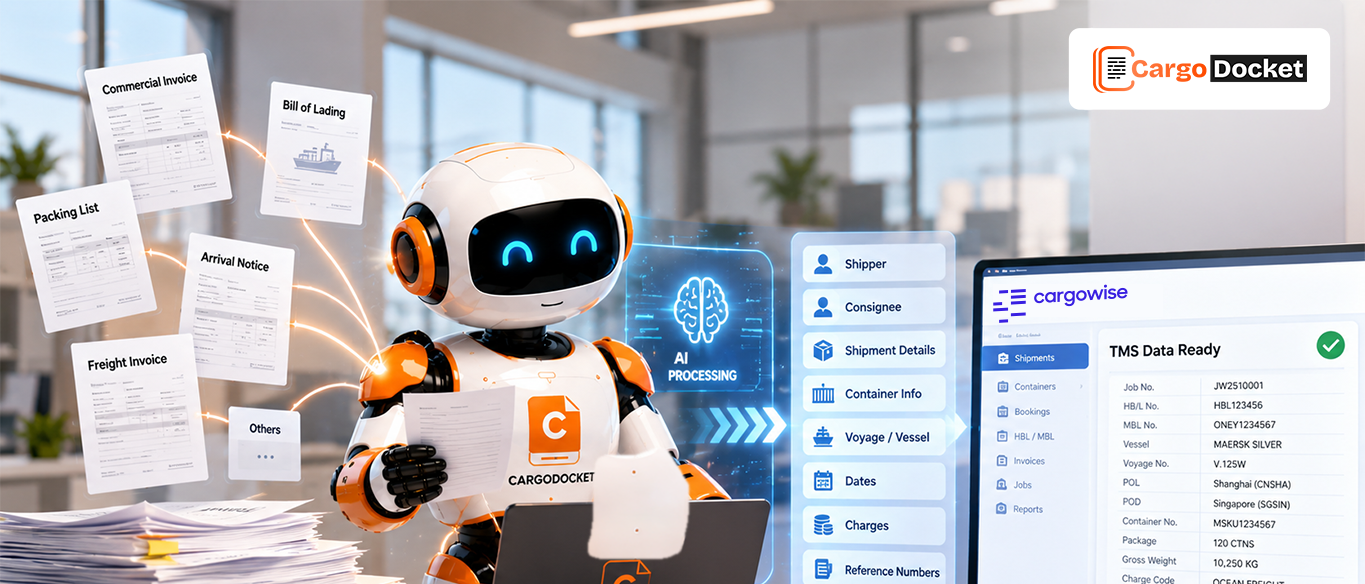
Read and Extract the Data
Once documents are received, automation reads PDFs, scanned files, and different document formats.
Important details are extracted, including:
- Shipment references
- Customer information
- Invoice details
- Dates
- Operational information
This reduces repetitive typing and allows teams to process information faster.
Data Mapping and Conversion
Extracted information needs to match business requirements before it moves forward. Automation maps document data with existing records and converts it into the required format. For CargoWise workflows, information can be matched with CargoWise master data to improve consistency and prepare accurate operational data.
Compare and Validate Information
Document information is compared with existing records, shipment details, or CargoWise accrual data when required.
This helps identify:
- Missing information
- Data differences
- Incorrect details
Finding these issues earlier helps teams maintain better accuracy.
Exception Management
Not every document arrives complete or correct. When differences or missing information are found, exceptions are highlighted in the Cargo Docket platform. Teams can review, update, and approve the information before moving ahead. This keeps automation efficient while allowing teams to stay in control.
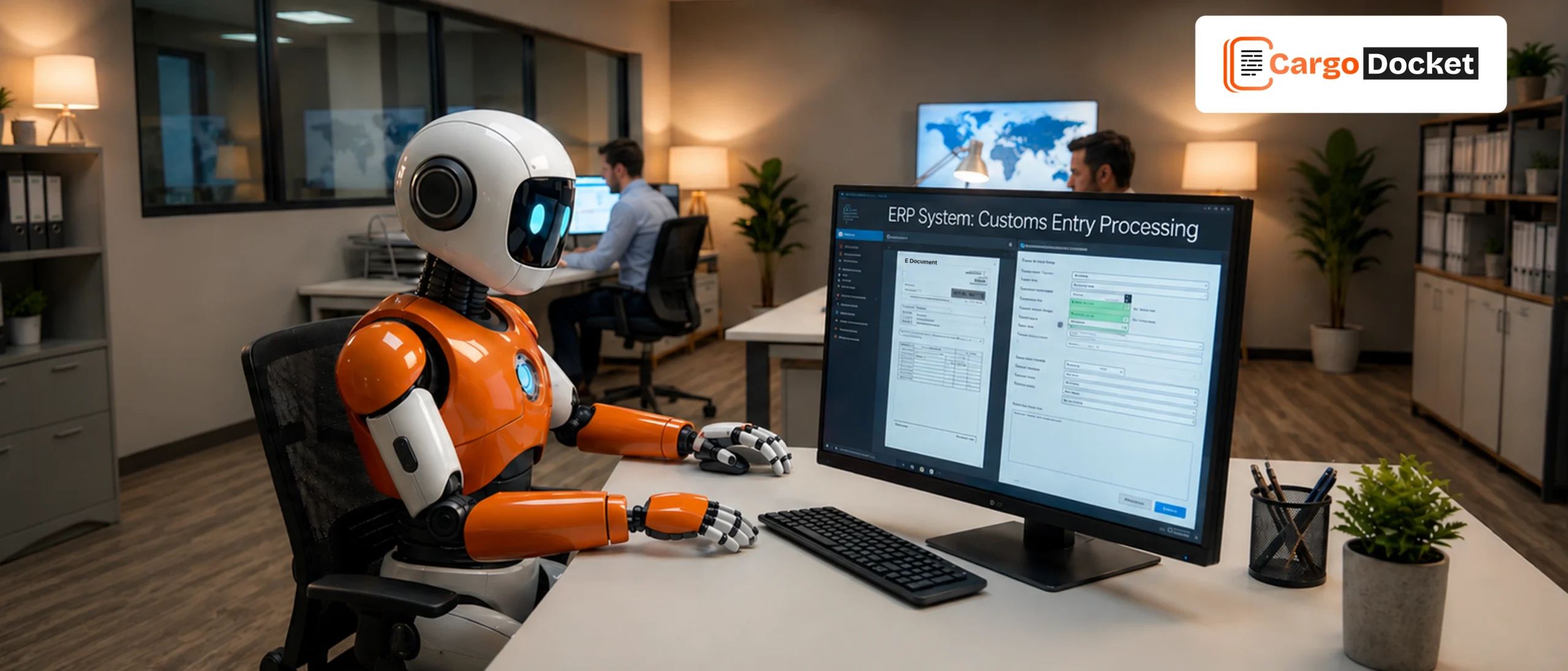
Document Data to CargoWise or Other ERP Systems
After validation, accurate document information can be transferred into CargoWise or other ERP systems. This reduces duplicate data entry and helps maintain updated information across business workflows.
Key Logistics Documents Supported by E-Document Automation
E-document automation helps logistics teams manage different document types across shipment operations.
Bills of Lading and Shipment Documents
Bills of Lading contain important transportation information such as cargo details, shipment references, and carrier information. Automation helps organize this information for faster access and processing.
Commercial Invoices and Packing Lists
Commercial invoices and packing lists include product details, quantities, values, and shipment information. Digital processing helps teams manage this information more efficiently.
Purchase Orders and Trade Documents
Purchase orders connect shipment requirements with suppliers and customers. Automation helps organize these documents and improves visibility across workflows.
Freight and Operational Records
Logistics teams manage multiple supporting documents every day. Keeping these records digitally available helps improve tracking, communication, and reporting.
How Better Document Visibility Helps Logistics Teams Work Faster?
Fast decision-making depends on quick access to accurate information. When documents are organized digitally, teams no longer need to spend hours searching across emails and folders.
Better visibility helps improve:
- Shipment coordination
- Customer response time
- Team collaboration
- Process tracking
Having the right information available helps teams respond faster and work more efficiently.
How Cargo Docket Helps Logistics Teams with E-Document Automation?
Cargo Docket helps logistics businesses simplify document-heavy workflows by converting documents into structured information.
It supports the complete document journey:
- Capturing incoming documents
- Extracting important information
- Validating data accuracy
- Managing exceptions
- Moving approved data into CargoWise or ERP systems
By reducing repetitive document tasks, logistics teams can improve processing speed while maintaining accuracy and control.
Conclusion:
Documents are the foundation of logistics operations, and managing them efficiently is important as shipment volumes continue to grow.
E-document automation helps logistics teams reduce manual work, improve accuracy, and turn documents into structured information for faster workflows.
With Cargo Docket, businesses can simplify document processing, manage exceptions, and move accurate data into CargoWise or other ERP systems with better control.
Ready to make logistics document processing faster and smarter? Contact us today to see how Cargo Docket’s E-Document Automation can support your operations.