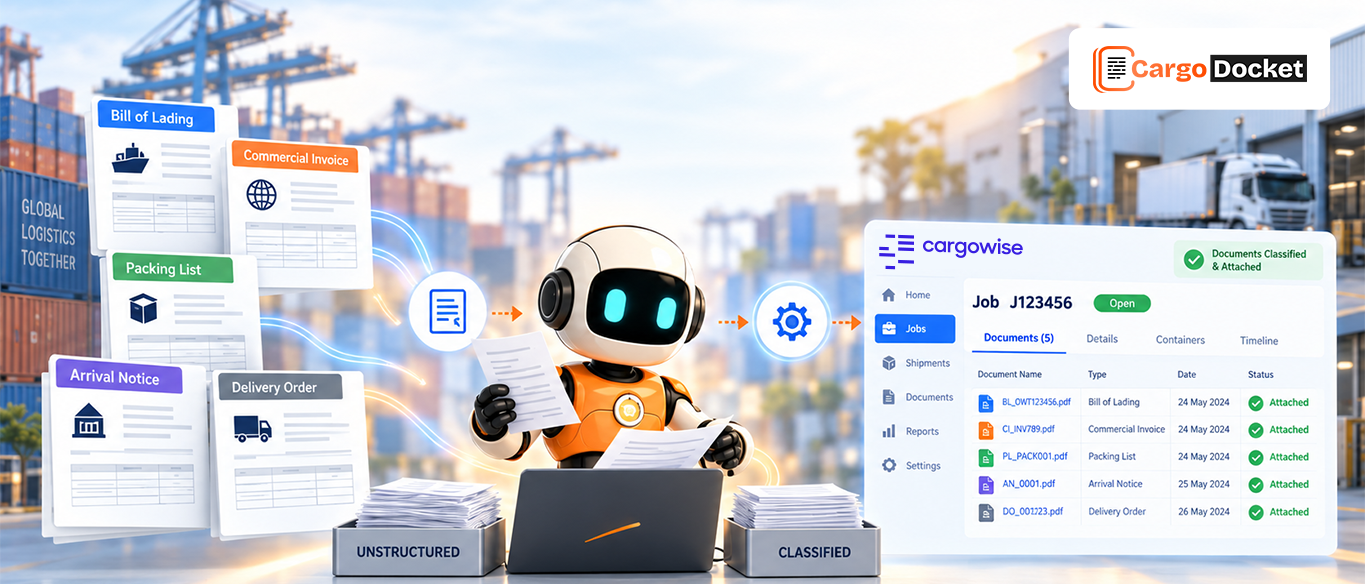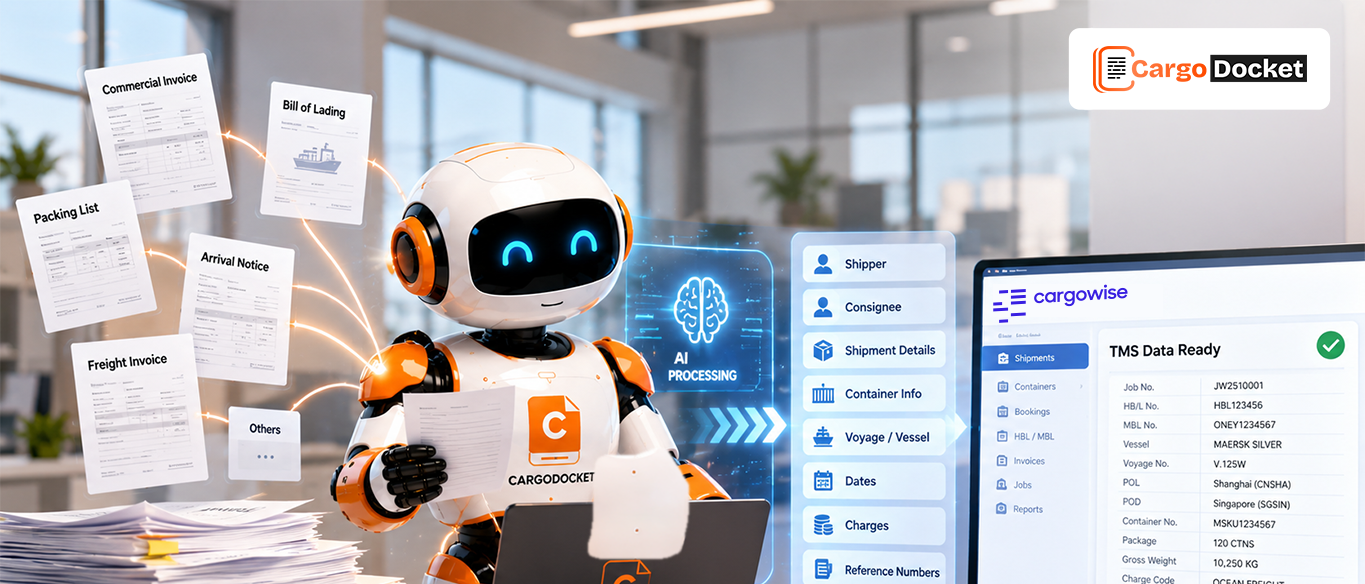

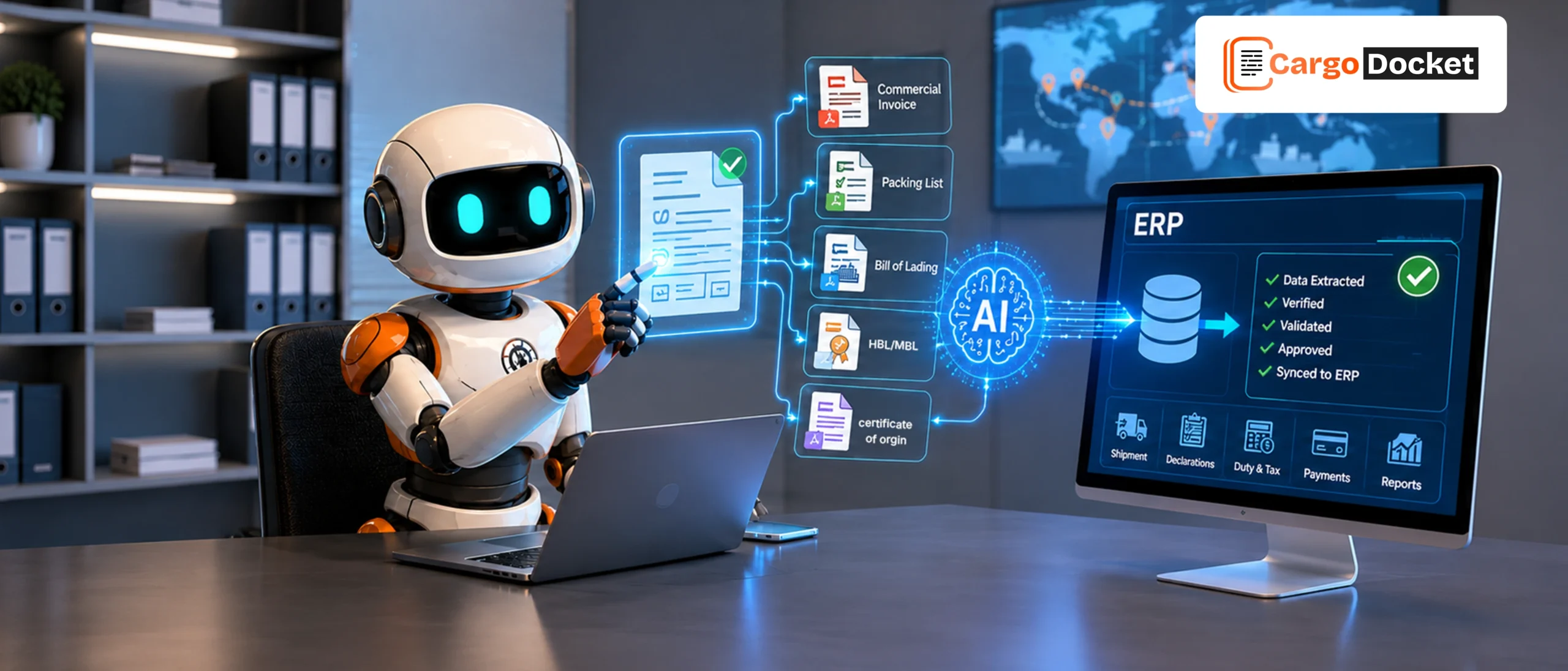
Customs teams work with multiple documents every day before goods can move across borders. A single shipment may involve 5 or more important documents, and every detail needs to be checked carefully.
From invoices to shipment records, manually reading documents and entering information into systems takes time and increases the chance of mistakes.
With the help of AI customs teams can capture document information, check important details, and prepare accurate data for ERP or freight systems faster.
This helps teams spend less time entering information and more time managing important customs activities.
Why Customs Teams Spend Too Much Time Managing Documents?
Customs processing depends on accurate information. Every shipment contains details about products, values, quantities, countries, suppliers, and transportation.
Traditionally, teams receive documents through emails, PDFs, scanned copies, or different customer formats. They open every file, search for important information, and manually enter the details into their systems.
This creates extra work because the same information often needs to be:
- Read from documents
- Checked for accuracy
- Entered into systems
- Reviewed before processing
For example, a customs team handling multiple import shipments may need to check commercial invoices, packing lists, and transport documents before preparing customs information.
When shipment volumes increase, manual processing becomes harder to manage.
The Challenges of Moving Customs Data into ERP Systems Manually
Customs teams do not just collect documents. They need to convert document information into useful business data.
A simple typing mistake in product details, values, or shipment references can create additional reviews and delays.
Manual document handling can lead to:
- Longer processing times
- Duplicate data entry
- Missing information
- Incorrect document details
- More follow-up communication
- Difficulty managing large document volumes
For growing freight forwarders and customs teams, the challenge is not only handling documents faster. It is making sure accurate information reaches ERP systems without unnecessary manual work.
How AI Helps Customs Teams Turn Documents into Useful Data?
AI changes the way customs teams handle information. Instead of employees reading every document line by line, AI can understand different document formats and capture important details.
The process becomes:
Documents received
→ Information captured
→ Details checked
→ Data prepared for systems
AI can identify fields such as:
- Supplier information
- Product details
- Invoice values
- Quantity information
- Shipment references
- Tax or identification details
This helps customs teams create a smoother flow between documents and digital systems.
What Customs Documents can be Processed with AI?
Customs operations involve different types of documents. Each document carries important information needed for shipment and compliance workflows.
AI helps process these documents by capturing details and organizing them into structured data.
Commercial Invoice Processing
A commercial invoice is one of the most important documents in international trade. It provides details about the goods being shipped and their financial value.
AI helps extract information such as:
- Invoice number
- Supplier and buyer details
- Product descriptions
- Quantity information
- Currency and values
For example, instead of manually copying invoice information into an ERP system, AI can capture the required fields and prepare the data for review.
This helps reduce repetitive work and improves processing speed.
Packing List Processing
A packing list explains how goods are packed and provides shipment quantity details.
AI can capture information including:
- Package count
- Weight details
- Dimensions
- Product information
- Shipment references
For customs teams, having accurate packing information helps compare shipment details with other documents and maintain consistency.
Purchase Order Processing
Purchase orders provide information about what was ordered before goods are shipped.
AI helps capture:
- Purchase order numbers
- Supplier details
- Product information
- Ordered quantities
- Delivery references
For example, teams can compare purchase order details with invoices to check whether information matches before moving forward.
Bills of Lading Processing
Bills of Lading provide important shipment transportation details.
AI can read and capture:
- Shipper information
- Consignee details
- Carrier information
- Container details
- Shipment references
This helps customs and logistics teams access transportation information faster without manually reviewing every document.
Certificate of Origin Processing
A Certificate of Origin confirms where goods were produced or manufactured.
This document is important because origin information may affect trade requirements and customs procedures.
AI helps identify:
- Country of origin
- Exporter information
- Product details
- Certificate references
By capturing these details accurately, teams can maintain better document visibility.
Air Waybill Processing
Air Waybills are used for air freight shipments and contain important transportation information.
AI helps extract:
- Air Waybill numbers
- Flight/shipment details
- Sender and receiver information
- Cargo descriptions
This gives customs teams quicker access to shipment information required for processing.
How AI Moves Customs Information from Documents to Your ERP?
A connected process helps customs teams move information faster from documents into business systems.
1. Receive Documents from Different Sources
Documents can arrive through emails, PDFs, scanned files, or connected platforms. AI reads these incoming documents and prepares them for processing.
2. Capture Important Information
The system identifies required fields from each document and extracts important details. This reduces the need for teams to manually search through files.
3. Validate Information Before Processing
Extracted information is checked against configured rules or available business data. This helps improve accuracy before information moves forward.
4. Highlight Errors for Team Review
If information is missing or does not match, the document is not automatically processed. The issue is highlighted so the team can review and correct it.
For example, if an invoice is missing a required reference number, the team can fix the problem before sending data into the ERP.
5. Send Approved Information into ERP Systems
After validation, approved information can move through configured integrations into ERP systems, CargoWise, or other business platforms based on workflow requirements.
Why Human Review Still Matters in Automated Customs Processing?
Automation does not mean removing people from the process. Customs operations require accuracy, and in some cases, need human decisions.
AI helps manage repetitive work, while teams stay in control of approvals and exceptions.
This creates a balance:
AI handles document processing. Teams handle decisions and approvals
Human review helps maintain accuracy, control, and trust across customs workflows.
Integrating Customs Data with CargoWise and Other ERP Systems
Customs information becomes more valuable when it connects with the systems teams already use.
AI-powered processing can help prepare structured information for platforms such as CargoWise, ERP systems, and other logistics applications.
Instead of manually moving information between documents and systems, teams can create a connected data flow.
This helps improve visibility across customs, operations, and business processes.
How Automation Helps Customs Teams Work Faster and More Accurately?
Modern customs teams need to handle more shipments without increasing unnecessary manual tasks.
Smarter document workflows help businesses improve:
- Processing speed
- Data accuracy
- Team productivity
- Information visibility
- Operational control
When teams spend less time searching and typing information, they can focus more on managing exceptions and improving customer service.
Creating a More Efficient Customs Workflow for Growing Businesses
As trade volumes continue to grow, customs teams need processes that can grow with them. A connected workflow helps businesses manage increasing documents while maintaining accuracy.
The future of customs operations is not only about processing documents faster. It is about creating reliable information that moves smoothly from the first document capture to the final system update.
Conclusion: Simplify Customs Processing from Documents to Your ERP
Customs teams depend on accurate information to keep shipments moving. Managing documents manually can slow down operations and create unnecessary workload.
Cargo Docket AI helps transform customs documents into structured information, supports validation, and connects approved data with ERP workflows.
By combining automation with human review, businesses can improve accuracy, reduce repetitive tasks, and create a faster customs process.
Contact us today to explore how Cargo Docket AI document automation helps your team simplify customs workflows and move information faster from documents to your ERP systems.