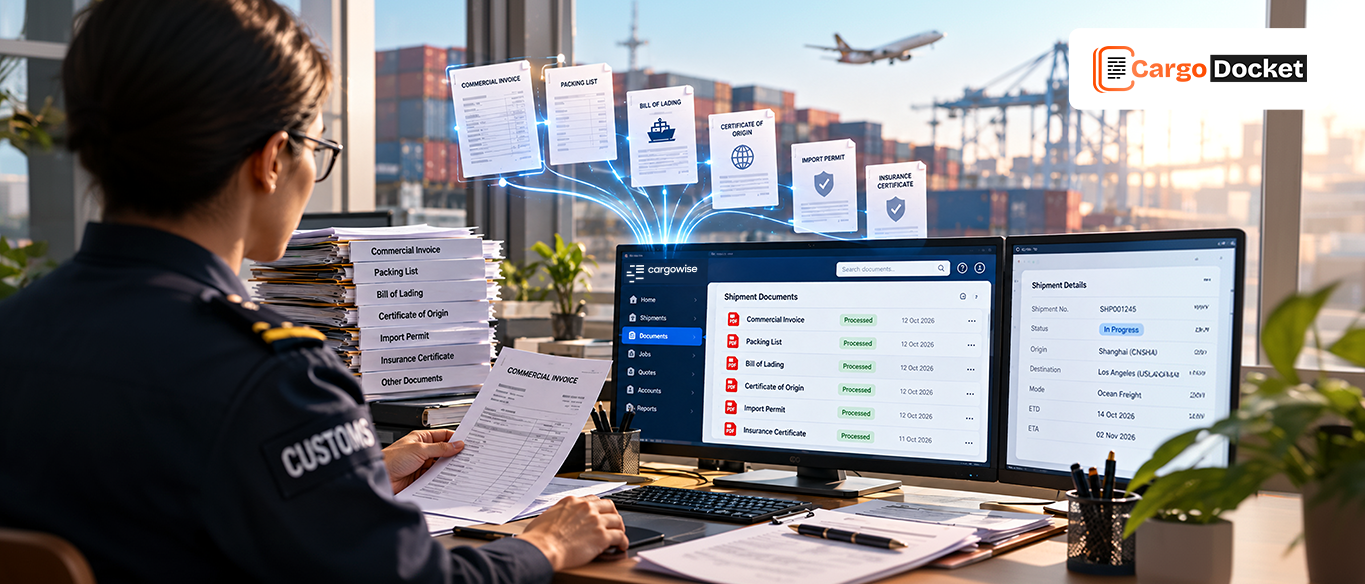


A vendor invoice arrives, and the AP work begins. Your team has to read the document, enter the details, find the related CargoWise job, check the charges, and send it for approval.
When invoice volumes grow, this repetitive work can slow the entire process down.
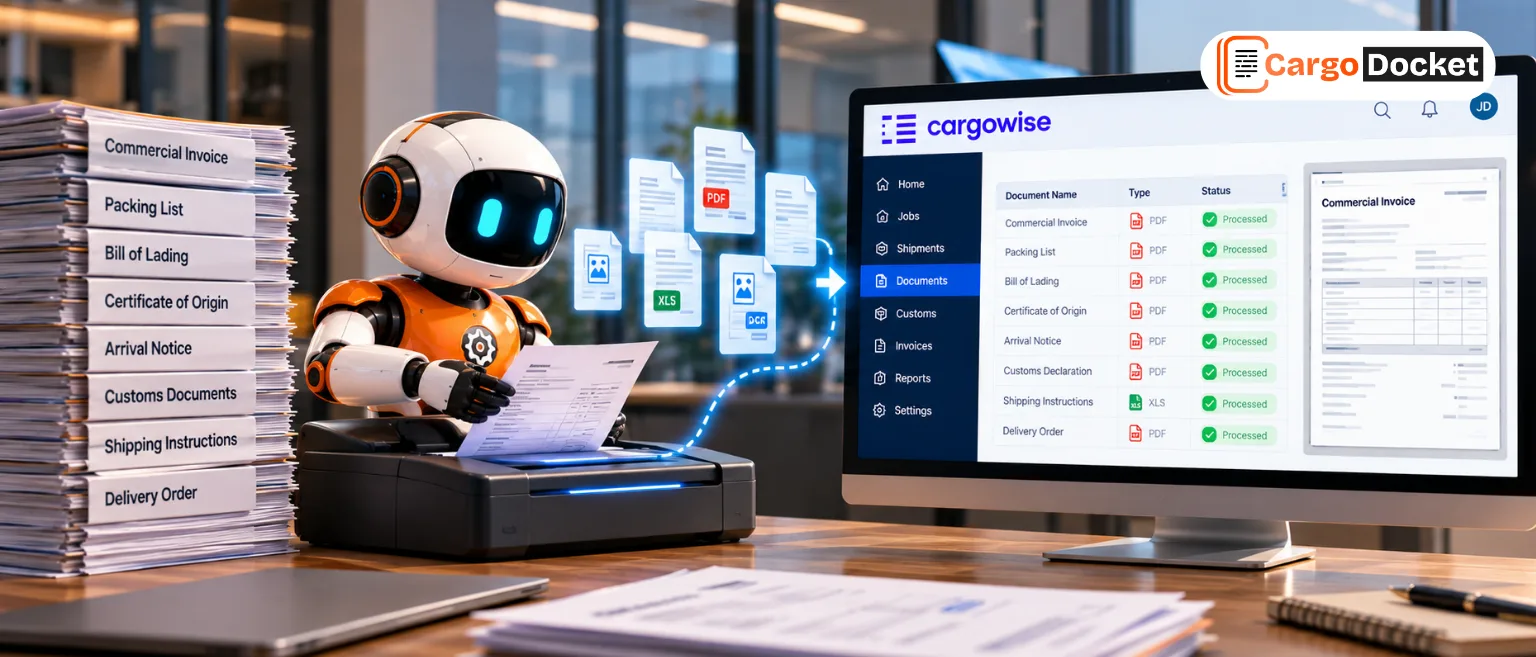
AI can help by reading invoice documents, capturing key details, checking them against CargoWise data, and flagging issues that need human review.
What Makes Accounts Payable Challenging for Freight Forwarders?
Accounts payable in logistics is closely connected to the rest of the operation. Vendor invoices can relate to ocean freight, air freight, trucking, customs, warehousing, handling, documentation, and other services.
The invoices themselves can also look very different. One supplier may send a structured PDF, another may use a spreadsheet, while another sends a scanned invoice through email.
The AP team still needs to determine what each invoice is for, which job it belongs to, whether the charges are correct, and whether it should be approved.
That combination of high invoice volume, different document formats, and freight-specific charges makes manual processing difficult to scale.
Where does the Manual AP Process Start to Break Down?
Manual processing often means copying invoice information into systems, searching for the related CargoWise job, checking expected costs, and following up when something does not match.
As invoice volume increases, exceptions can quickly add up:
- Repeated manual data entry
- Missing job references
- Duplicate invoices
- Incorrect amounts
- Unexpected charges
- Currency or tax differences
- Delayed approvals
The bigger problem is that AP staff can spend too much time checking invoices that are completely routine.
How can AI Capture the Right Information From a Vendor Invoice?
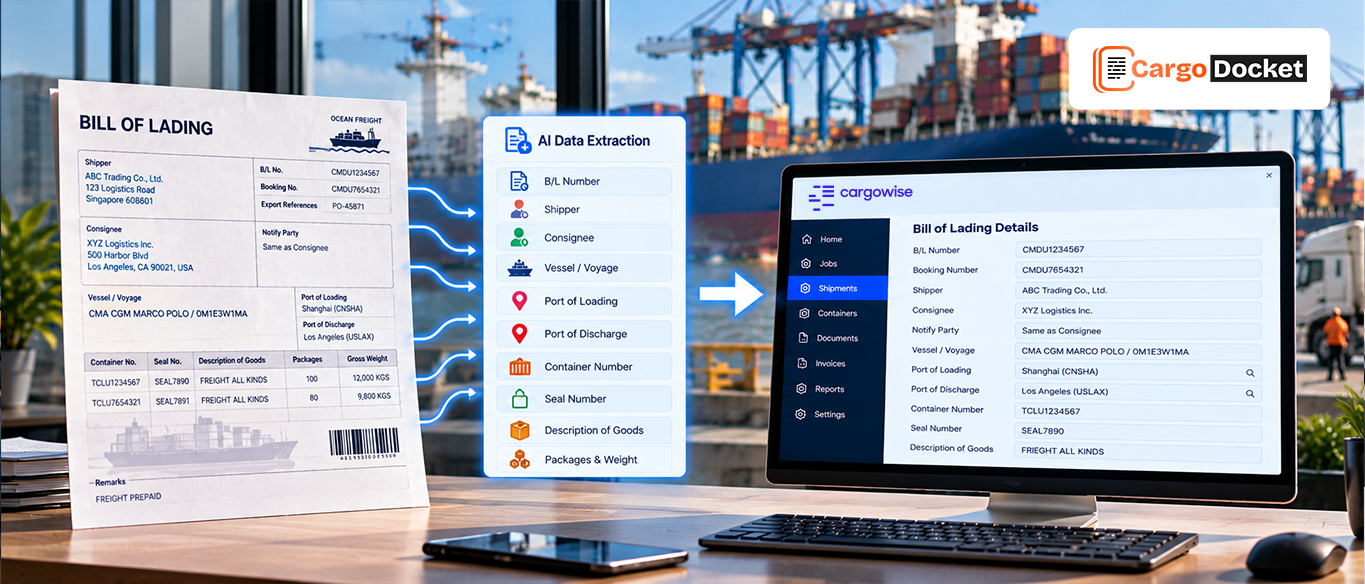
AI can read an invoice and identify the information needed for AP processing, including the vendor name, invoice number, invoice date, currency, tax, references, charge descriptions, quantities, rates, line amounts, and total amount.
It can work with different document types, including PDFs, scanned invoices, images, spreadsheets, and email attachments.
But simply reading the document is not enough. AI also needs to understand what each piece of information represents. For example, it should distinguish an invoice number from a shipment reference or a line-item charge from the final invoice total.
This makes the extracted information more useful for the next stage of processing.
How does AI Understand Freight Charges Instead of Just Reading the Total?
A freight invoice may show a final amount of $4,850, but the AP team needs to know how that amount was calculated.
AI can identify individual charges such as freight, fuel, handling, storage, delivery, documentation, or other configured costs. It can then structure the information so the team can review the relationship between the charge, rate, quantity, and amount.
That gives AP more than just a captured total. It provides the detail needed to check whether the vendor’s billing makes sense.
Connecting Vendor Invoices With CargoWise Jobs
Once invoice information is captured, AI can compare it with available CargoWise data to help identify the correct job and related costs.
For example, a trucking invoice may include a shipment or job reference, supplier details, service information, and a transportation charge. AI can use those details to determine where the invoice belongs and compare the billed amount against the relevant information in CargoWise.
If everything lines up, the invoice can continue through the normal workflow. If something looks unusual, it can be flagged for review.
Which AP Errors can AI Help Catch?
AI can help identify common problems before they move further through the accounting process.
These can include:
- Duplicate invoice numbers
- Incorrect or unexpected amounts
- Missing references
- Currency differences
- Tax inconsistencies
- Supplier mismatches
- Unusual charges
- Invoice-to-job differences
This does not mean every invoice needs to be stopped for manual checking. The goal is to let routine invoices move forward while bringing exceptions to the attention of the right person.
How should AI Handle Invoice Exceptions?
Not every mismatch means an invoice is wrong.
A vendor may charge more because of additional handling, detention, storage, or another legitimate service. AI can identify the difference, but a person may still need to understand the business reason behind it.
That is why a practical AP workflow should keep people involved where judgment is required. AI handles the repetitive checking. Business rules provide control. People review exceptions and make decisions.
Making AP Approval Faster Without Losing Control
Once invoice information has been captured and checked, AI can help route it through the appropriate approval process.
Instead of an AP team manually reviewing every detail, the workflow can prioritize invoices that actually need attention.
A typical process can look like:
Vendor Invoice → Data Capture → Cost Matching → Exception Review → Approval → Accounting
This approach can reduce repetitive work while keeping financial controls in place.
How does AI Connect Invoice Processing With CargoWise Accounting?
CargoWise provides accounting capabilities for managing costs, revenues, payables, receivables, invoicing, currencies, taxes, approvals, and transaction history.
CargoWise Accounts Payable Automation can help prepare accurate, structured invoice information for the appropriate accounting workflows.
The result is a more connected process where vendor billing can be captured, checked, matched, reviewed, and processed without requiring the AP team to repeatedly re-enter the same information.
What Changes for the AP Team?
AI does not remove the need for an AP team. It changes where their time goes.
Instead of spending most of the day reading invoices and entering routine information, freight forwarders can focus more on exceptions, supplier questions, unusual charges, approvals, and financial control.
The practical benefits can include:
- Less repetitive data entry
- Faster invoice review
- Better cost visibility
- Fewer avoidable errors
- Quicker exception handling
- More consistent processing
From Vendor Invoice to a More Efficient AP Workflow
The real value of AI in AP is not simply extracting text from an invoice. It is connecting that information to the financial and operational context around it.
AI can capture invoice details, understand freight charges, compare information with CargoWise jobs and costs, identify discrepancies, and prepare the data for the next stage.
This creates a more efficient bridge between the vendor document and the accounting workflow.
Conclusion
Manual invoice processing can take up valuable AP time, especially when freight invoices contain multiple charges, references, and cost details.
With AI Document Automation, teams can reduce repetitive data entry, improve invoice validation, and connect vendor billing more efficiently with CargoWise workflows.
The goal is simple: less manual work, better control, and a faster AP process.
Ready to simplify your AP invoice process? See how CargoWise AI Document Automation can help reduce manual invoice work, improve validation, and connect vendor billing more efficiently with your CargoWise workflows.