
Every shipment creates more than transportation activity. It creates a flow of financial information between customers, suppliers, carriers, and internal teams.
A single global shipment can involve 10–20 different documents exchanged between multiple parties. When these documents arrive through emails, PDFs, and different systems, finance teams often spend valuable hours collecting, reviewing, and entering the same information repeatedly.
As shipment volumes increase, traditional document handling becomes harder to manage. Small mistakes in financial data can create delays in approvals, payments, and reporting.
Financial document automation helps logistics businesses use AI to capture information, validate details, and convert documents into structured data that teams can use faster and more accurately.
What is Financial Document Automation?
Financial document automation uses AI and intelligent technology to simplify how businesses handle financial documents.
Instead of manually opening documents, reading information, and entering data into systems, automation captures important details and prepares them for processing.
For logistics businesses, financial documents are connected with shipments, customers, vendors, and operational activities.
Automation helps teams:
- Capture information from different document formats
- Reduce manual data entry
- Improve data consistency
- Identify missing or incorrect information
- Keep finance workflows moving faster
The purpose is not to replace finance teams. It helps remove repetitive work so teams can focus on reviewing information and making better decisions
Why Financial Documents Matter in Logistics Businesses?
Logistics businesses depend on accurate financial information throughout the shipment journey.
Before cargo moves and after delivery is completed, financial documents support billing, payments, cost management, and reporting.
Finance teams work closely with:
- Operations teams
- Customers
- Vendors
- Business systems
When information is handled manually, teams may need to search through emails, compare different files, and update multiple systems.
For example, a missing shipment reference or incorrect invoice detail can require additional communication before the process continues.
Having accurate financial information available helps logistics businesses maintain smoother operations and better visibility.
Common Financial Document Challenges Logistics Teams Face
Financial document processing often involves many small tasks that take time when handled manually.
Documents arrive from multiple sources and in different formats, creating challenges such as:
- Manual document review
- Repeated data entry
- Missing information
- Approval delays
- Limited visibility
- More correction work
Research shows employees can spend nearly 30% of their work time searching for information and managing documents, which reduces time available for higher-value activities.
Automation helps reduce these challenges by creating a more organized document process.
How Financial Document Automation Changes Traditional Workflows?
Financial document automation changes documents from static files into usable business information.
A traditional process usually looks like:
Document received
→ Manual review
→ Data entry
→ Information checking
→ Corrections
→ System update
With automation:
Document received
→ AI reads information
→ Data is structured
→ Details are validated
→ Exceptions are reviewed
→ Information moves into business systems
This creates a faster workflow while keeping finance teams involved where human decisions are needed.
What Types of Financial and Logistics Documents can be Automated by AI?
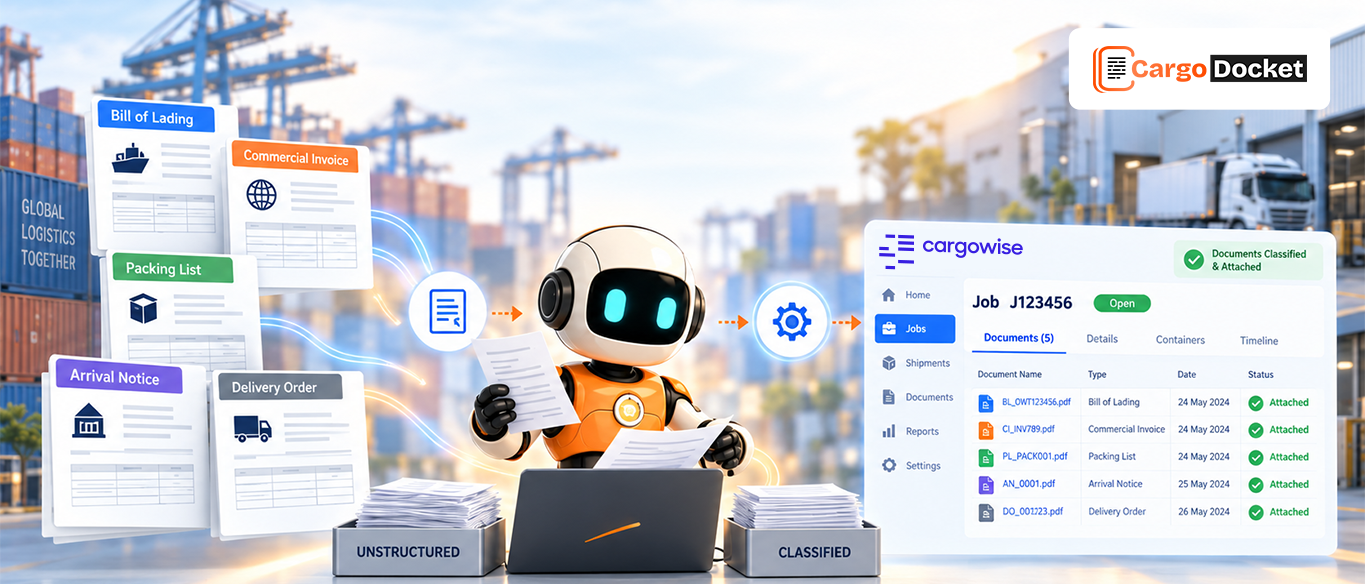
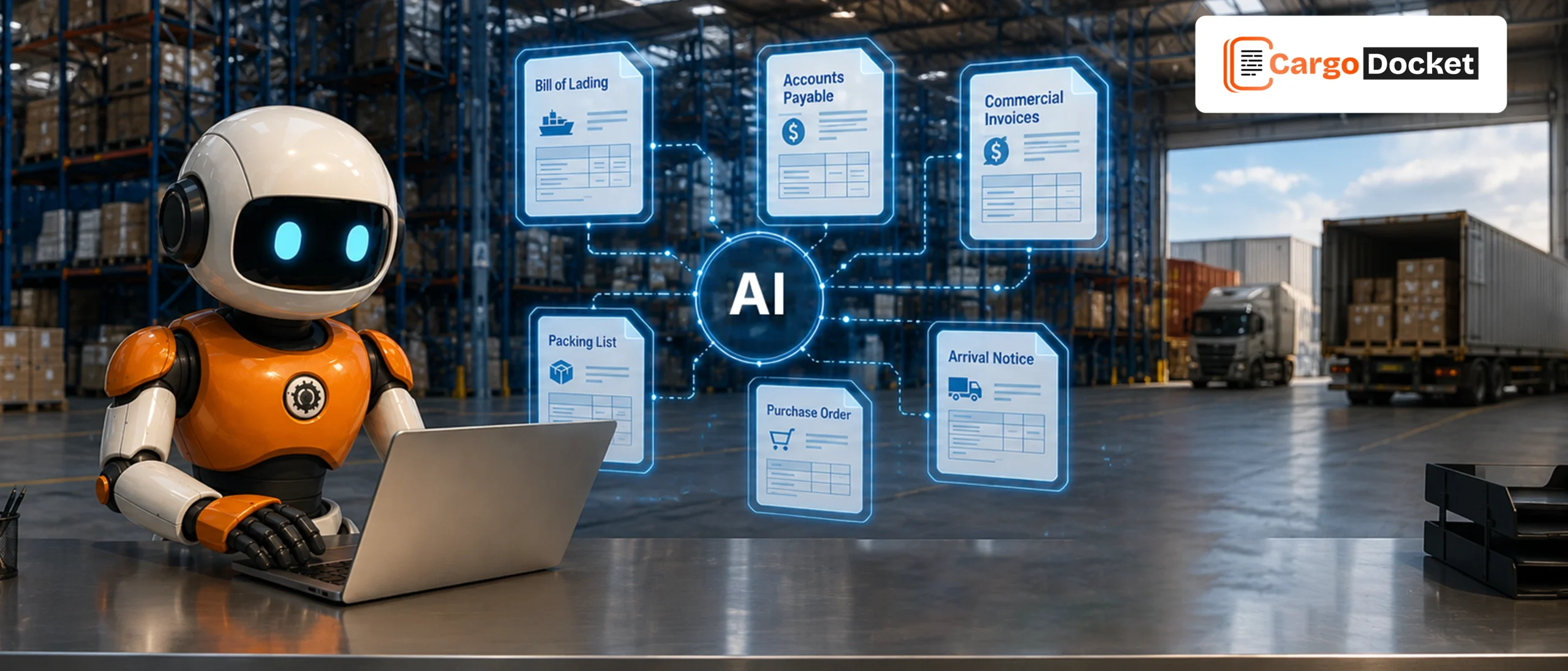
AI-powered automation helps logistics businesses process different financial and operational documents by extracting information and preparing it for business workflows.
Vendor Invoices and Supplier Documents
Vendor invoices are frequently processed by logistics finance teams.
AI automation helps capture details such as:
- Supplier information
- Invoice numbers
- Dates
- Amounts
- Tax details
This reduces manual entry and helps teams process supplier documents faster.
Commercial Invoices
Commercial invoices connect finance, shipment, and trade processes.
They include information such as:
- Product details
- Shipment values
- Buyer and seller information
- Currency details
- Trade information
AI helps extract this information and organize it for finance and operational use.
Bills of Lading (HBL/MBL)
Bills of Lading contain important shipment information that supports business processes.
AI can capture:
- Shipment references
- Carrier information
- Consignee details
- Cargo details
This reduces the time teams spend reviewing shipment documents manually.
Purchase Orders
Purchase orders connect supplier requirements with financial activities. Automation helps capture PO numbers, supplier details, product information, and quantities. This helps teams compare related documents more efficiently.
Packing Lists
Packing lists include product quantities, package details, weight, and shipment information. AI document automation helps maintain accurate information between shipment and finance records.
Arrival Notices and Pre-Alert Documents
Arrival notices and pre-alert documents provide shipment details before cargo arrival. Automation helps capture this information earlier so teams can prepare related financial and operational activities.
Certificates and Trade Documents
Trade documents such as Certificates of Origin and supporting certificates are important for international transactions. AI helps organize document information and makes important details easier to access.
Payment and Transaction Documents
Payment records and transaction documents help finance teams maintain accurate business information. Automation improves document tracking and helps teams manage financial records more efficiently.
How Financial Document Automation Works from Document Intake to ERP?
Document Intake
Documents are received through existing channels, including:
- Emails
- Uploads
- Shared locations
- System integrations
Automation collects these documents and prepares them for processing. Teams no longer need to manually search different locations before starting their work.
AI Interpretation and Data Extraction
AI reviews documents and understands the information inside.
It extracts important details such as:
- Vendor information
- Document numbers
- Shipment references
- Amounts
- Dates
Instead of only reading text, AI understands how information connects inside the document.
Data Mapping and Conversion
Extracted information is matched with business records and converted into the required format. For CargoWise users, automation can read master data, map document information, and prepare data that matches CargoWise workflows. This improves consistency across operations.
Confidence-Based Validation
Before processing, automation checks whether information is complete and accurate. If something looks incorrect, it is marked for review. This allows teams to focus only on documents that need attention instead of checking every file manually.
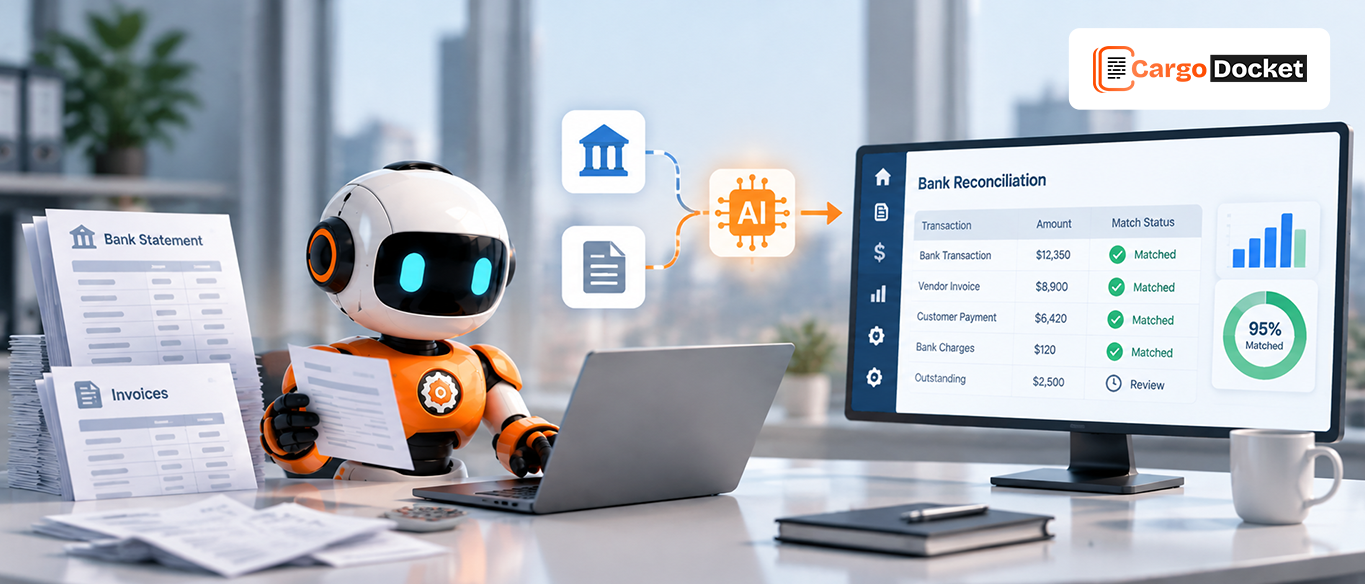
Compare Financial and Operational Records
Document information is compared with existing records such as shipment details, job information, or accrual data. This helps identify differences earlier and reduces correction work later.
Exception Management
Automation does not remove human involvement. When missing details or mismatches appear, exceptions are highlighted in Cargo Docket. Teams can review, correct, and approve information before final processing. This keeps accuracy while reducing repetitive work.
Data Transfer to CargoWise or Other ERP Systems
After validation, approved financial information moves into CargoWise or other ERP platforms. This reduces duplicate entry and helps maintain updated financial records.
How Cargo Docket Helps Logistics Finance Teams Work Smarter with AI Automation?
As logistics businesses grow, finance teams need more than faster document processing. They need better control, accuracy, and visibility. Cargo Docket helps teams reduce repetitive financial tasks by applying AI automation to everyday document workflows.
It allows finance teams to:
- Spend less time entering data manually
- Reduce avoidable processing errors
- Improve document visibility
- Handle higher document volumes
- Focus on approvals and important decisions
By combining AI automation with human review, Cargo Docket helps logistics businesses create a smarter finance process without losing control over important information.
Conclusion: Creating Faster and Smarter Financial Workflows
Financial documents play an important role in keeping logistics businesses connected, accurate, and efficient. As document volumes continue to grow, manual processing makes it difficult for teams to maintain speed and accuracy.
Financial document automation helps businesses convert documents into reliable data, reduce repetitive work, and improve the way finance teams operate. With Cargo Docket, logistics businesses can simplify financial document handling and build more efficient workflows powered by AI.
Ready to improve your financial document process? Contact us today to see how Cargo Docket can help your team work faster and smarter with automation.