
Packing lists arrive in different formats, but the information needs to reach CargoWise accurately. Some suppliers send Excel spreadsheets, others share PDFs, while a few provide scanned copies. Each document needs to be reviewed, with shipment details identified, quantities checked, and information entered into the system.
As shipment volumes grow, handling these documents manually can take up valuable time. AI is changing this process by helping logistics teams read different document formats, extract shipment details, and automate data entry into CargoWise.
Here’s how this approach can make everyday document processing easier.
🔍 What is Packing List Automation, and Why does it Matter to Logistics Operations?
A packing list contains important shipment information, including product descriptions, package quantities, weights, and dimensions. Getting these details into CargoWise accurately is essential for smooth shipment processing.
Packing list automation uses AI to read documents, identify relevant information, and prepare it for system entry.
Instead of manually opening every file and transferring details field by field, an automated workflow handles much of the repetitive work.
For logistics teams receiving documents from multiple suppliers, this creates a more consistent way to manage packing lists without depending on a single document format.
⚠️ What Challenges do Logistics Teams Face When Processing Different Packing List Formats?
Two suppliers might provide similar shipment information, but their packing lists can look completely different. One may organize product details in Excel columns, while another includes everything in a multi-page PDF.
This creates several challenges:
- Different file formats: Excel, PDF, and scanned documents come with different layouts and structures.
- Repetitive data entry: Shipment references, quantities, and product descriptions must be located and entered manually.
- Inconsistent information: Suppliers may use different names, measurement units, or descriptions for similar shipment details.
- Manual verification: Package counts, quantities, and weights require additional checking.
- Growing document volumes: More shipments mean more documents to process and verify.
The challenge isn’t simply reading the documents. It’s making sure the correct information reaches the appropriate CargoWise fields.
🤖 How does AI Automation Read and Process Excel, PDF, and Scanned Packing Lists?
AI Document Automation can interpret different packing list structures and identify information based on its context rather than relying entirely on fixed templates.
Here’s how it handles common formats:
- Excel files: Identifies rows, columns, product descriptions, quantities, and package details.
- Digital PDFs: Reads document content, tables, and sections to capture relevant shipment information.
- Scanned copies: Analyzes text and information within document images to identify the required details.
Once processed, AI organizes the extracted data into structured fields.
For example, one supplier might use “Total Packages,” while another uses “No. of Cartons.” The system can be configured to recognize both and map them to the appropriate package-count field.
This makes it easier to handle different supplier layouts without manually reorganizing every document.
📋 Which Packing List Details can AI Extract and Map into CargoWise?
Extracting information is only part of the process. Those details also need to be organized into the appropriate CargoWise fields to support shipment operations.
AI can be configured to identify important information, including:
- Shipment references: Shipment numbers and purchase order references.
- Product information: Product descriptions, item names, and SKU or part numbers.
- Package details: Carton counts, package quantities, and package marks.
- Quantity information: Item quantities and units of measurement.
- Weight details: Gross weight and net weight.
- Dimensions: Length, width, and height, where provided.
- Supplier information: Supplier details and relevant shipment information.
The extracted details are organized and prepared for validation and mapping into CargoWise, reducing the need to search through every document manually.
⚙️ How does Packing List Information Move into CargoWise Automatically?
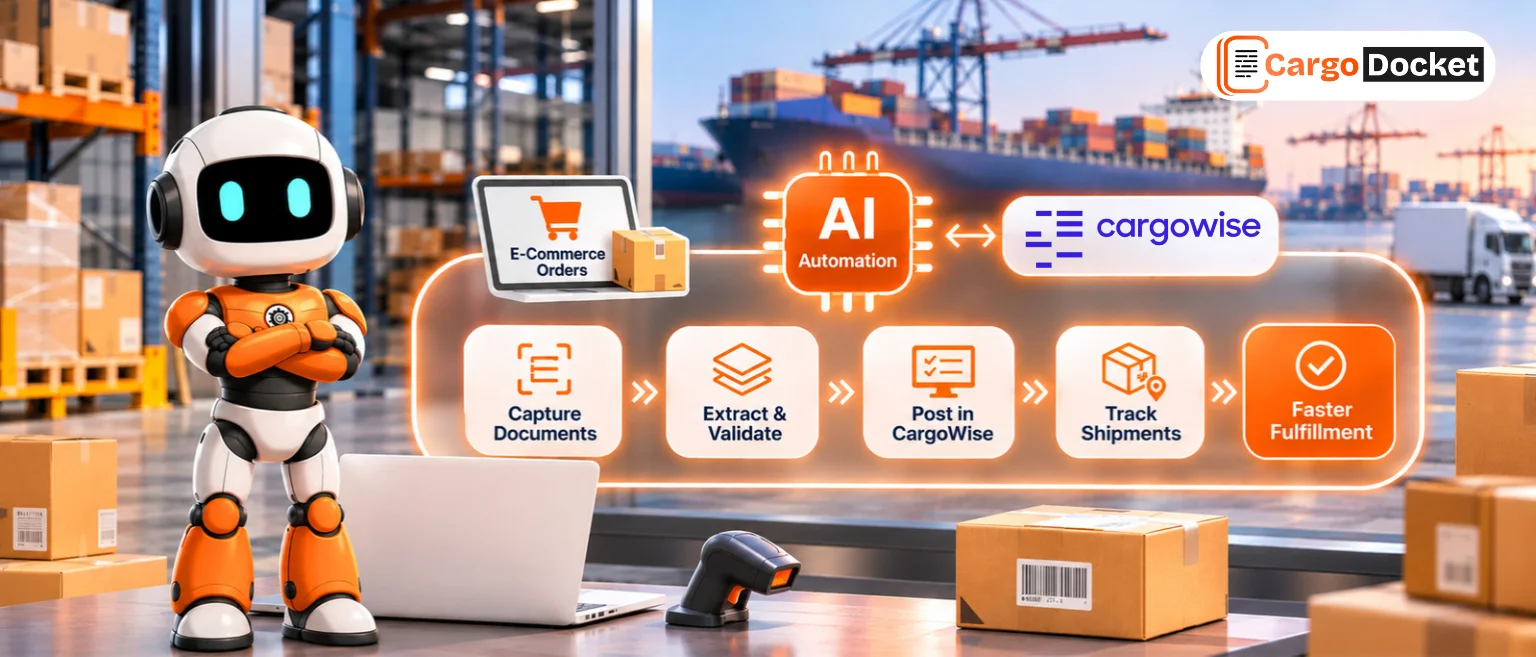
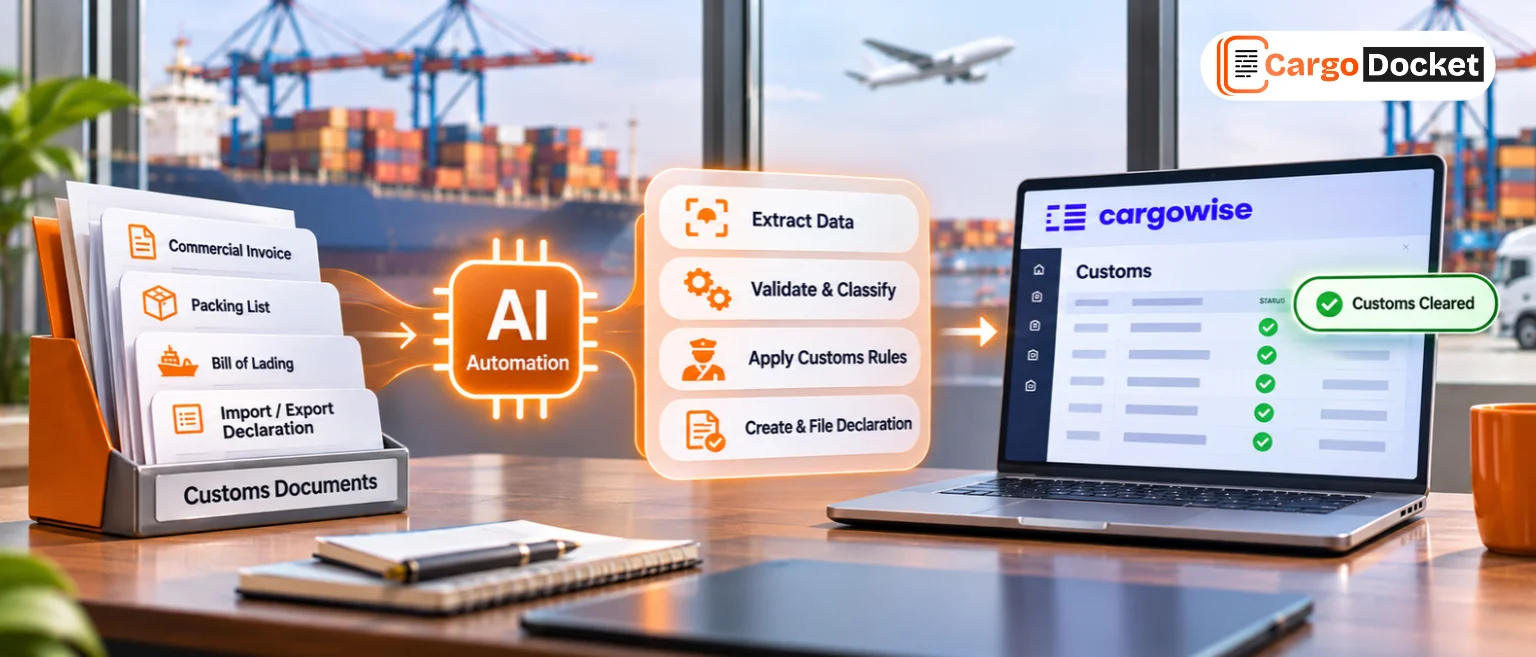
Once the document information is extracted, the next step is transferring it into CargoWise. An automated workflow can manage the process from document receipt to data entry.
Here’s how the workflow comes together:
- Document Received: Excel, PDF, or scanned packing lists enter the configured processing workflow.
- AI Document Reading: The system identifies the document structure and prepares it for processing.
- Data Extraction: Shipment references, product details, quantities, and weights are captured.
- Data Validation: Extracted information is checked against configured rules and required fields.
- CargoWise Data Mapping: Data is organized into the appropriate CargoWise fields.
- Automated Data Entry in CargoWise: Validated information is transferred into the configured CargoWise workflow.
This creates a more structured process, reducing the need to move back and forth between packing lists and CargoWise.
✅ Why is Data Validation Important Before Updating CargoWise?
Automation is useful, but accurate information is what keeps shipment records reliable.
For example, a packing list might show 250 cartons in its summary, while the individual product lines add up to a different total, that difference needs to be identified before the information moves forward.
Configured validation checks can help identify:
- Missing shipment references.
- Differences in package and quantity totals.
- Incomplete weight or dimension details.
- Duplicate document records.
- Unrecognized or unreadable information.
When something doesn’t match, the document can be flagged exception for review rather than automatically passing questionable information into the system.
This keeps your team involved in important checks while reducing repetitive verification work.
🚀 What can Logistics Teams Gain from Automated Packing List Processing?
When less time goes into manually reading and entering packing list details, there’s more room to focus on shipment coordination and daily operations.
A well-configured automated process can help achieve:
- Less repetitive manual data entry.
- Faster handling of different supplier document formats.
- More consistent shipment information.
- Reduced manual checking.
- Better visibility into document exceptions.
- A standardized approach to CargoWise data entry.
The goal isn’t to remove human involvement. It’s to make document processing easier, more consistent, and less time-consuming.
🤝 Ready to Simplify Packing List Processing?
Your team has shipments to manage, not hours to spend copying information between documents and systems.
With AI Document Automation, simplify packing list processing and automate shipment data entry into CargoWise.